


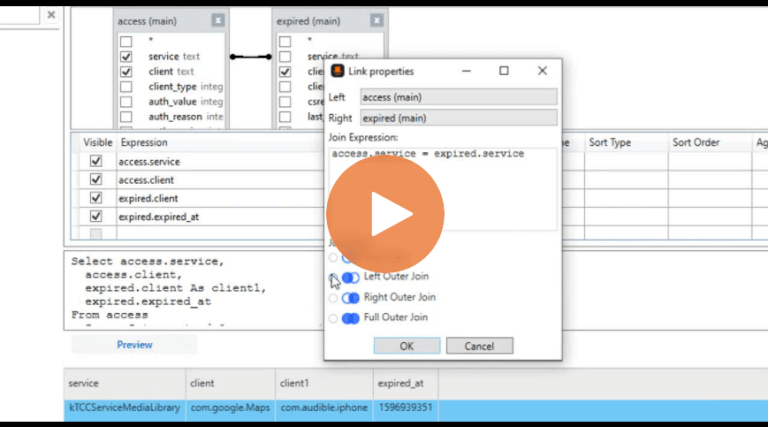
Cellebrite Physical Analyzer
Part 5: And That’s a Wrap for the 2021 Capture the Flag (CTF)
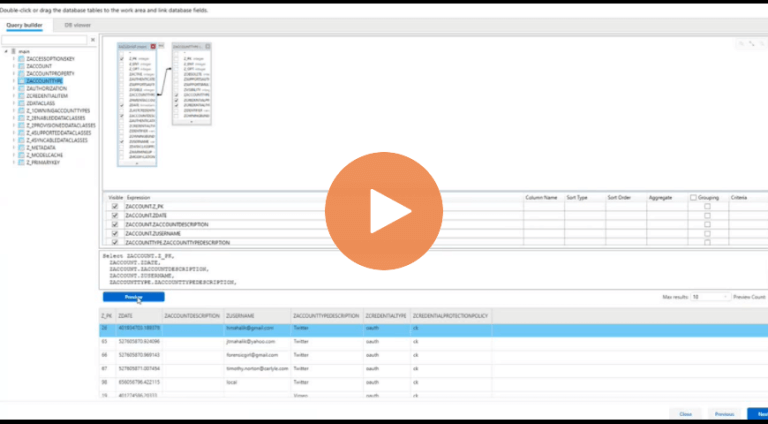
Part 1 – SQLite Joins: How to Create Connections Between Multiple Files in Cellebrite Physical Analyzer
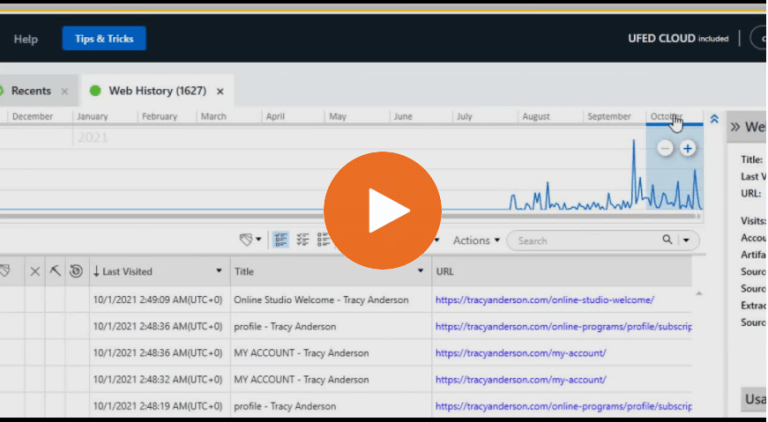
How to Use the Timeline Graph in Cellebrite Physical Analyzer

India’s Tripura State Forensic Science Laboratory is Winning the Race Against Time by Adopting Digital Investigative Solutions
Part 4: Walk-Through of Answers to the 2021 CTF – Beth’s iPhone
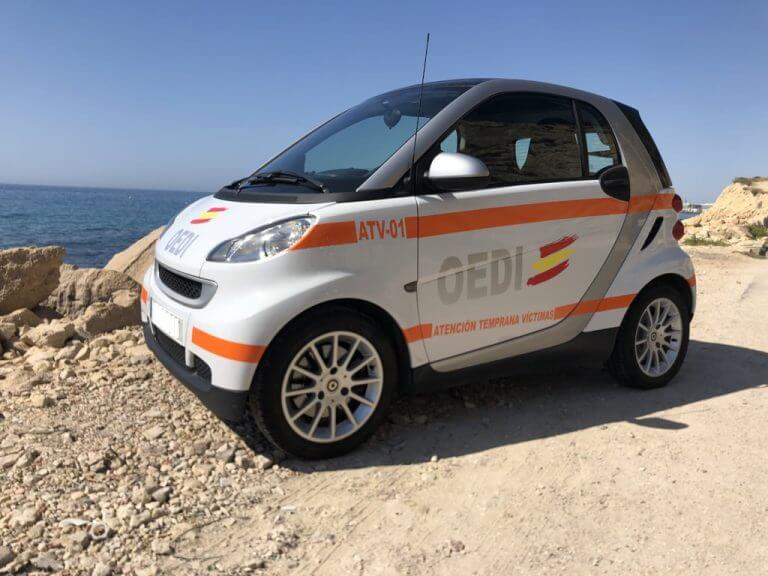
OEDI Aids In Protecting Victims of Cybercrime and Partners with Law Enforcement to Convict Offenders by using Digital Intelligence to Drive Investigations
India’s DFIR Community Turns to Digital Investigative Technology to Solve Their Toughest Cases
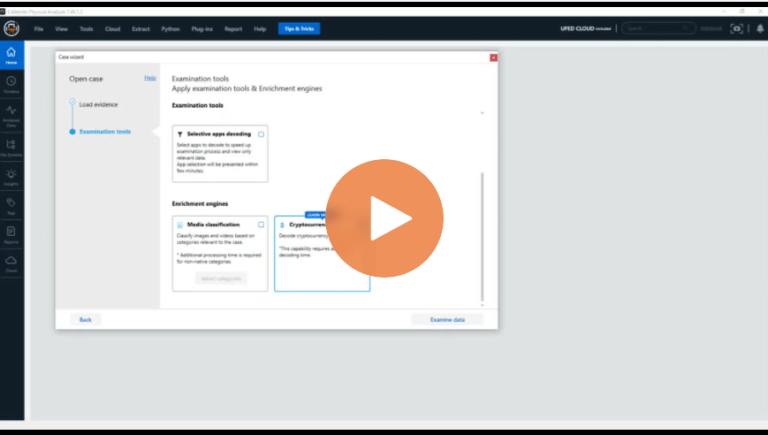
Walkthrough of Parsing Cryptocurrency Applications in Cellebrite Physical Analyzer
Part 1: Walk-Through of Answers to the 2021 CTF – Investigating Heisenberg’s Android Device

How To Use the Watch List Feature to Add Lists of Keywords Into Cellebrite Physical Analyzer
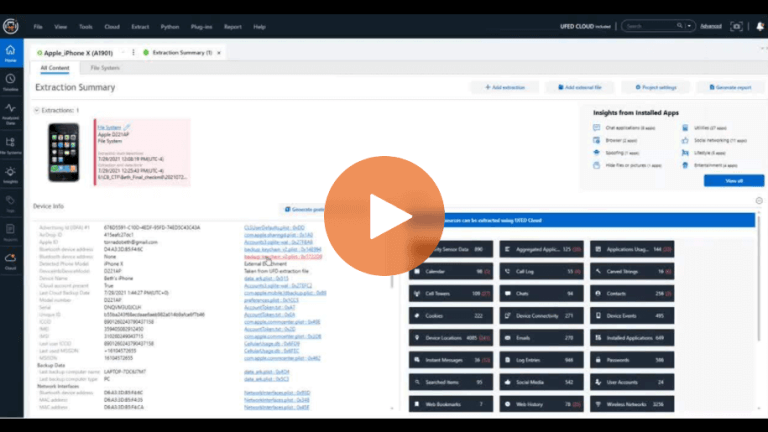
How To Use the Different Options for Keyword Searching in Cellebrite Physical Analyzer
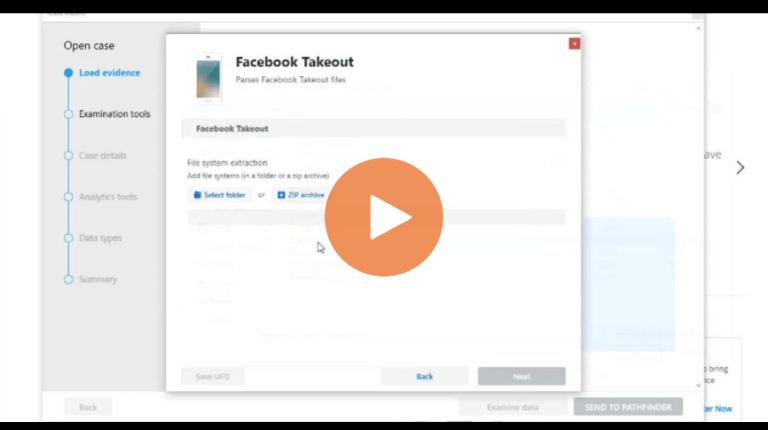
How to Load a Facebook Takeout Data Collection into Cellebrite Physical Analyzer
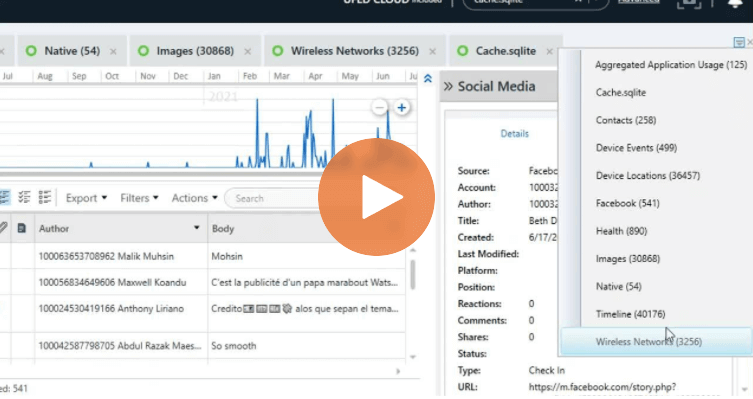
How to Easily Find All Your Tabs in Cellebrite Physical Analyzer
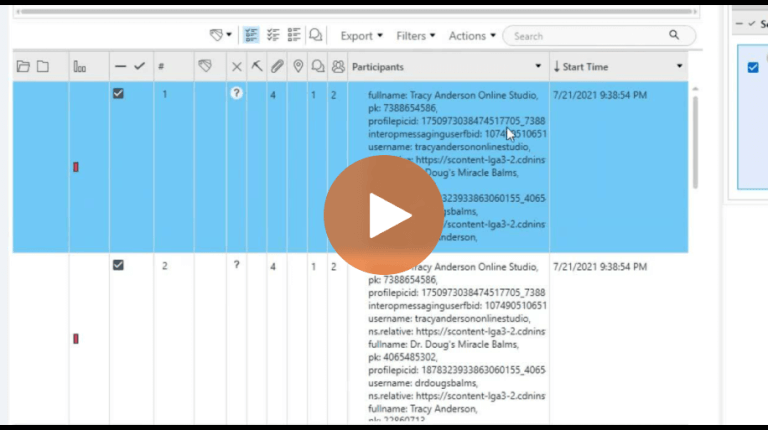
How To Verify Results After Running App Genie in Cellebrite Physical Analyzer
Cellebrite Physical Analyzer Review: Frequently Asked Questions
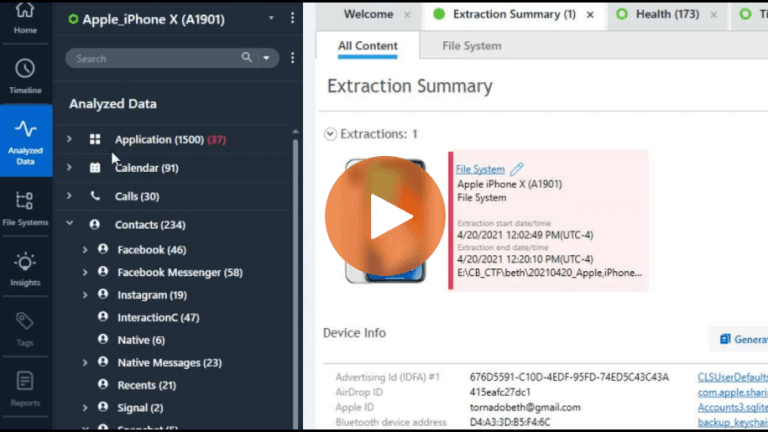
How To Navigate Analyzed Data and Find Artifacts in Cellebrite Physical Analyzer
