Cellebrite Physical Analyzer
How To Use the Watch List Feature to Add Lists of Keywords Into Cellebrite Physical Analyzer
How To Use the Different Options for Keyword Searching in Cellebrite Physical Analyzer
How to Load a Facebook Takeout Data Collection into Cellebrite Physical Analyzer
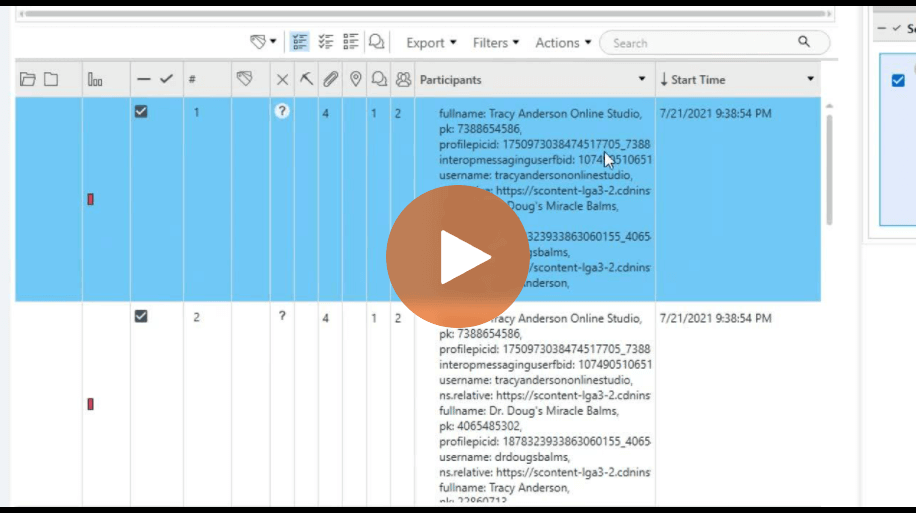
How To Verify Results After Running App Genie in Cellebrite Physical Analyzer
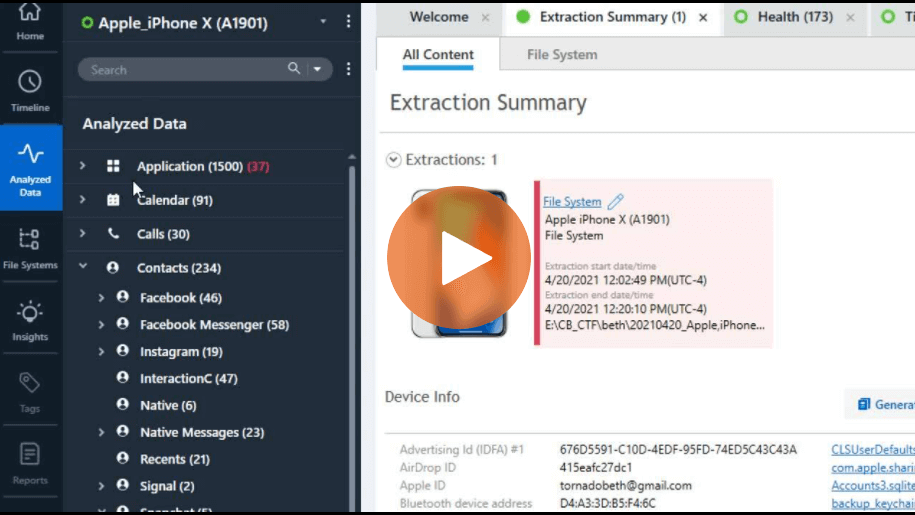
How To Navigate Analyzed Data and Find Artifacts in Cellebrite Physical Analyzer

Dane County Sheriff’s Office Uses the Power of Cross-Agency Collaboration To Solve Cases
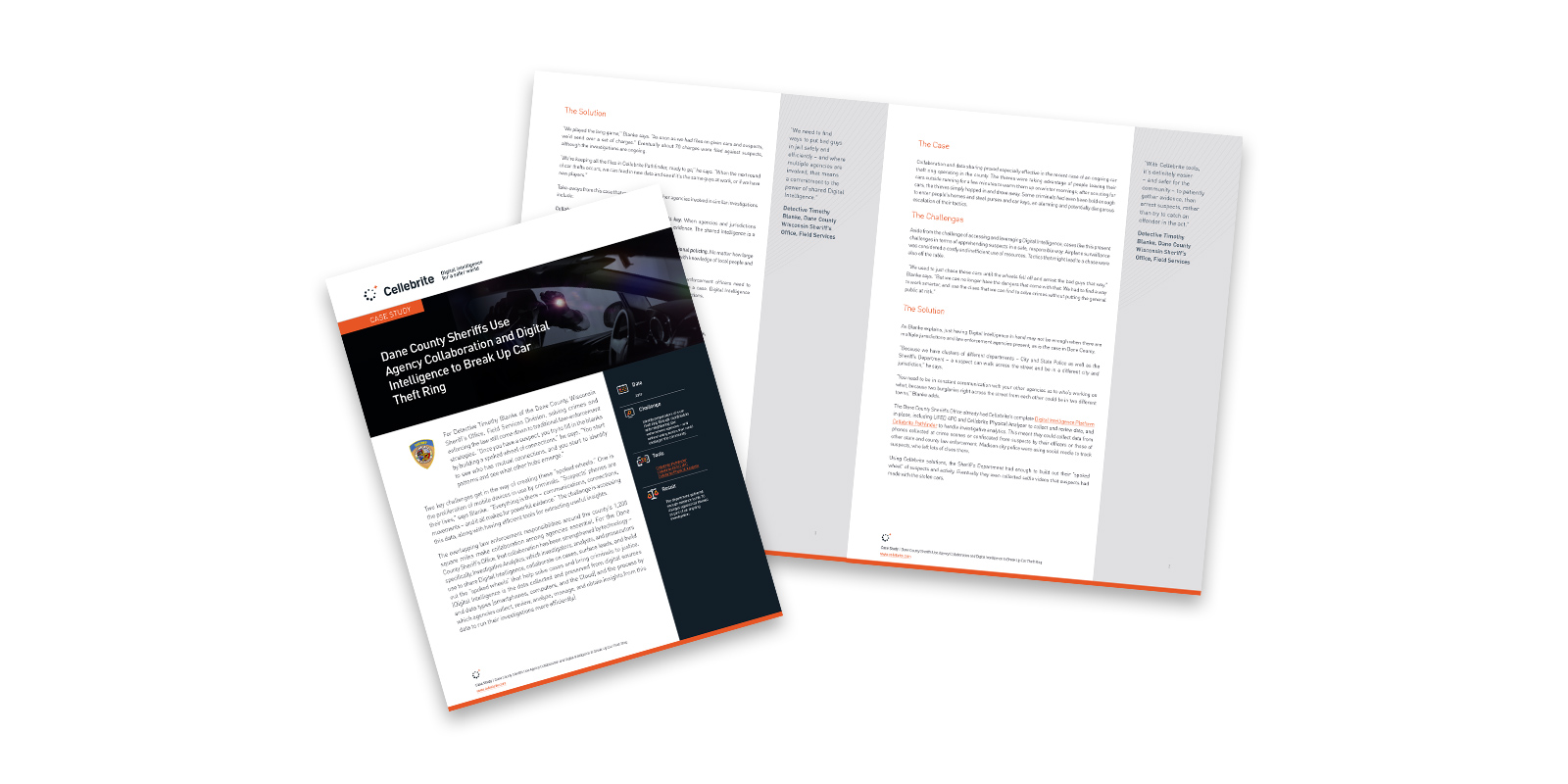
Dane County Sheriff’s Use Agency Collaboration and Digital Intelligence to Break Up Car Theft Ring
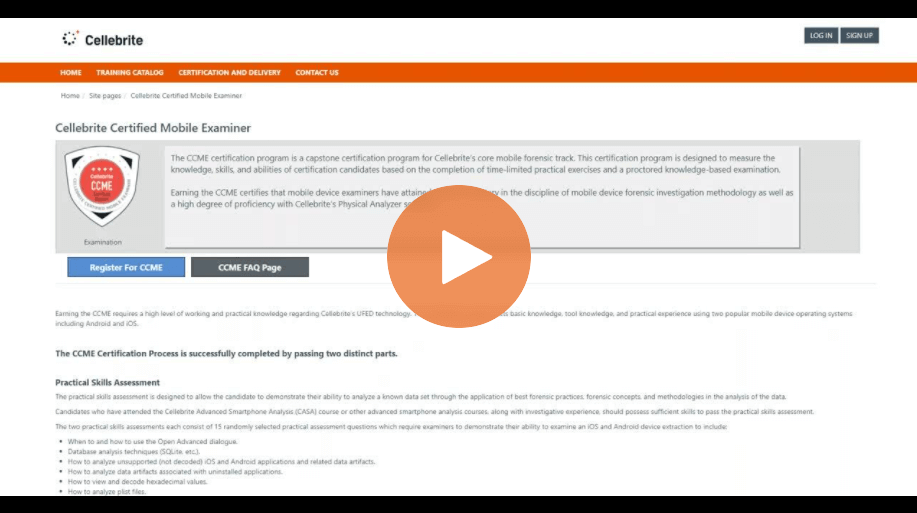
How To Prepare for the Cellebrite Certified Mobile Examiner Course

How South Wales Police Manage the Rapid Pace of Digital Transformation to Keep Citizens Safe

Selective Mobile Forensics Decoding in Cellebrite Physical Analyzer
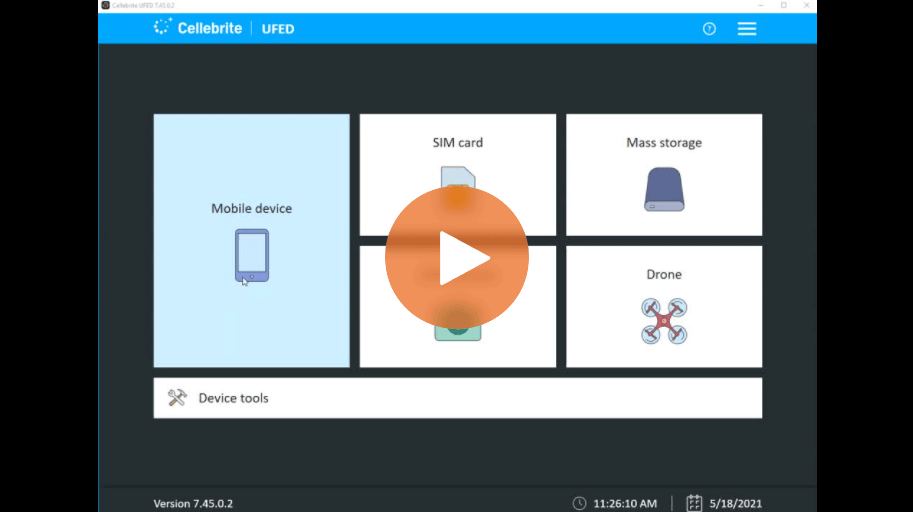
CLBX – A New File Format for Full File System Extractions in UFED and Physical Analyzer
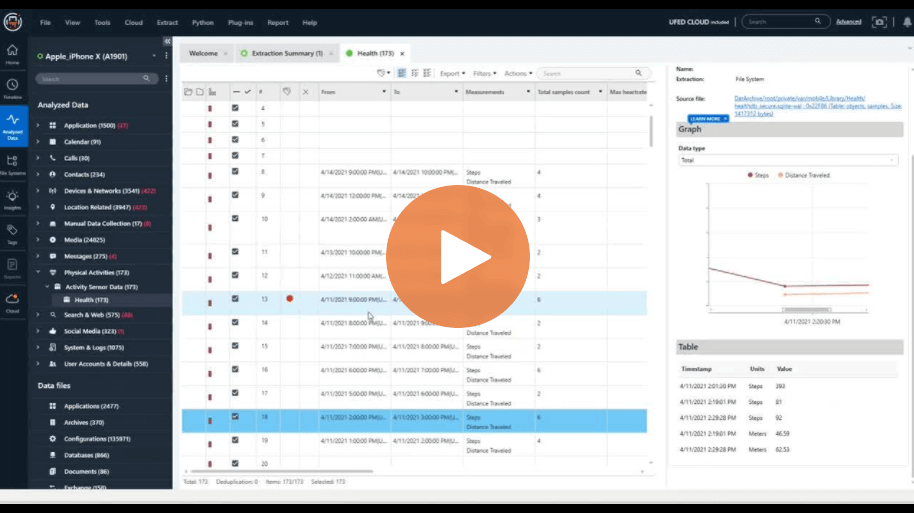
How to Surface Evidence Faster with New Activity Sensor Graphs in Cellebrite Physical Analyzer
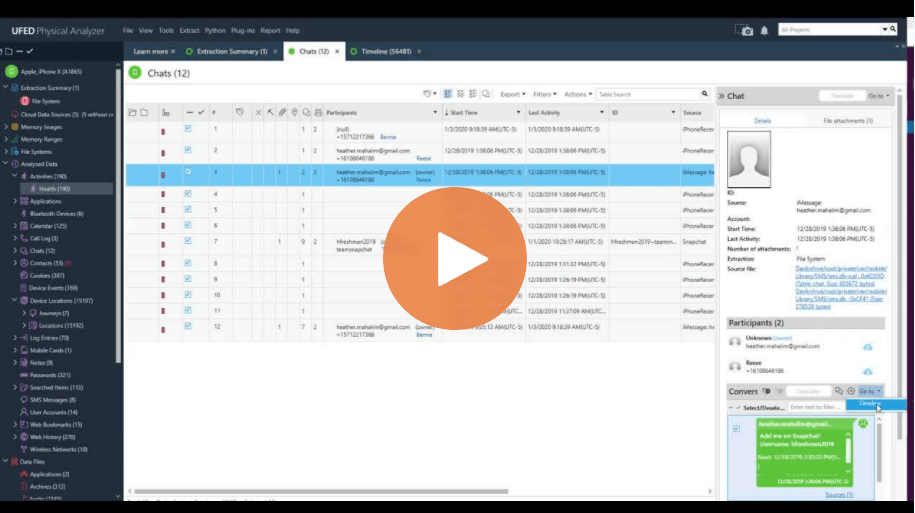
How To Use the “Go to” Feature in Cellebrite Physical Analyzer
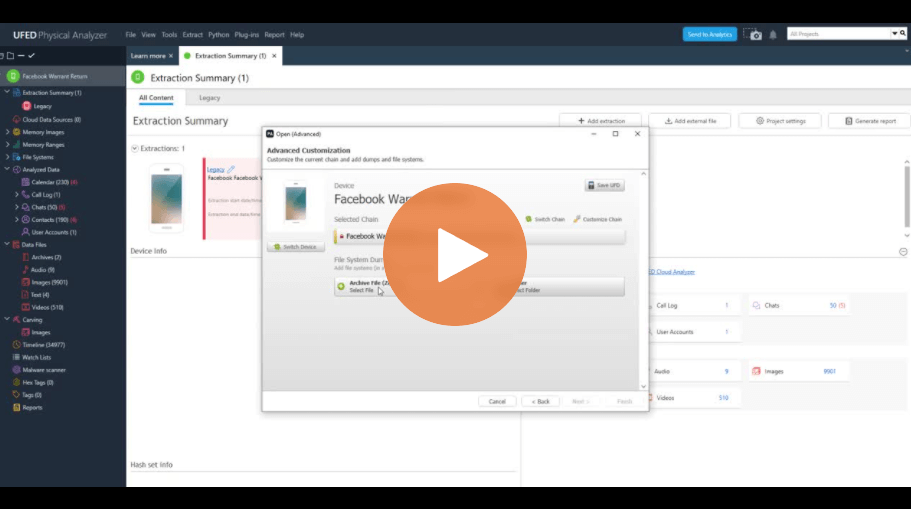
How To Load Warrant Returns into Cellebrite Physical Analyzer
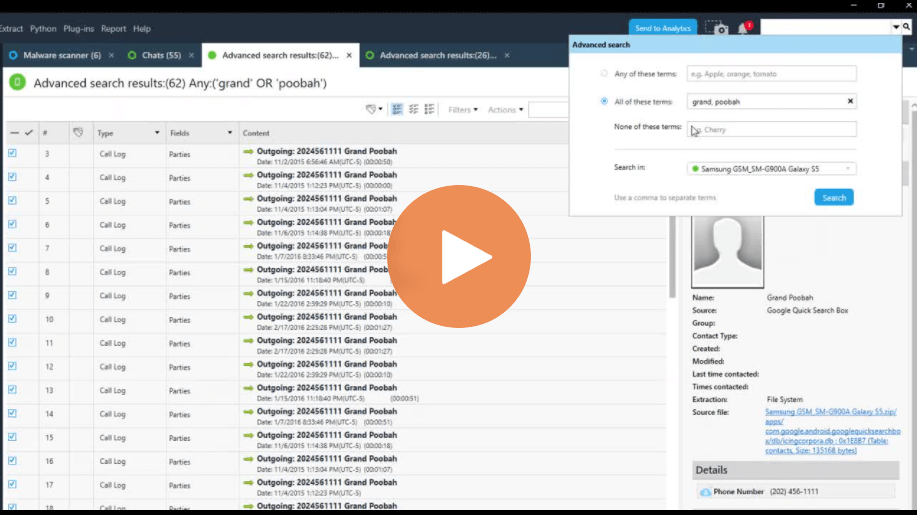
How To Use the Advanced Search in Cellebrite Physical Analyzer
Kansas Investigators Use Advanced Analytics to Speed Their Work and Reduce Violent Crime