Cellebrite Software
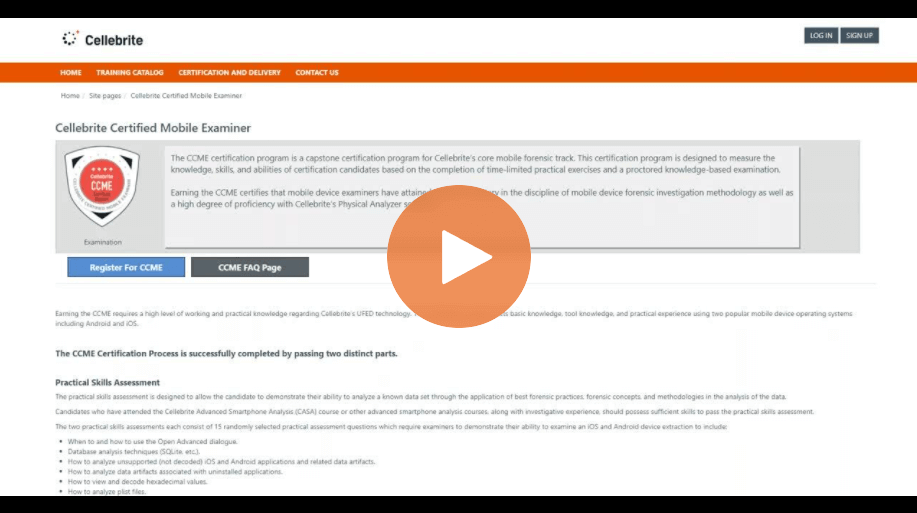
How To Prepare for the Cellebrite Certified Mobile Examiner Course
Episode 14: iBeg to DFIR – Cloud Forensics
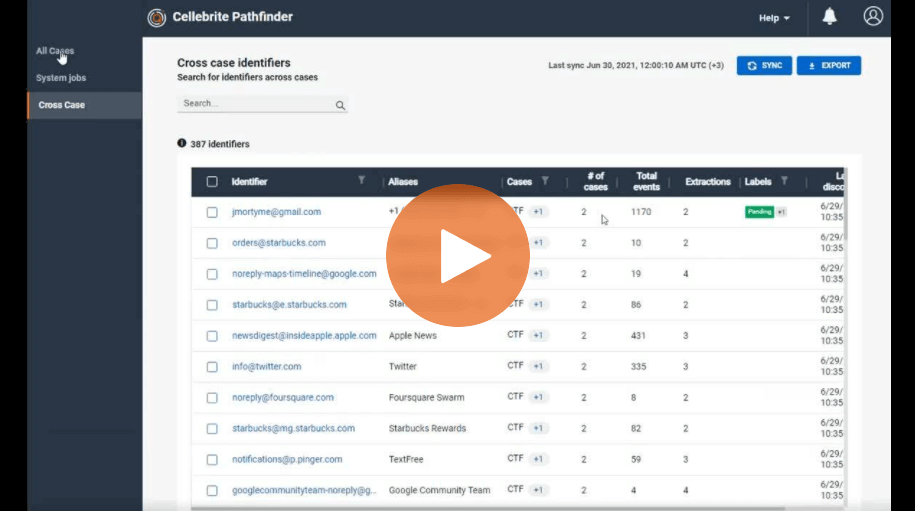
How To Use the Cross Case Analysis Feature in Cellebrite Pathfinder to Find Hidden Correlations
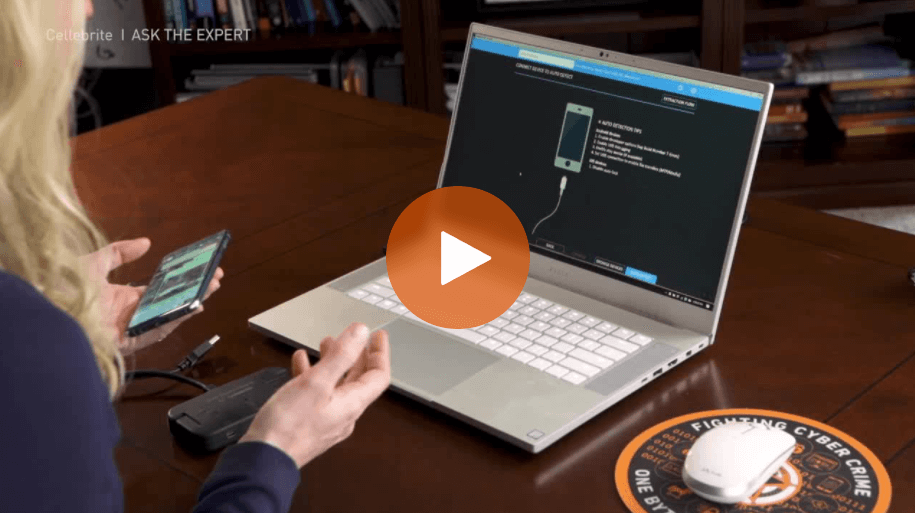
How to Use the Selective File System Extraction in Cellebrite UFED
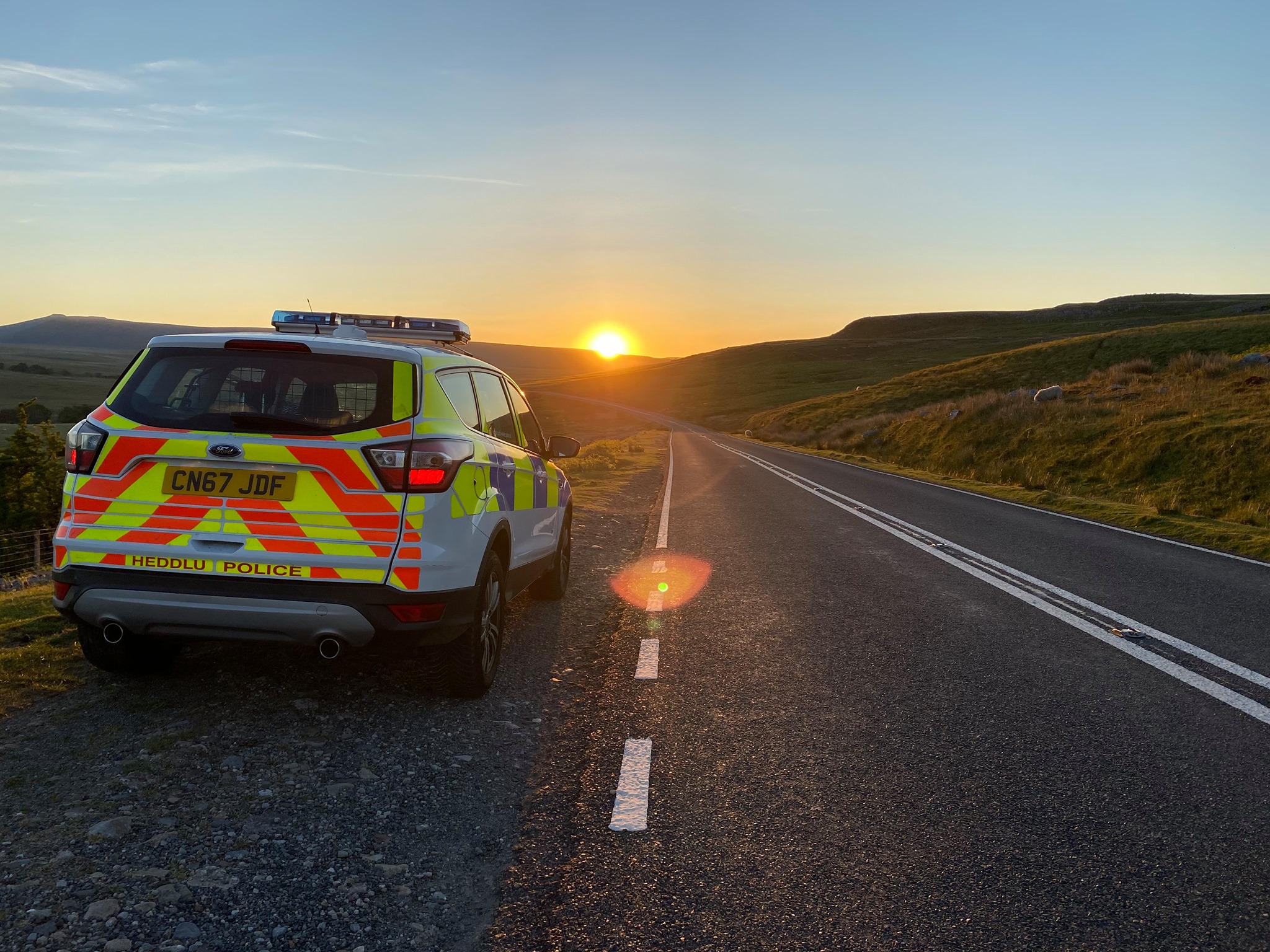
How South Wales Police Manage the Rapid Pace of Digital Transformation to Keep Citizens Safe
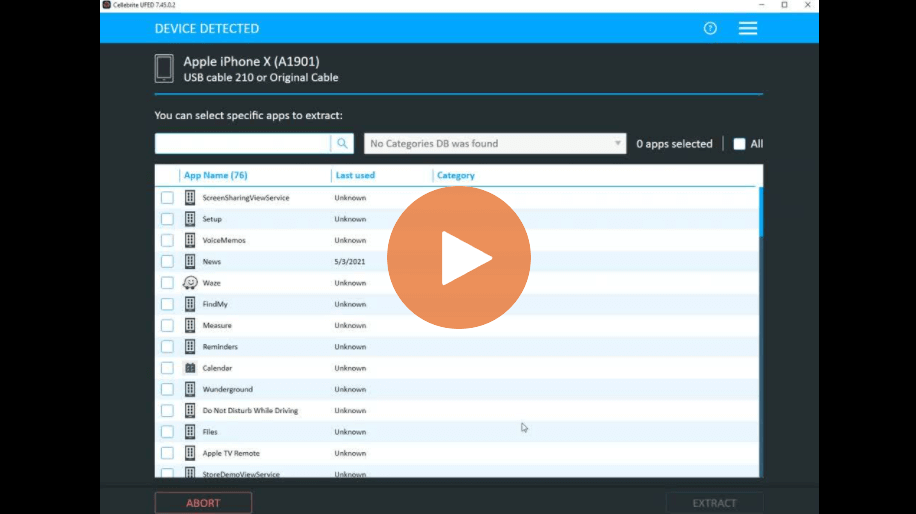
Cellebrite UFED Selective File System Extractions Now Available for iOS Devices
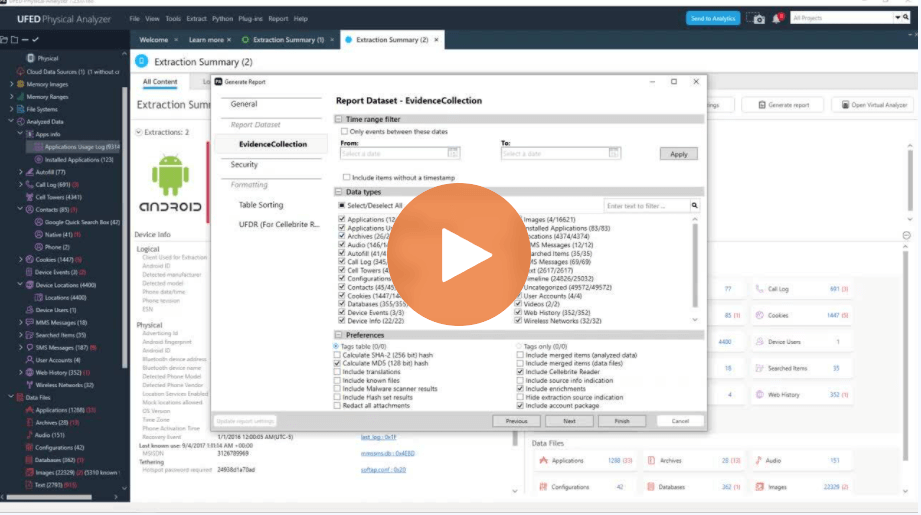
Selective Mobile Forensics Decoding in Cellebrite Physical Analyzer
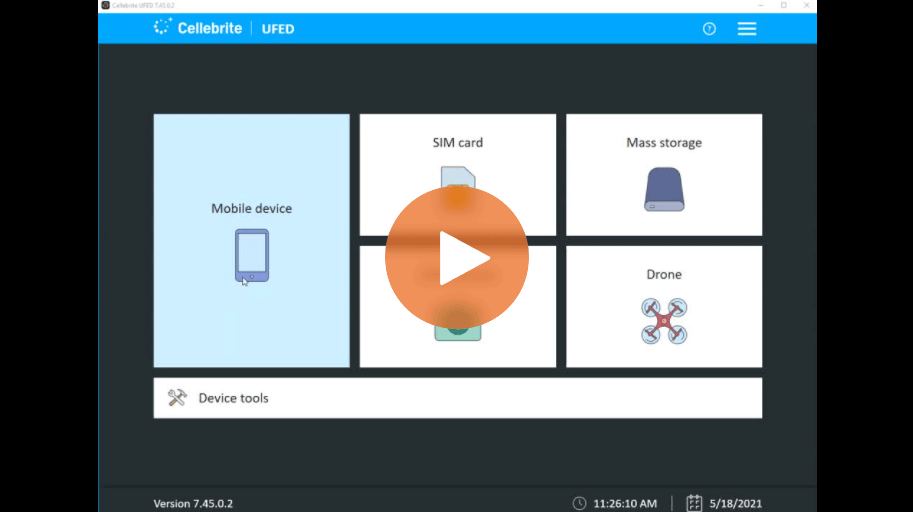
CLBX – A New File Format for Full File System Extractions in UFED and Physical Analyzer
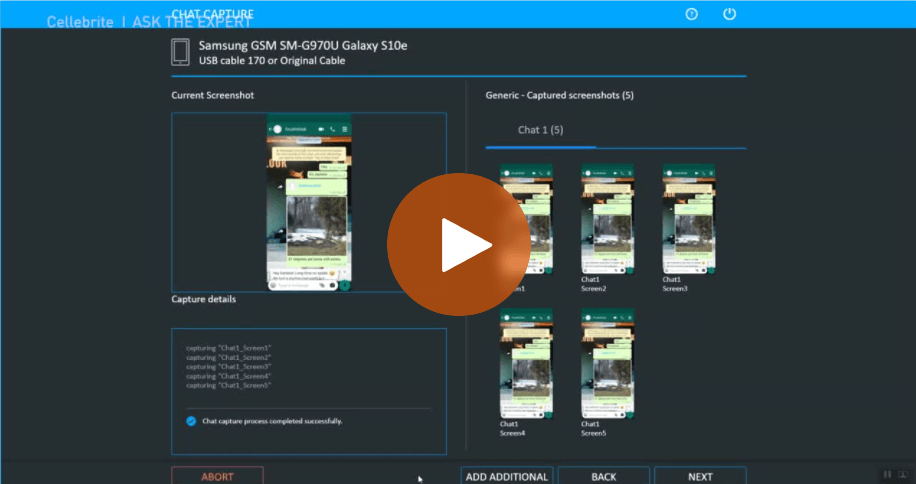
Chat Capture: Collect Data from Android Devices with Cellebrite UFED
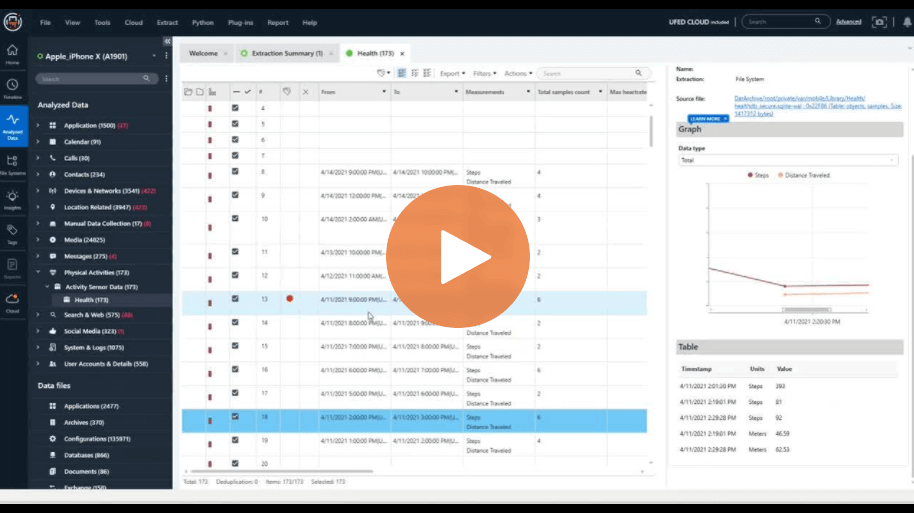
How to Surface Evidence Faster with New Activity Sensor Graphs in Cellebrite Physical Analyzer
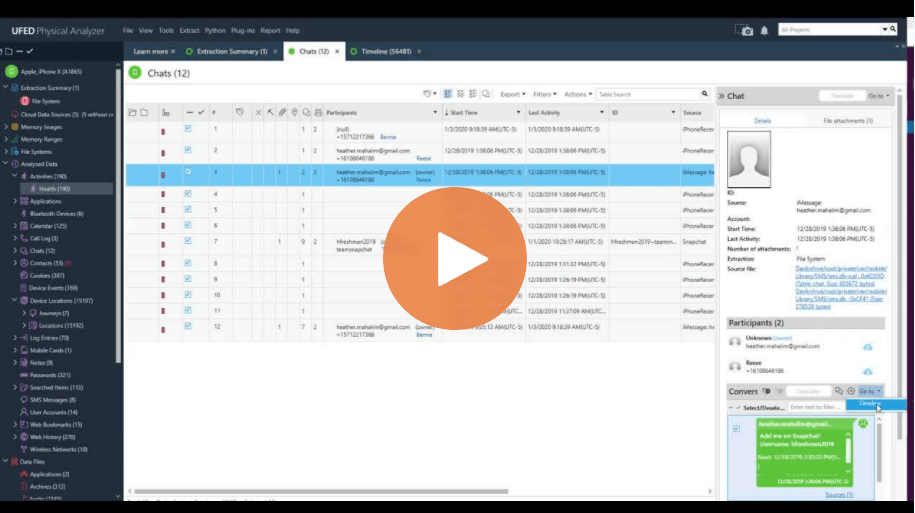
How To Use the “Go to” Feature in Cellebrite Physical Analyzer
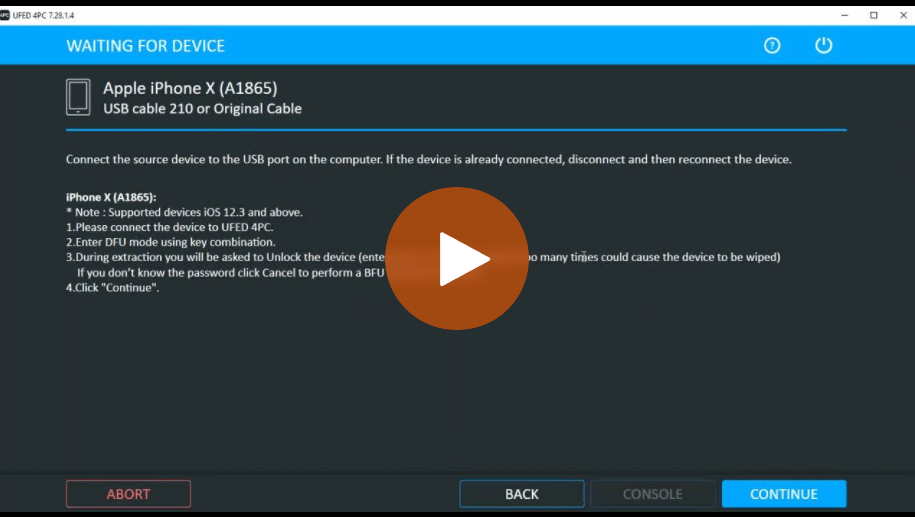
How To Perform BFU Data Collection Using checkm8 in Cellebrite UFED
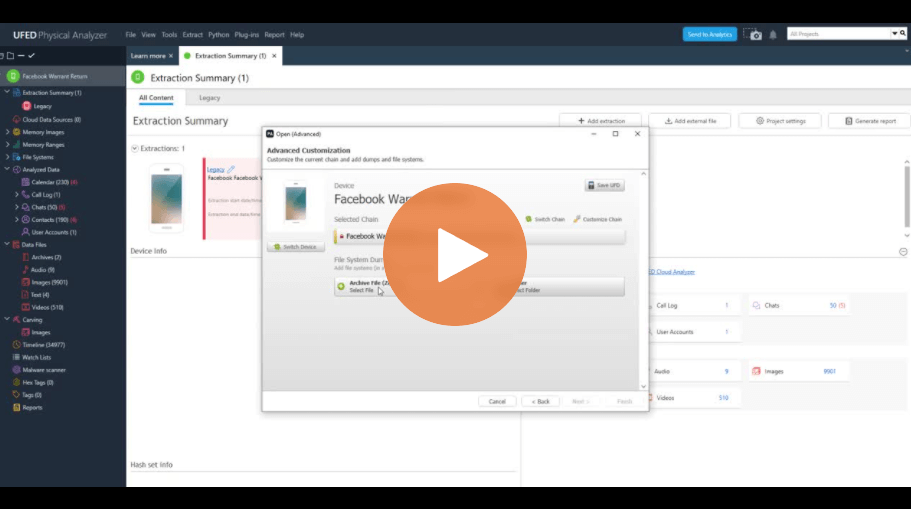
How To Load Warrant Returns into Cellebrite Physical Analyzer
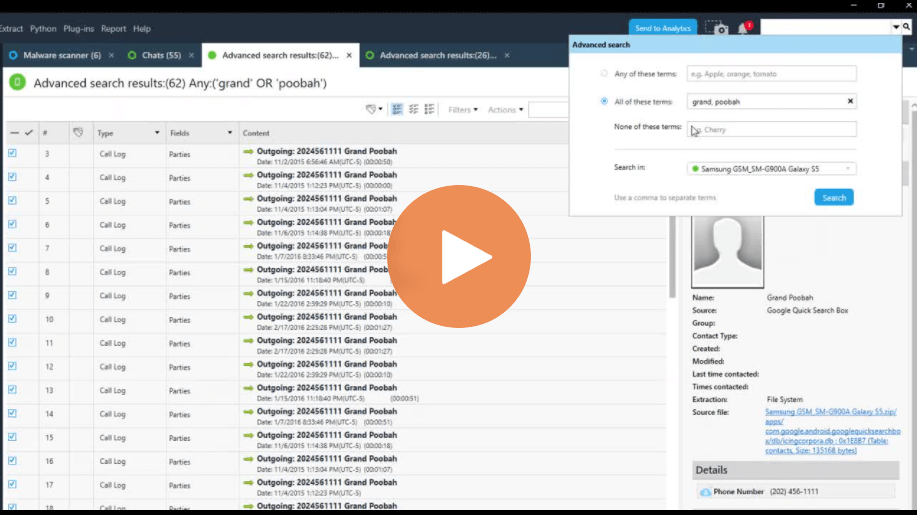
How To Use the Advanced Search in Cellebrite Physical Analyzer
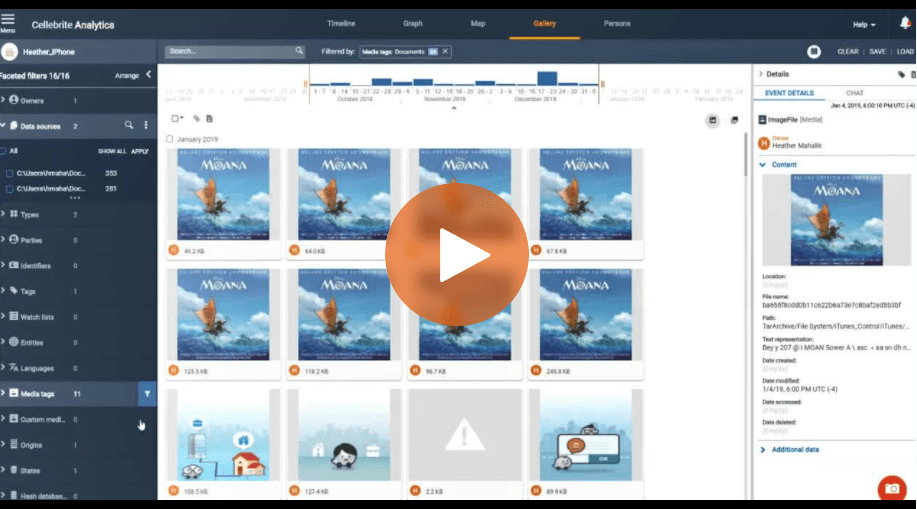
How To Find Words Hidden in Images and Documents Using Optical Character Recognition (OCR) in Cellebrite Pathfinder

Kansas Investigators Use Advanced Analytics to Speed Their Work and Reduce Violent Crime