Cellebrite Software
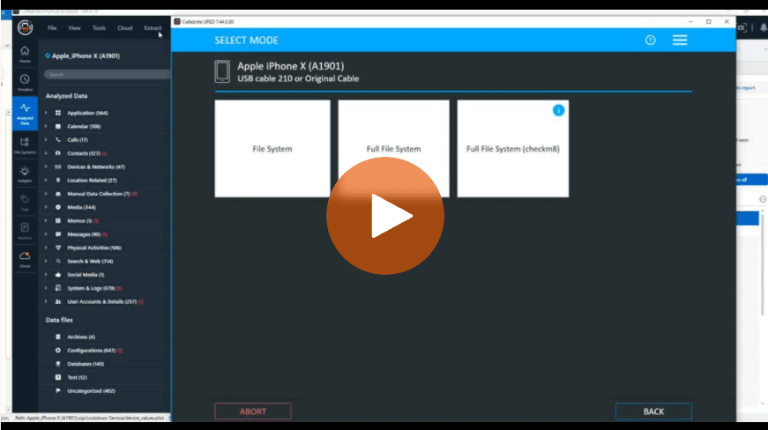
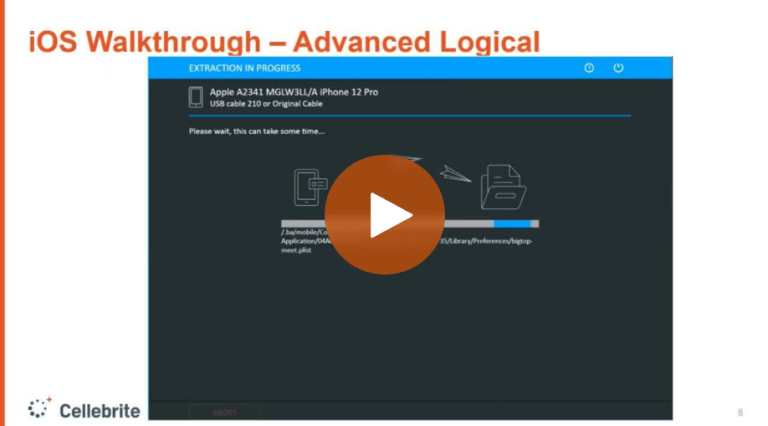
Using Cellebrite UFED or Physical Analyzer to Perform iOS Advanced Logical Extractions
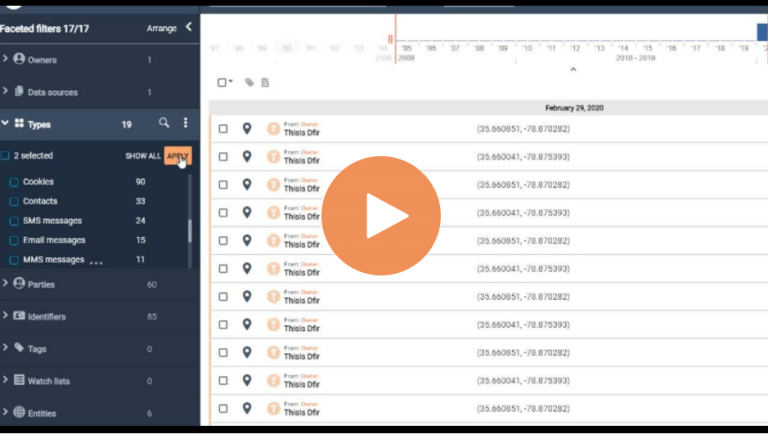
How To Redact Data to Only Report On Data with Consent/Authority for eDiscovery Cases in Pathfinder
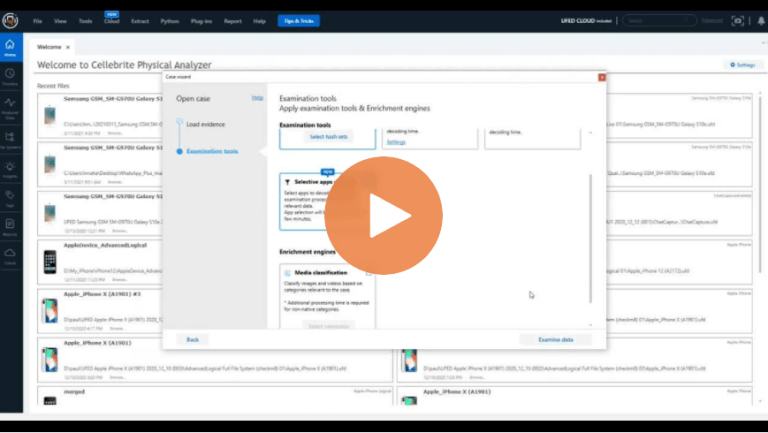
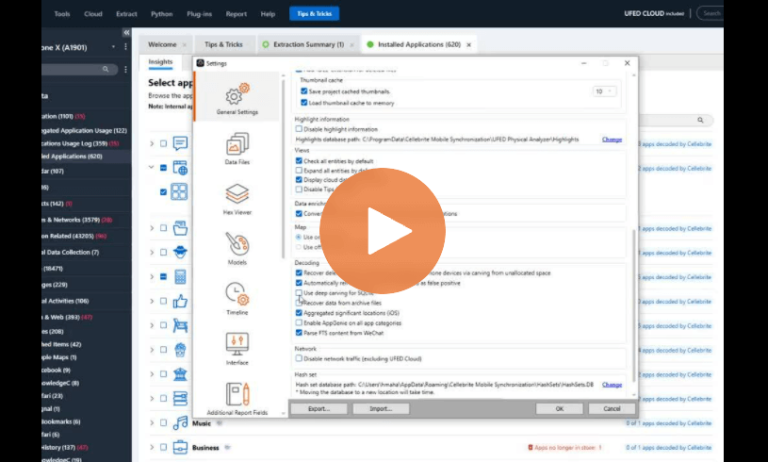
How to Speed Up Processing Time with Selective Decoding in Cellebrite Physical Analyzer
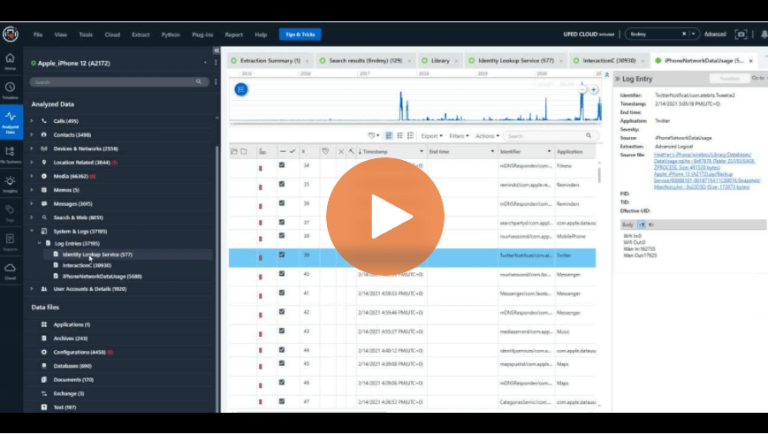
How to Utilize Log Entries in Cellebrite Physical Analyzer to Solve Cases Faster
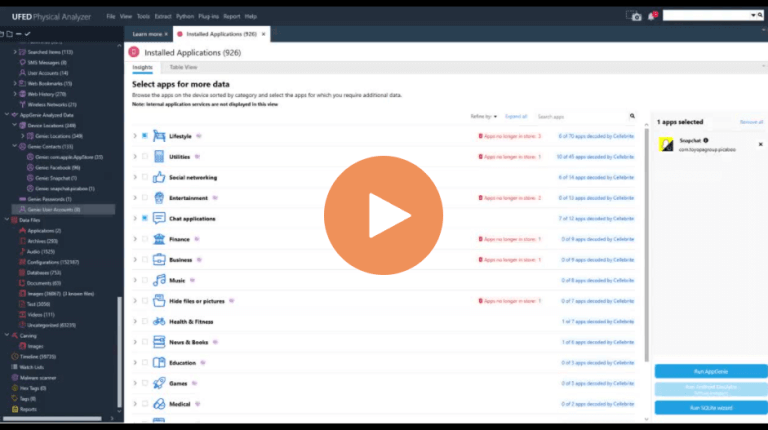
How To Use Application Insights in Cellebrite Physical Analyzer 7.30
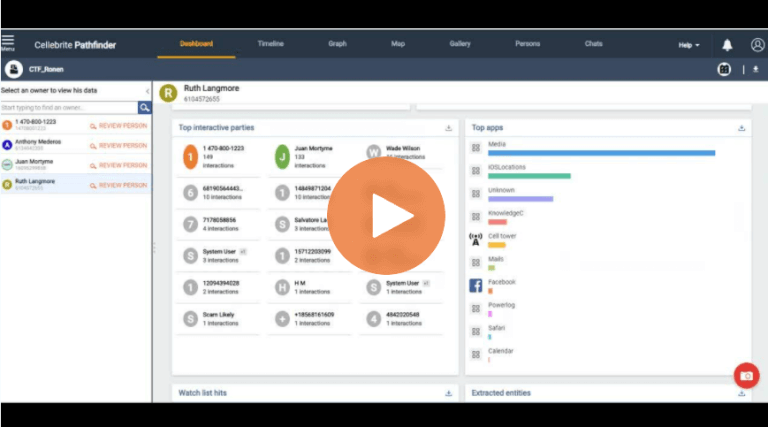
How to Use the Dashboard Features in Cellebrite Pathfinder to Accelerate Justice
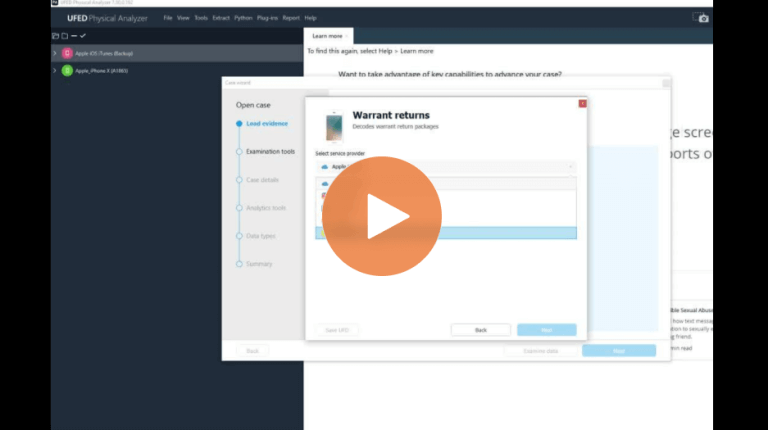
How Loading Image and Other Evidence Formats Is Easier in Physical Analyzer 7.30
How to Analyze Unparsed Data in Cellebrite Physical Analyzer

Episode 12: iBeg to DFIR – Exploring Cellebrite Physical Analyzer’s Chat Capture Feature
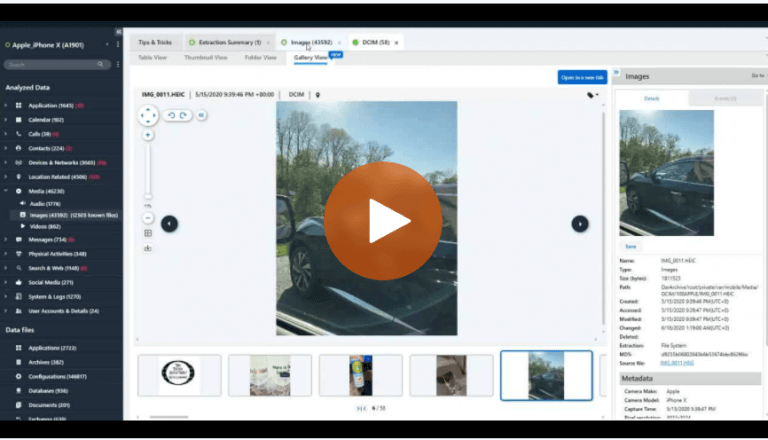
How to Use Gallery View in Cellebrite Physical Analyzer to Examine Media in Digital Investigations
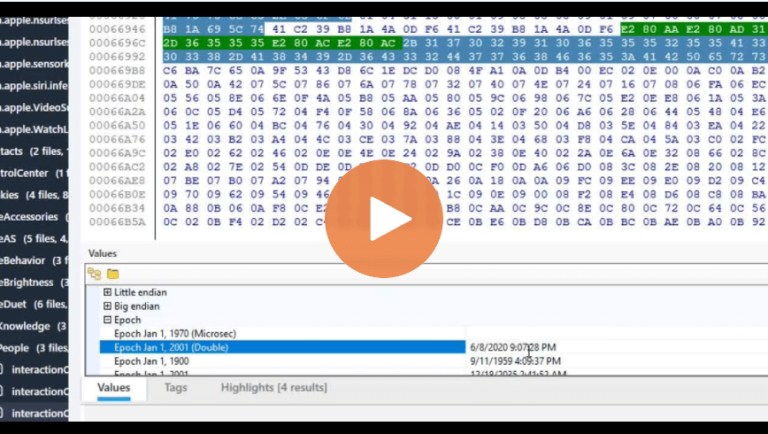
How to Verify Timestamps in Cellebrite Physical Analyzer for Digital Investigations

Cellebrite’s Advanced Endpoint Collection Capabilities Provide a New Vision For Solving Enterprise Investigation Challenges
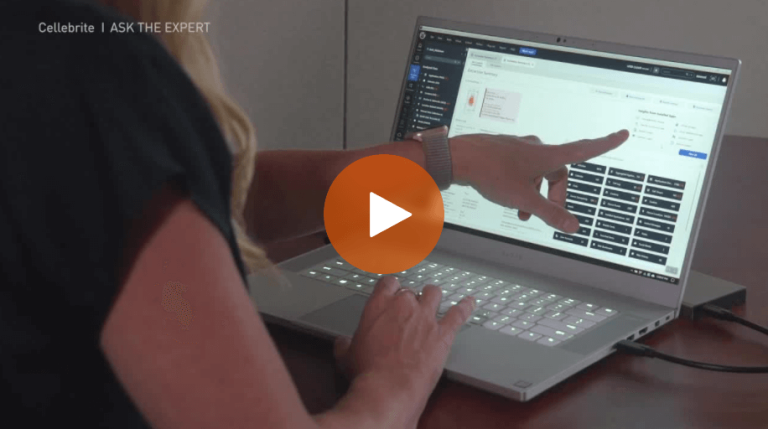
Overview of Parsed Data in Cellebrite Physical Analyzer
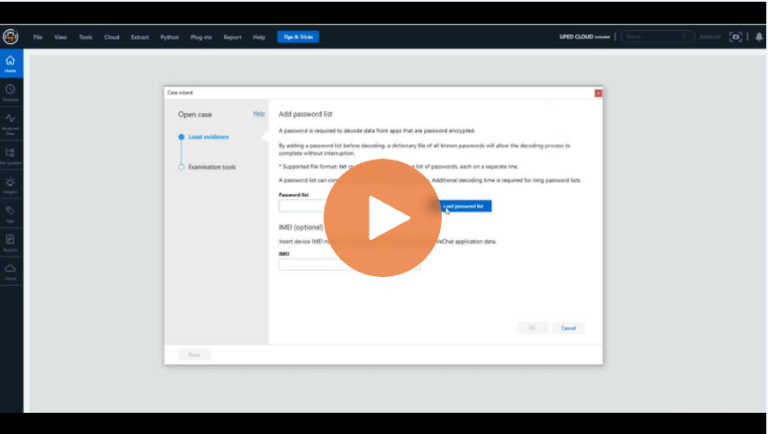
How to Add Password Lists in Cellebrite Physical Analyzer 7.42
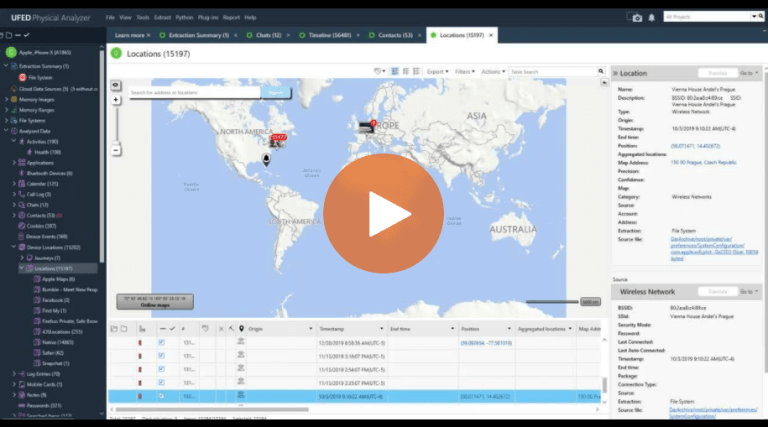
How To Use the Enriched Data Feature in Cellebrite Physical Analyzer
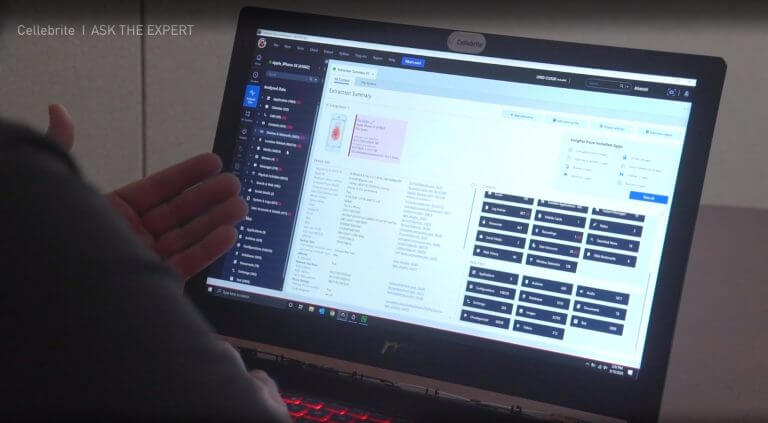
How to Use The Project Tree and Analyzed Data in Cellebrite Physical Analyzer to Find Data Fast