



Welcome to Guardian
Collaborate for Enterprise!
You can now easily share your mobile data with legal teams, human resources, and key stakeholders by uploading mobile data from UFDRs directly to your browser.
Surface insights quickly for non-forensic experts with an online, SaaS-based share and review platform. Empower cross functional teams with secure access to preliminary evidence no matter where they’re located.
Guardian Collaborate simplifies and accelerates evidence sharing and review, by enabling you to:
-
Surface insights quickly for non-forensic experts with an online, SaaS-based share and review platform
-
Share securely and in real time with unlimited stakeholders.
-
Empower cross functional teams with secure access to preliminary evidence no matter where they’re located.
Get started right away:
-
Collaborate overviewRead the functionality overview to understand more about how Collaborate works
-
Activate the Cellebrite Uploader desktop module.
Simply:i. Click the button to download the zip folder;
ii. Once downloaded, extract all files;
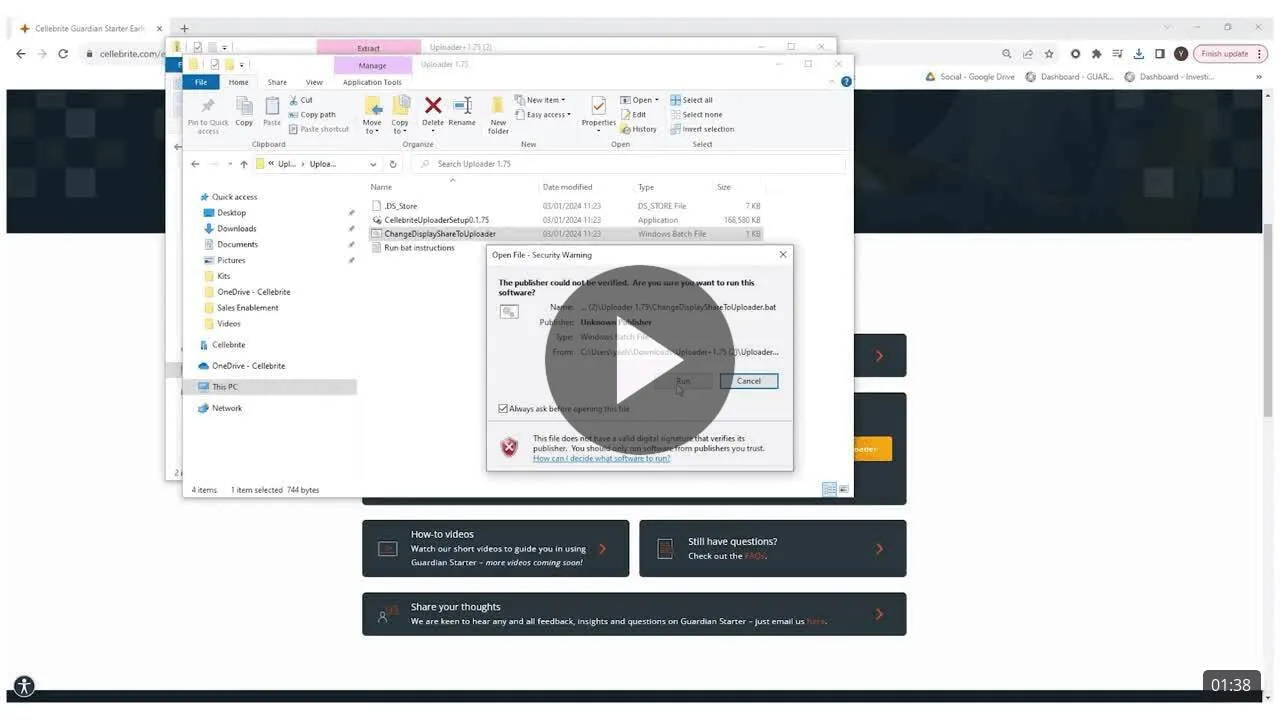
iii. Double click the “Cellebrite Uploader Setup” file to install the Uploader;
iv. Double click and run the .batch file to integrate Uploader to your Physical Analyzer;
v. Start sharing! -
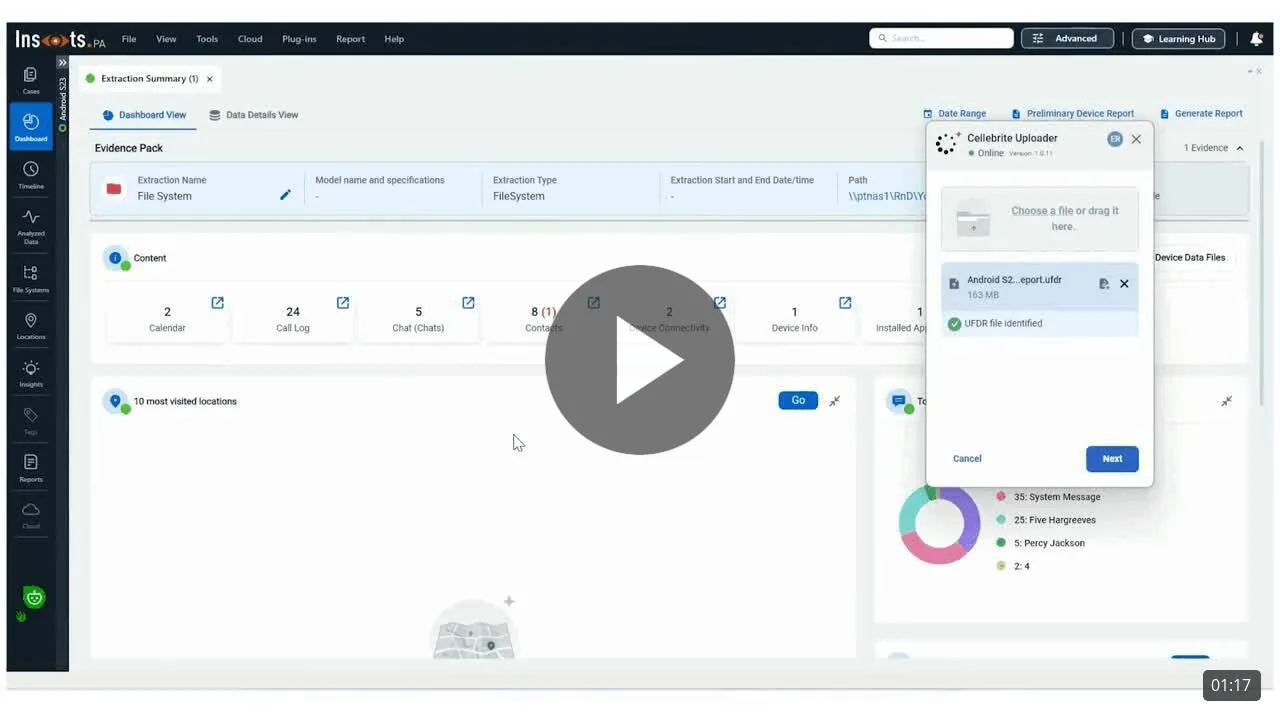
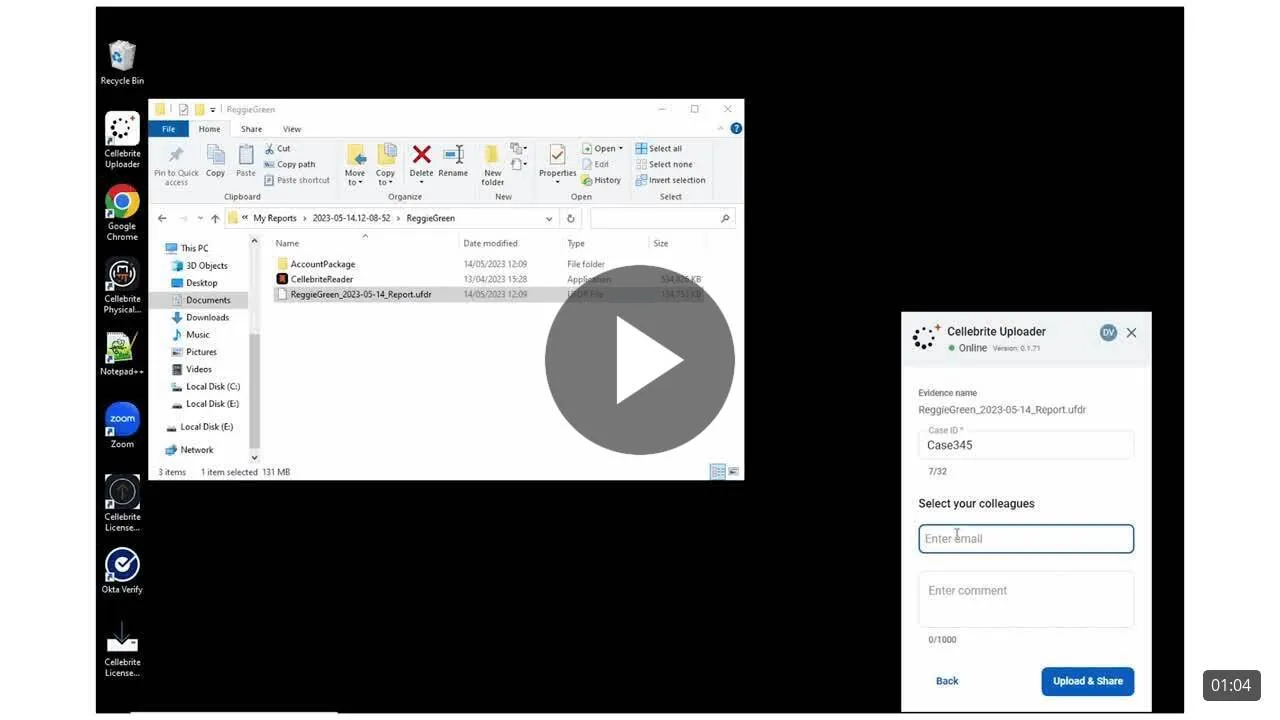
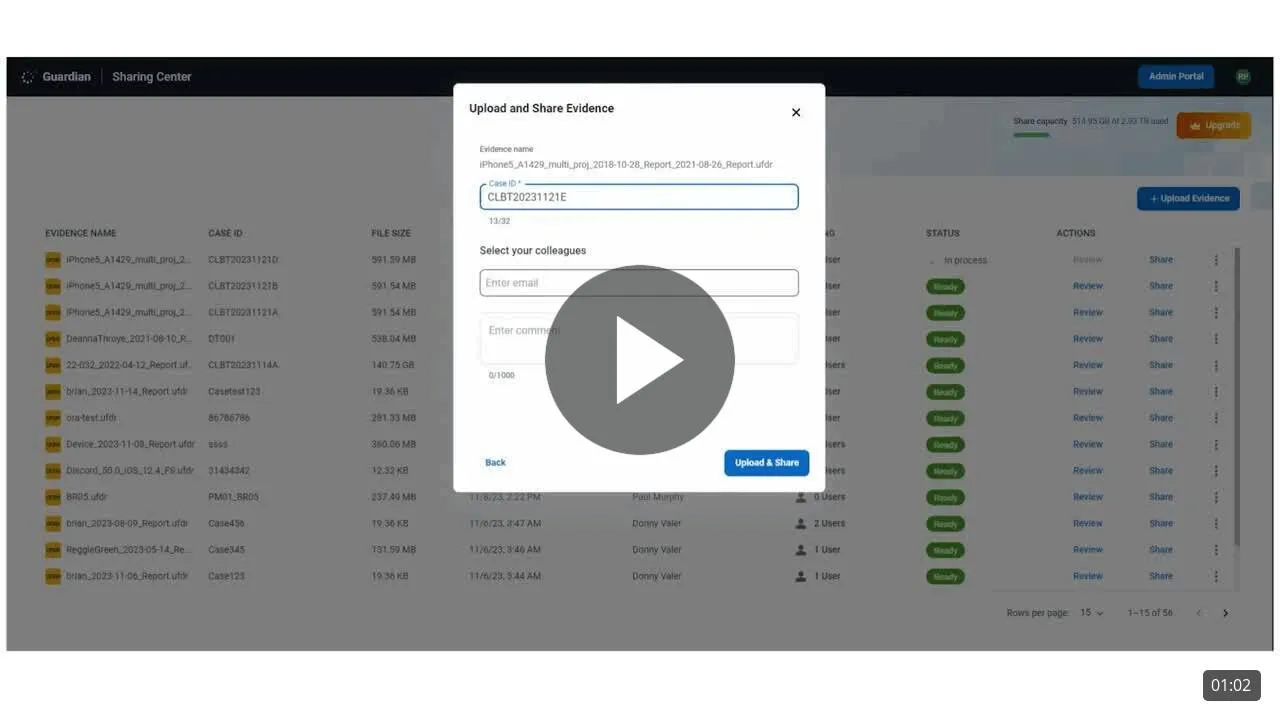
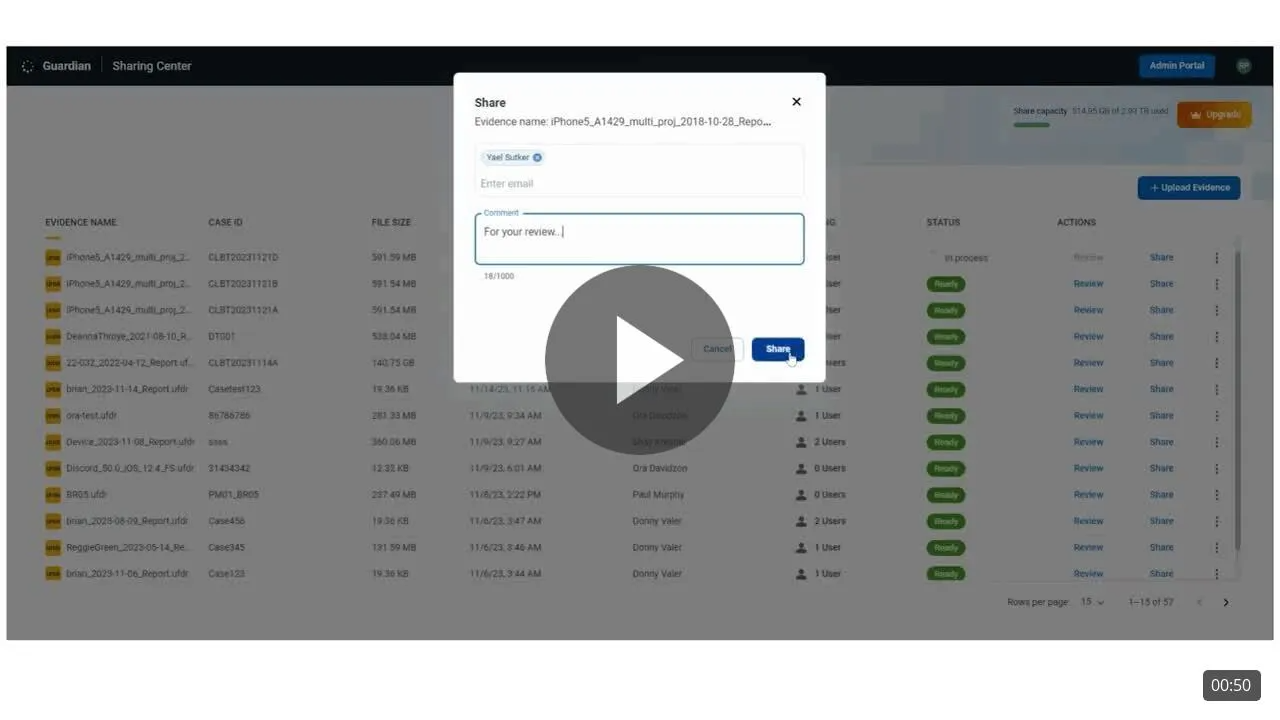
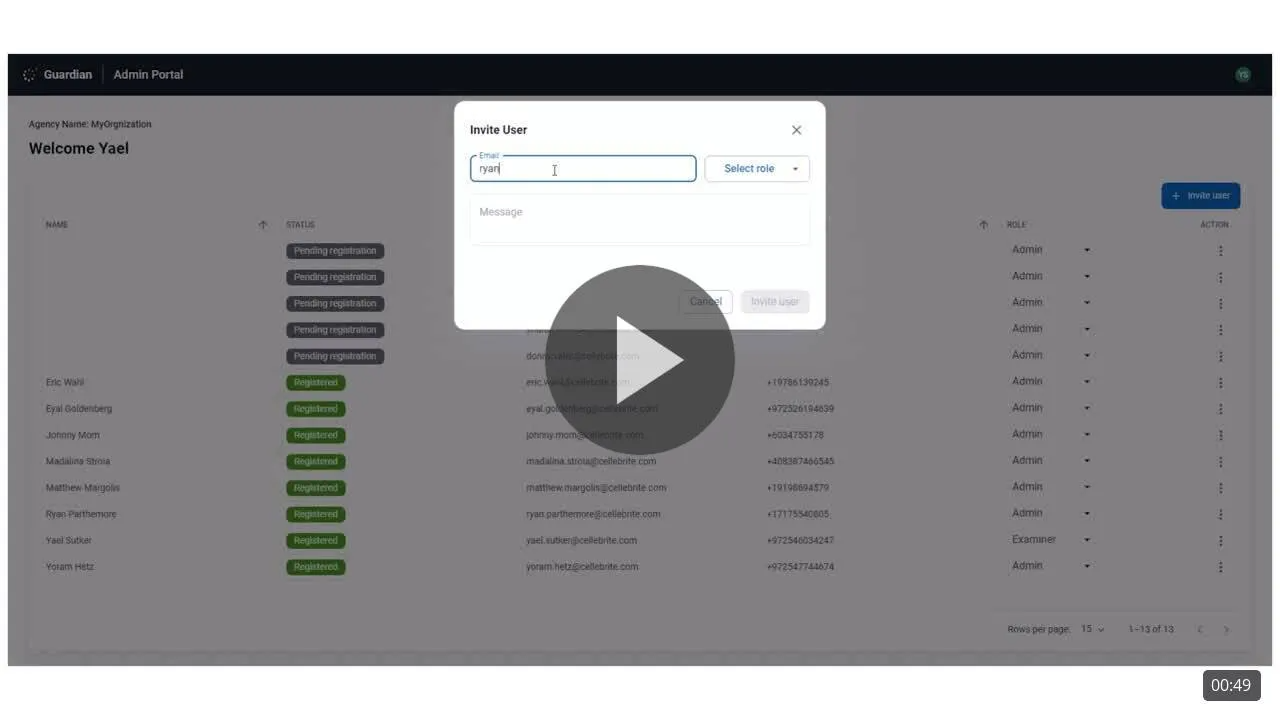
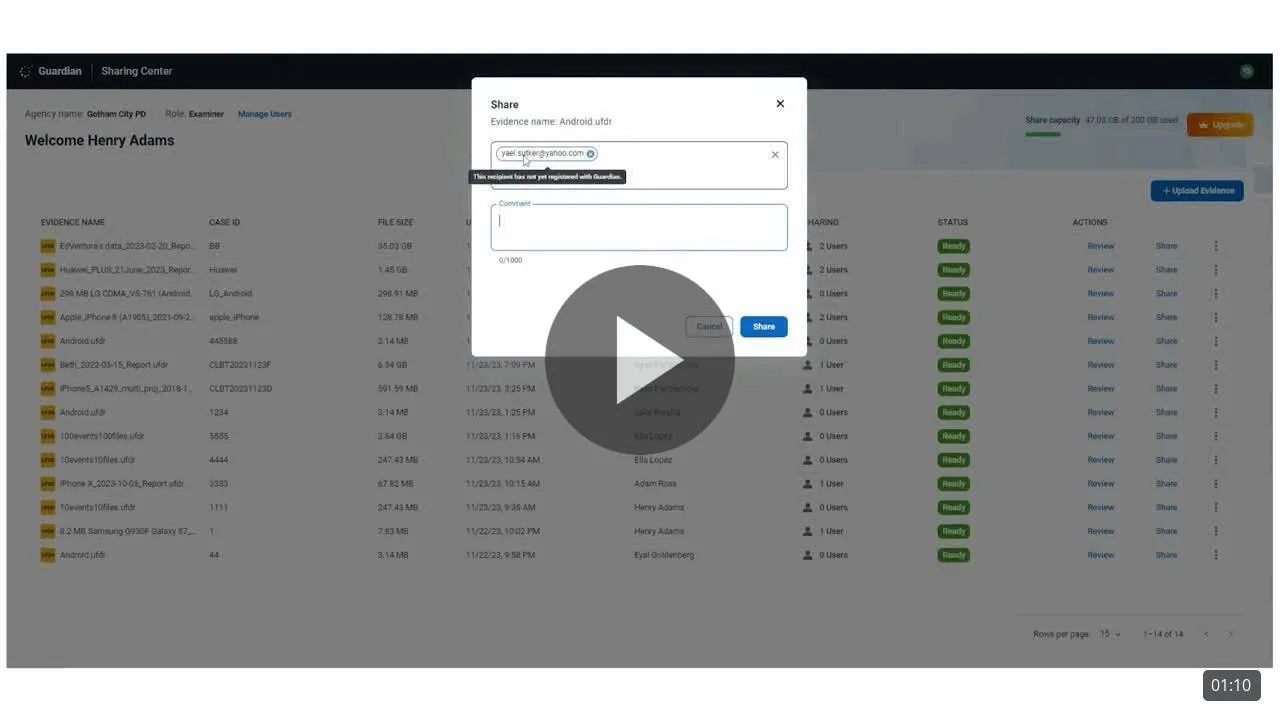
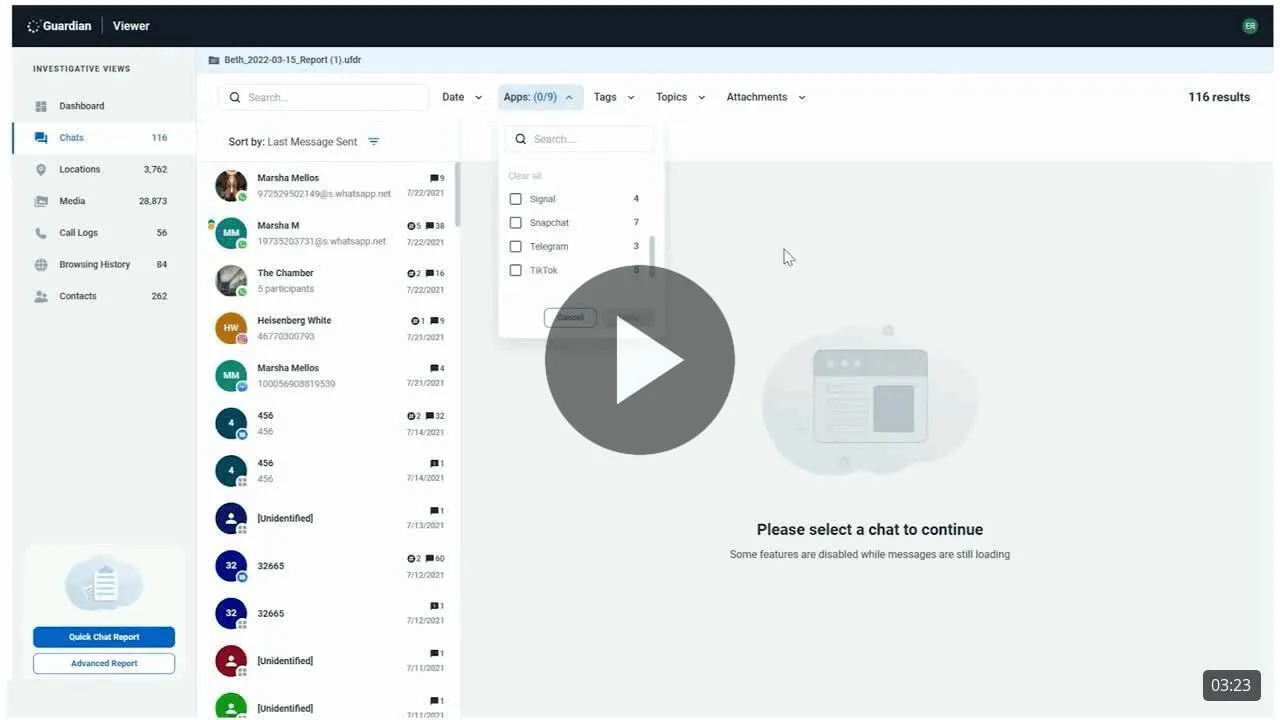
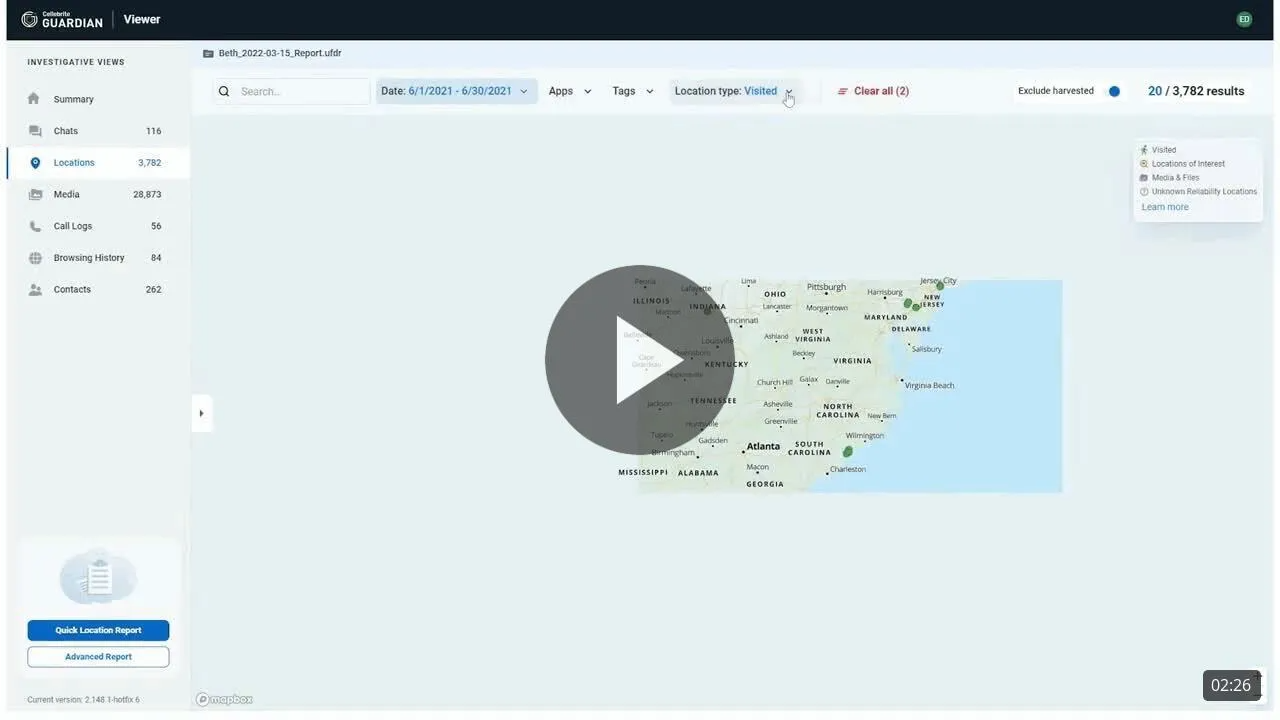
How-to videosWatch out short videos to guide you in using Collaborate
How To Videos

Have additional Guardian Collaborate questions?
Visit the MyCellebrite portal to submit a support ticket
or contact your Account Manager.