
Mobile Vulnerability Research
and Malware Analysis
Device access should not decide how deep your research can go. Corellium gives researchers controlled iOS, iPadOS, and Android environments to move faster from crash to clarity, with root-level access, kernel visibility, and snapshots to repeat tests without starting over.
Keep critical research moving forward.
High-stakes research stalls when the right device, OS version, access level, or state is out of reach.
- Recreate the device conditions behind the crash, exploit, or suspicious behavior.
- Use the same controlled setup for vulnerability validation and malware research.
- Keep analysis moving without rare devices, fragile jailbreaks, or manual rebuilds.
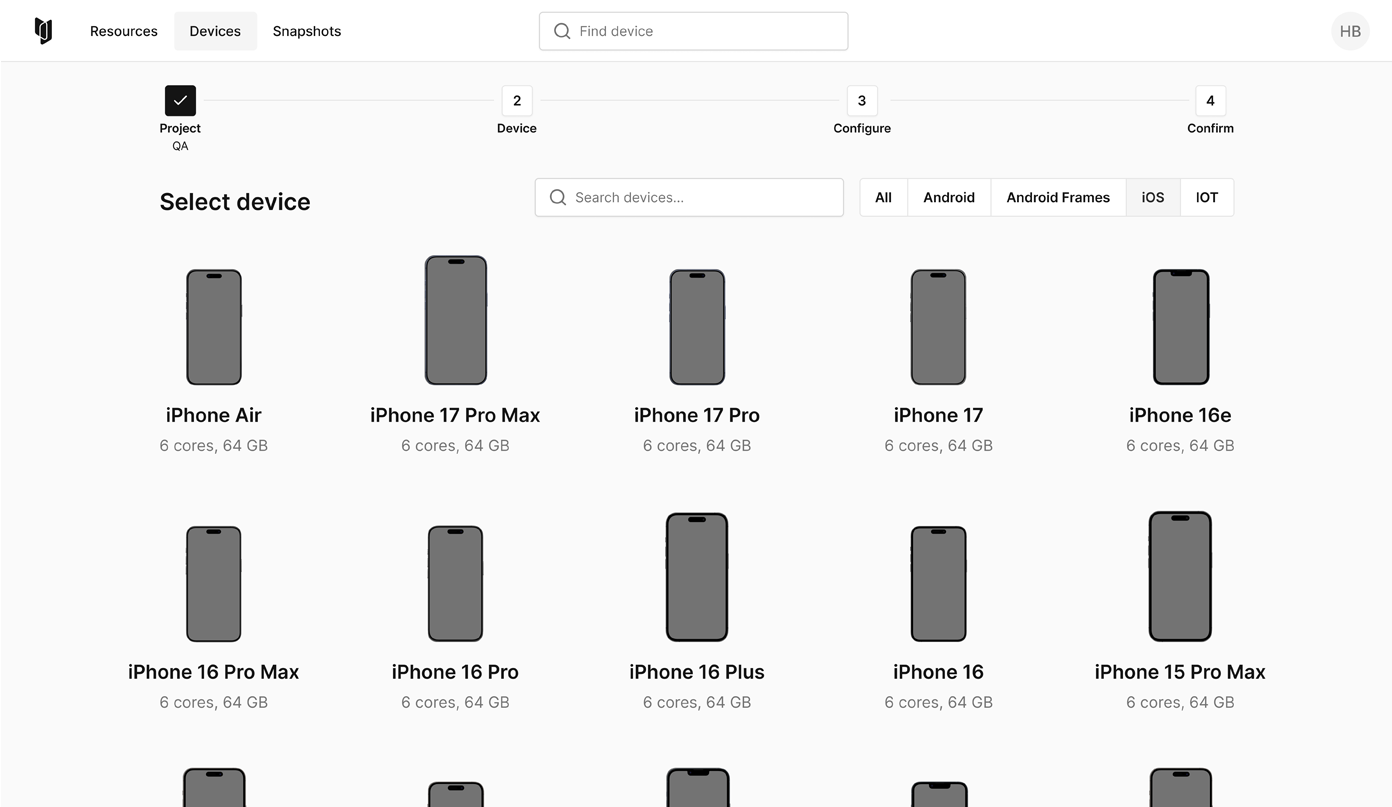
Turn crashes into validated research paths.
A crash only matters when researchers can reproduce it and understand whether it leads anywhere.
- Return to the same device state and configuration in minutes.
- Inspect how behavior interacts with OS services and system components.
- Validate whether the finding is reproducible, exploitable, or worth deeper analysis.
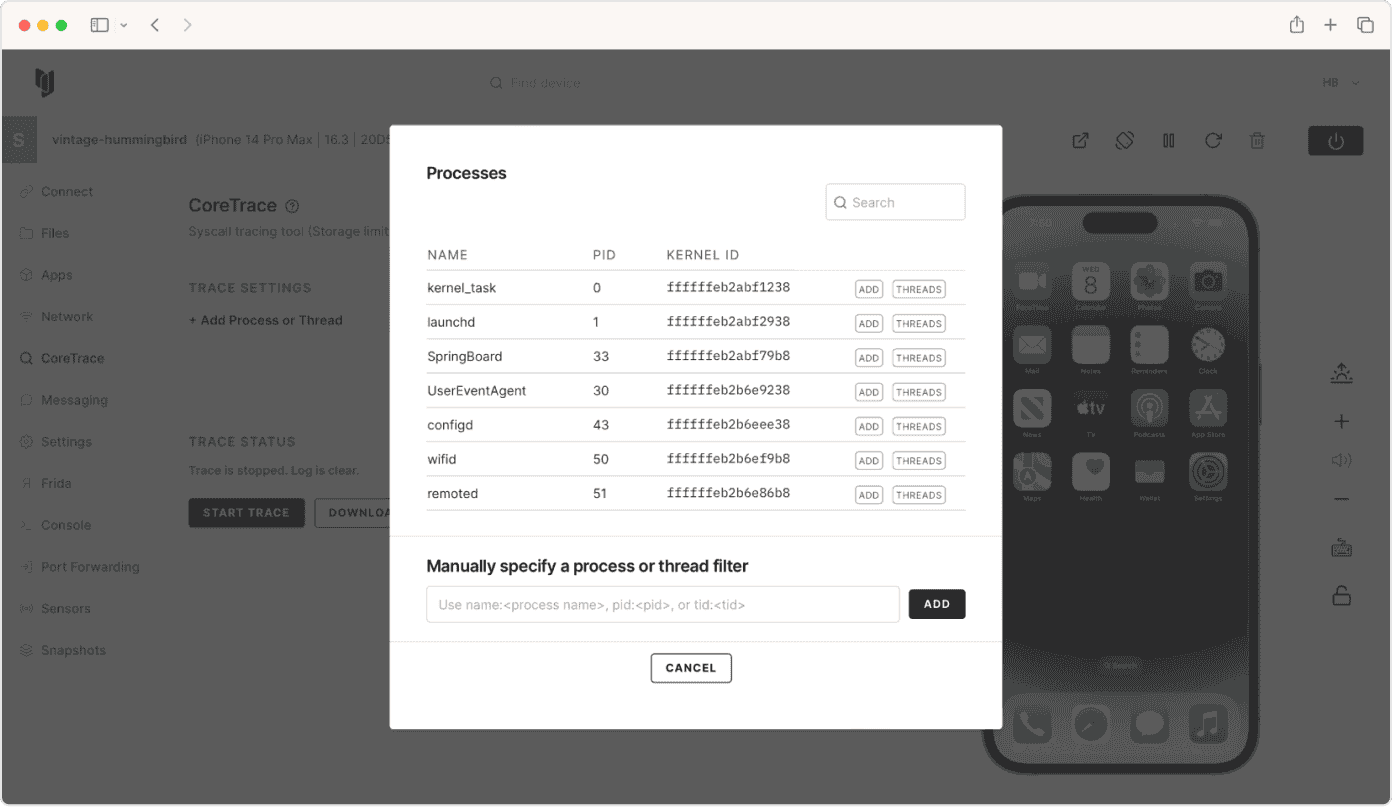
Inspect what happened inside the device.
Kernel-level visibility helps researchers understand what happened below the app surface.
- Analyze kernel-level behavior, system activity, and runtime execution.
- Trace processes, system calls, and device interactions as behavior unfolds.
- Review files, storage, traffic, and communication paths.
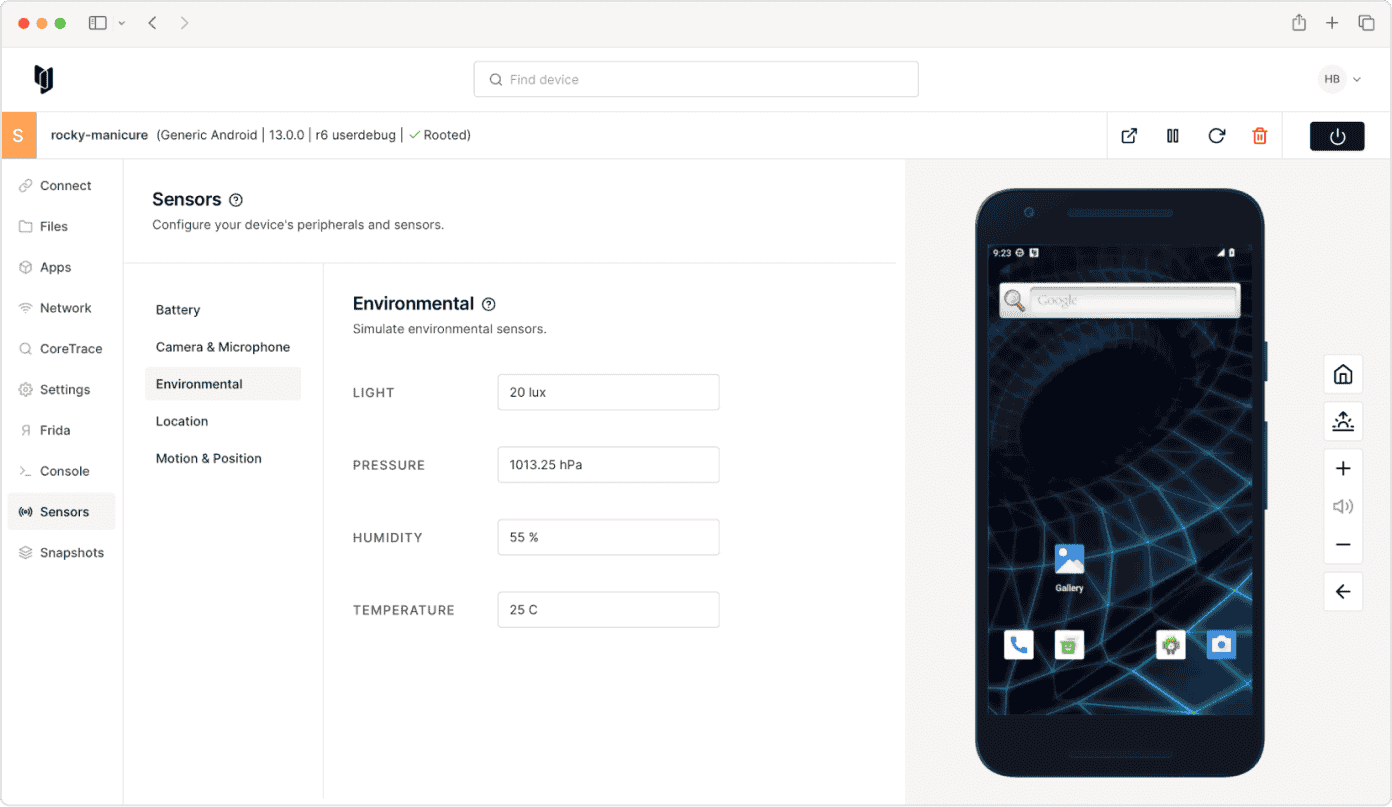
Analyze suspicious samples in isolation.
Analyze suspicious behavior without exposing real devices, production systems, or research infrastructure.
- Execute suspicious apps or samples in isolated environments.
- Observe what the app changes, stores, accesses, and communicates.
- Preserve artifacts, behavior indicators, and indicators of compromise (IoCs) for analysis.
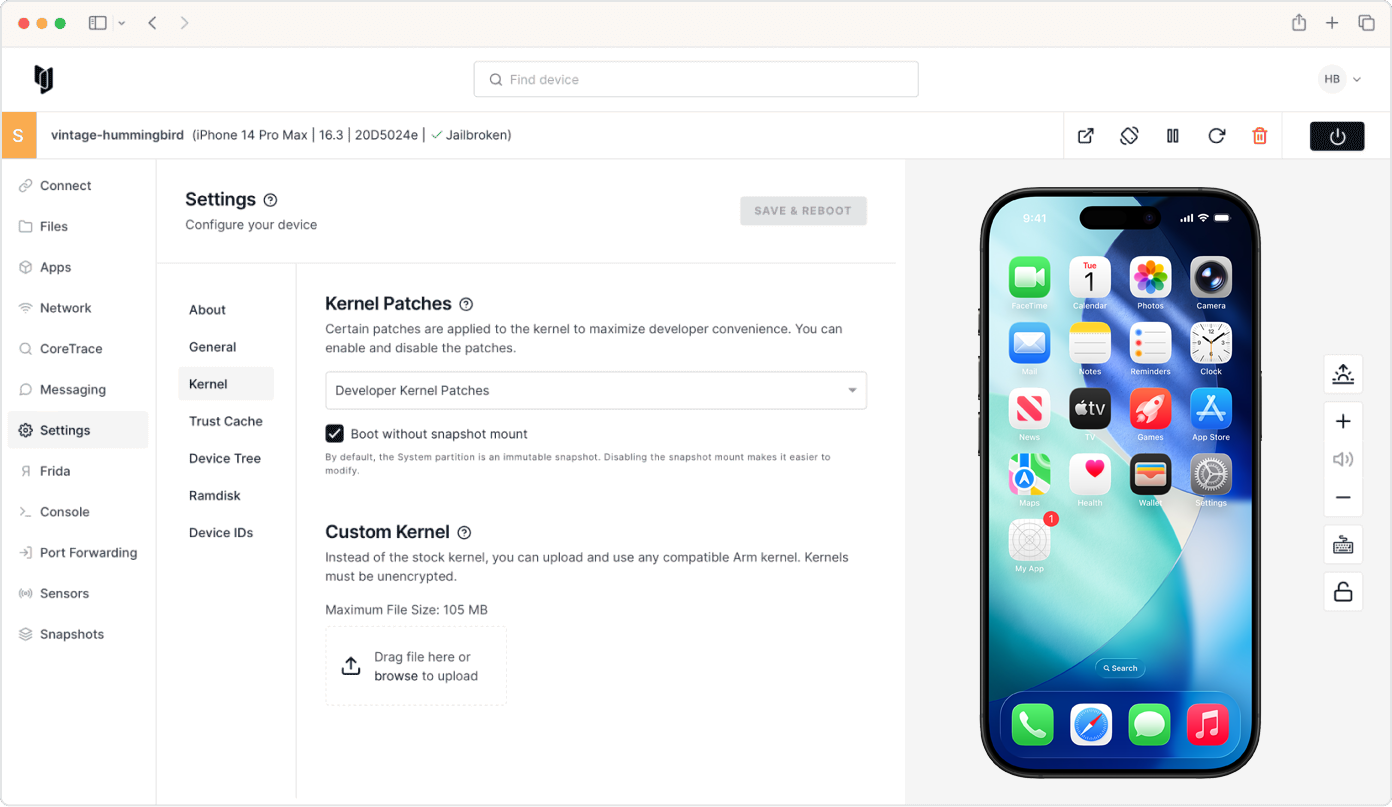
Use familiar tools without losing device access.
Use the tools, scripts, and inspection methods your team relies on for vulnerability research, malware analysis, and reverse engineering.
- Inspect filesystems, network traffic, processes, and system activity.
- Work with Frida, IDA Pro, Ghidra, Burp Suite, Xcode, Android Studio, and other tools.
- Connect research workflows through APIs and scripting.
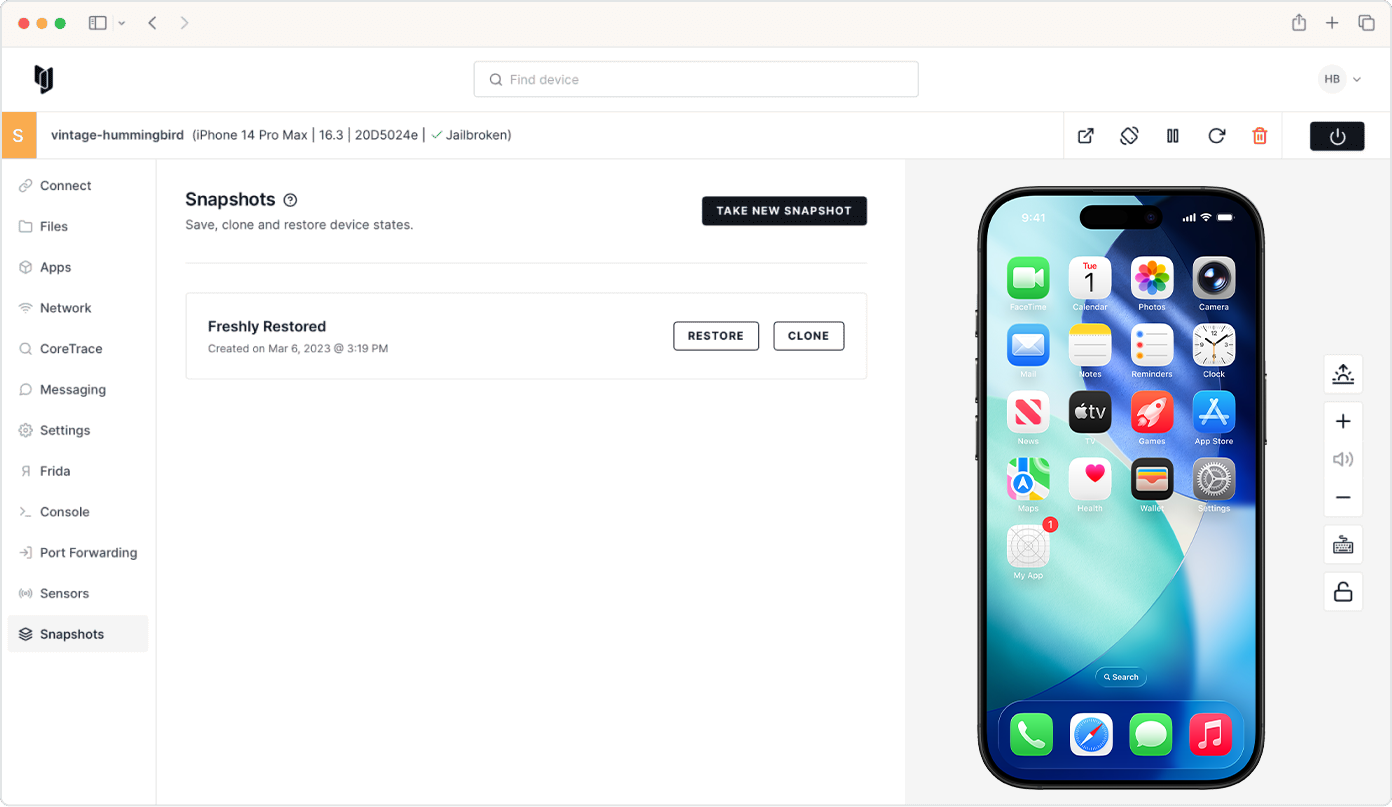
Rewind the test without rebuilding the device.
Snapshots and microsnapshots help researchers preserve the exact state, test more variations, and return to the same point without rebuilding the setup.
- Save the device state behind a crash, exploit, or malware behavior.
- Branch into more test paths without losing the original baseline.
- Share the same baseline across teams for review, validation, and training.
Deploy research where requirements demand it.
Run research where security and operational requirements demand it.
- Deploy in secure cloud environments for scalable analysis.
- Run on internal servers for centralized research workflows.
- Use a desktop appliance for local research environments.
- Support air-gapped networks used by government and regulated organizations.
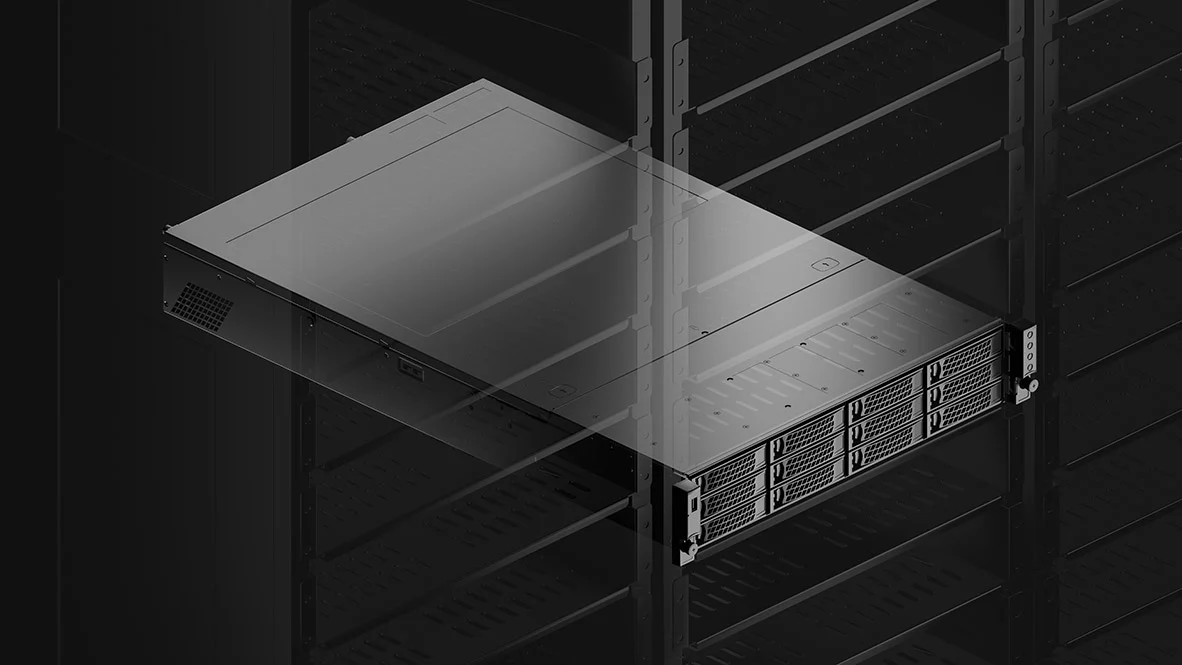
Onsite appliances
On-site Corellium server and desktop appliances use the latest Arm processors. Appliances can be air-gapped for use in high-security locations.
Cloud service
The Corellium cloud solution is hosted on AWS, using Amazon's Graviton Arm servers. Private AWS-based solutions are also available.