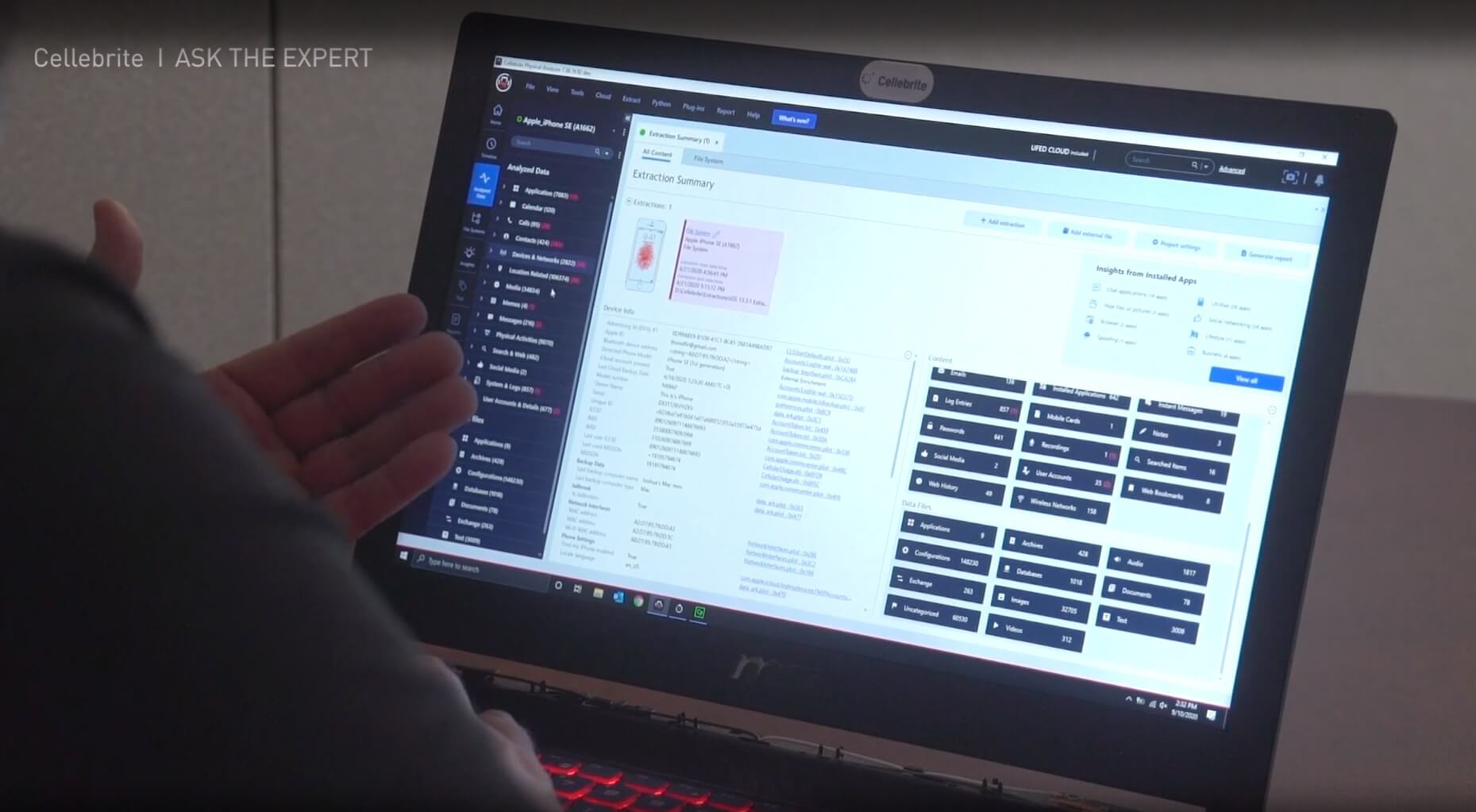
Cellebrite Physical Analyzer
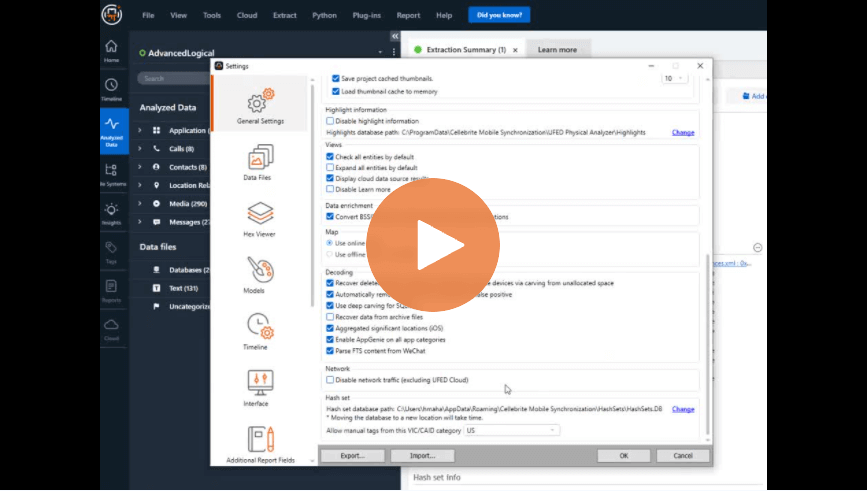
Settings: Avoid Leaving Valuable Information Behind – Cellebrite Physical Analyzer

Supporting the Prosecutor’s Office Is Their Priority: Mexico’s Jalisco State Forensic Investigators Manage Nine-fold Increase in Digital Evidence With Cellebrite Solutions
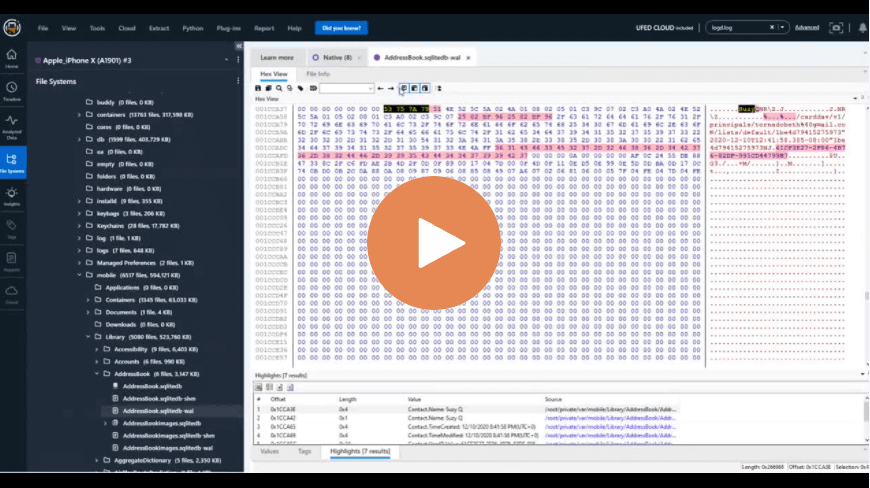
Deep Carving Inside SQLite to Find Deleted Data in the Database in Cellebrite Physical Analyzer
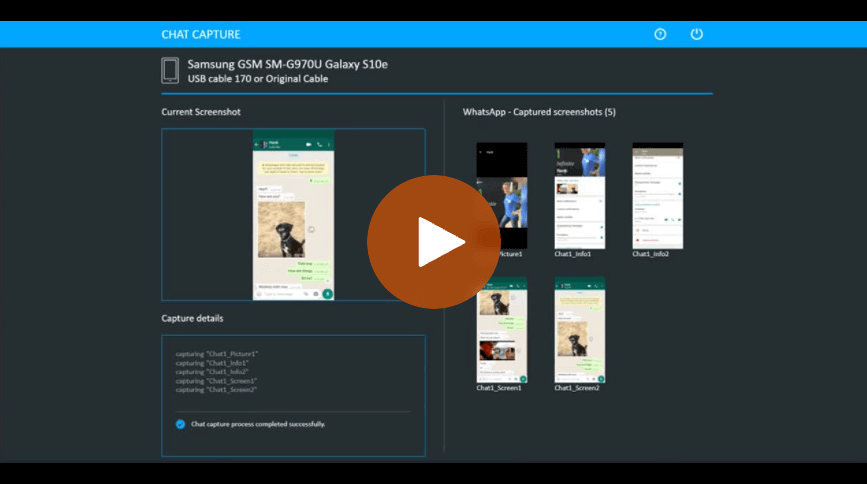
How to Use the Chat Capture Feature Inside Cellebrite UFED
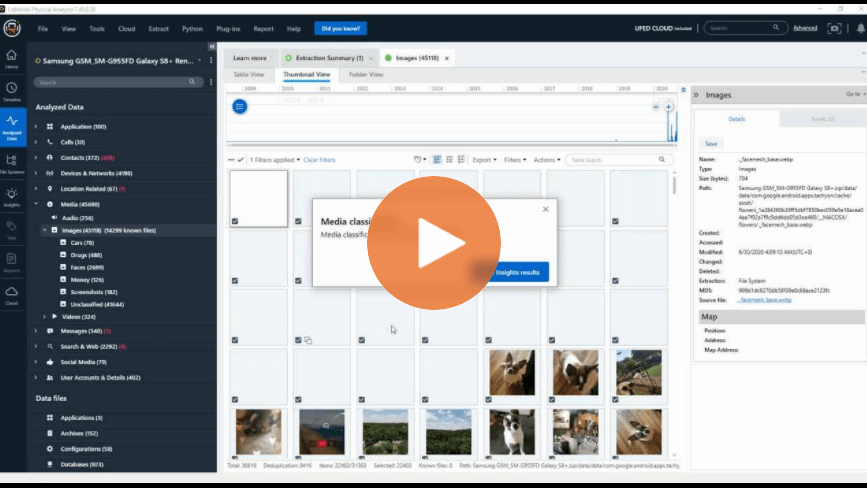
How to Use Media Classification in Cellebrite Physical Analyzer – Part 2
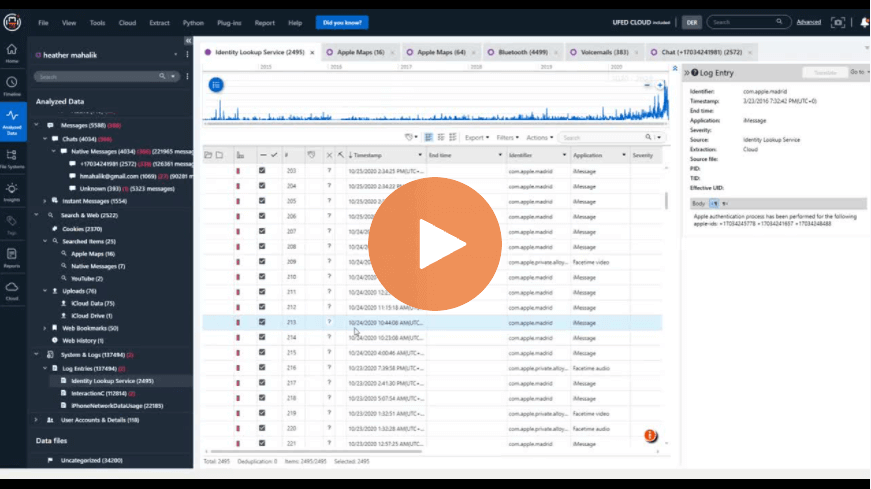
How to Use the Identity Lookup Service in Cellebrite Physical Analyzer
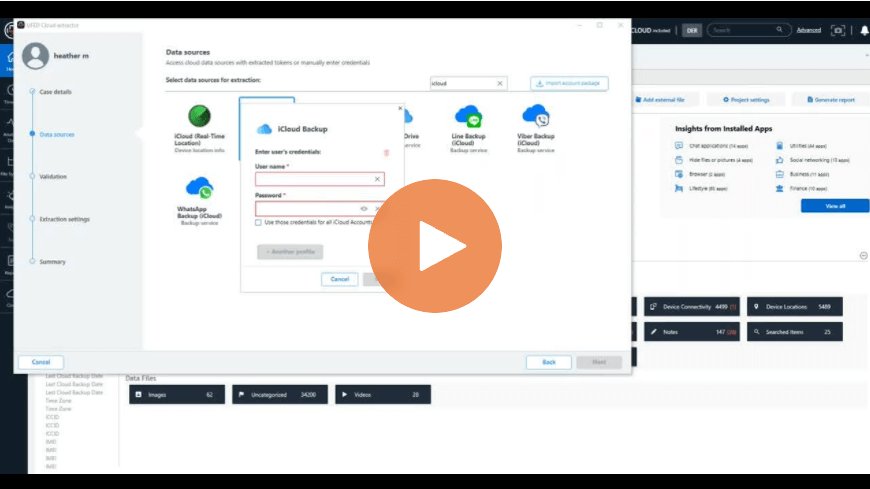
How to Collect Data from iCloud Including iOS 14.2 iCloud Backups in Cellebrite Physical Analyzer
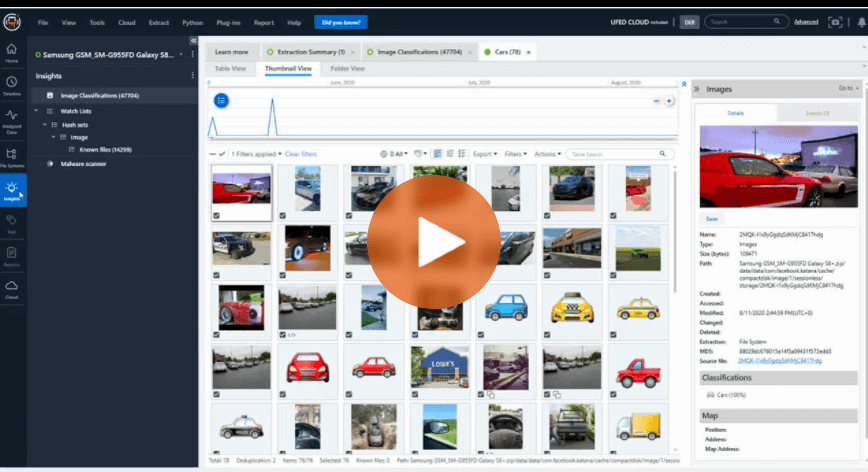
How to Use Media Classification Built-in to Cellebrite Physical Analyzer – Part 1
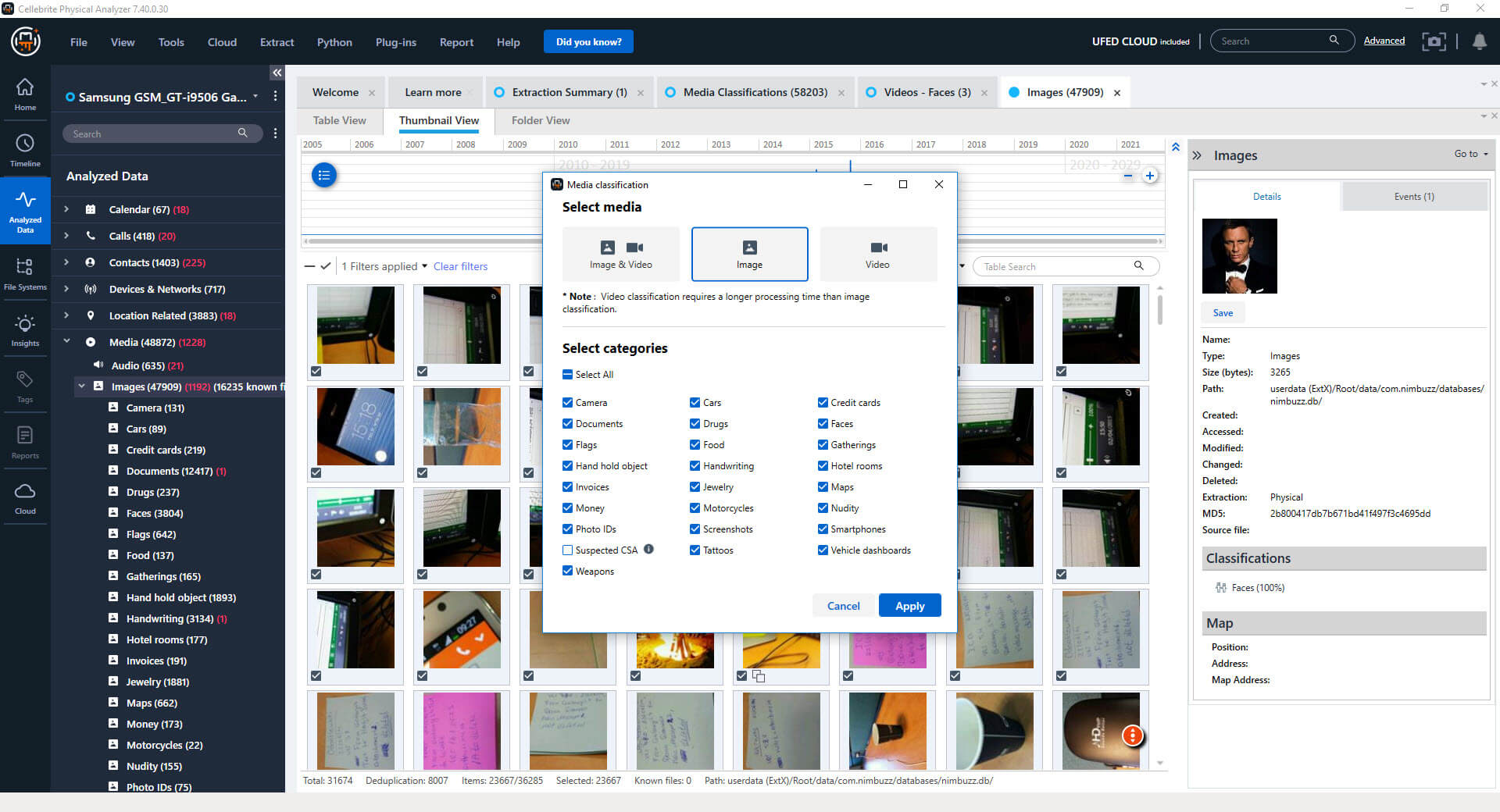
How To Use Media Classification In Cellebrite Physical Analyzer
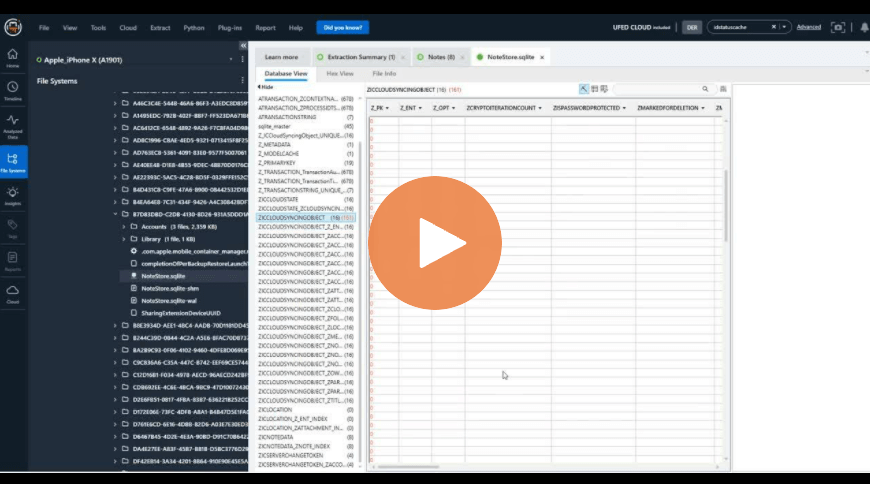
Different Ways to Handle Databases in Cellebrite Physical Analyzer
How to Use Cellebrite Physical Analyzer’s New Image Classification Feature
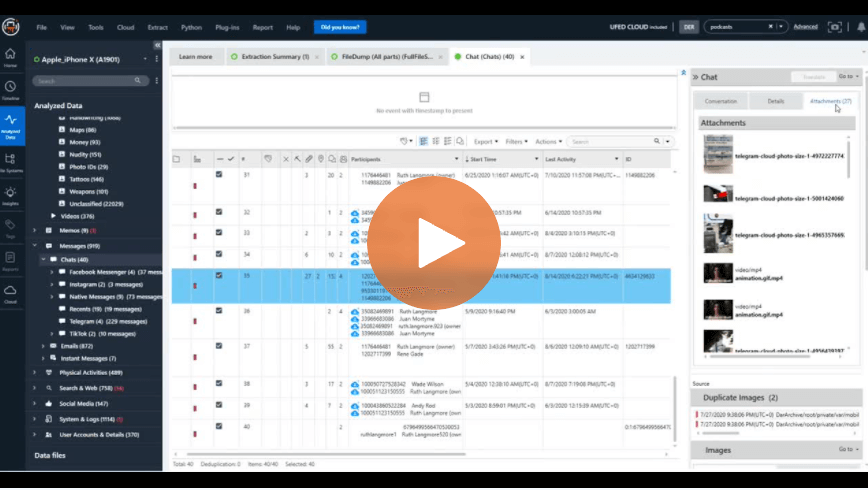
How to View Consolidated Messages with Filters in Cellebrite Physical Analyzer
Looking At Databases With Cellebrite’s SQLite Wizard: Live Demos

How Image Classification Delivers A New Examination Experience in Cellebrite Physical Analyzer
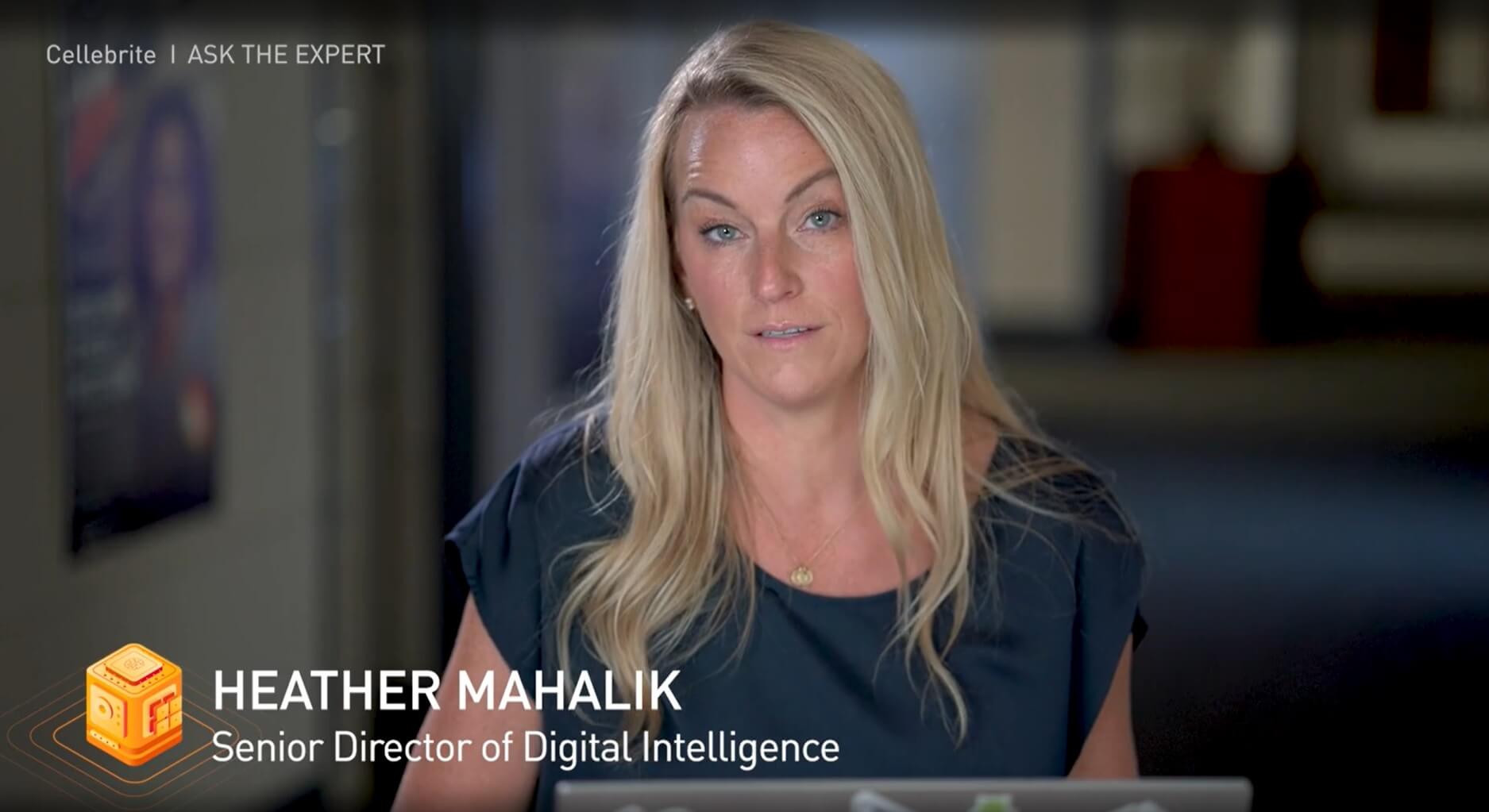
Understanding Cellebrite Physical Analyzer’s Newest Features
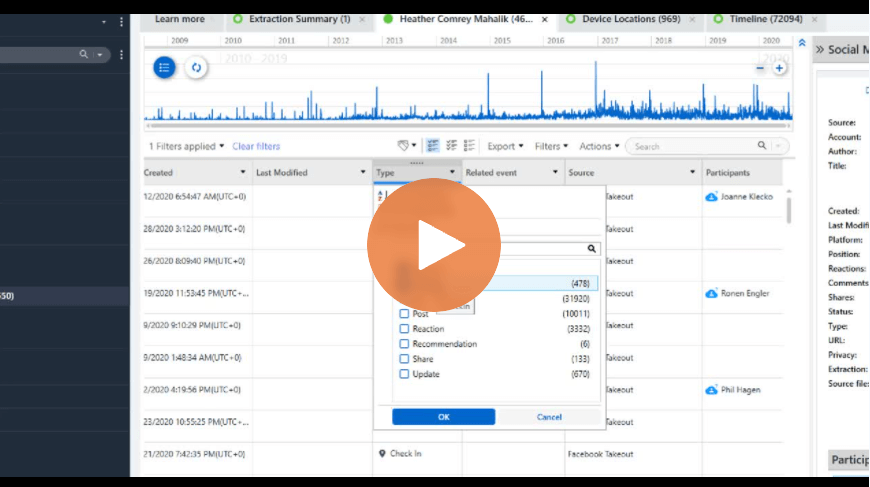
Cellebrite Physical Analyzer: An Easier Way to Navigate When Loading Data Collections