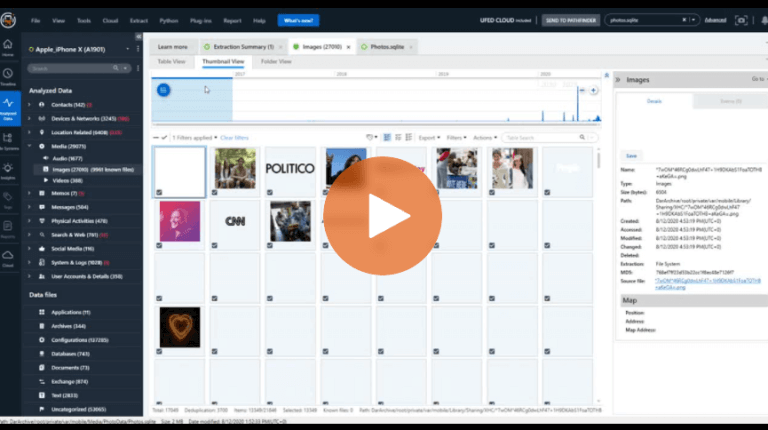
Cellebrite Software
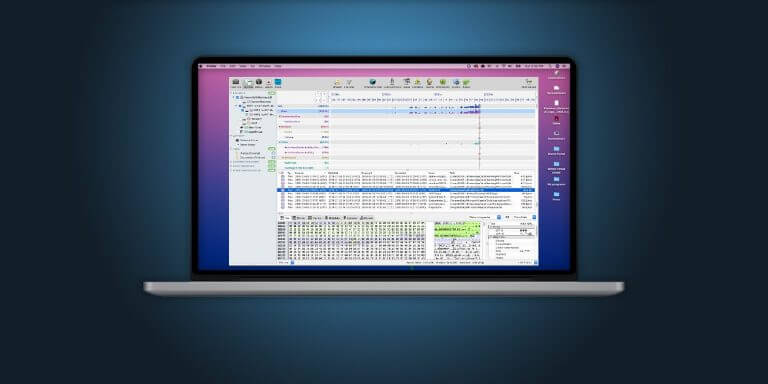
Exploring Inspector 10.2: Timeline, OCR, and Tagging

How Image Classification Delivers A New Examination Experience in Cellebrite Physical Analyzer
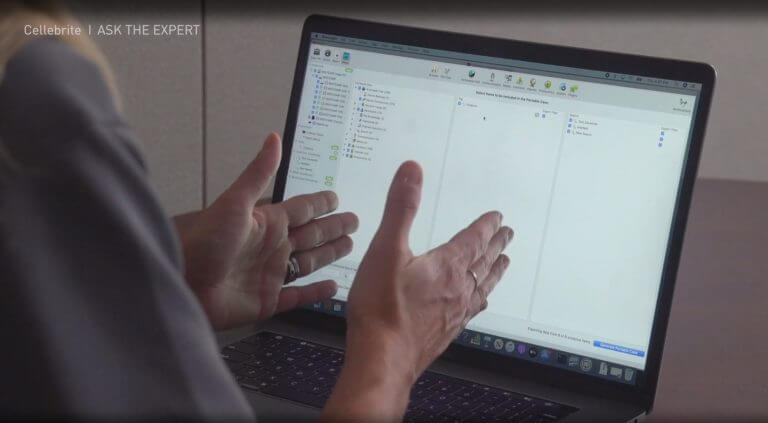
How to Use The Portable Case Function in Cellebrite Inspector
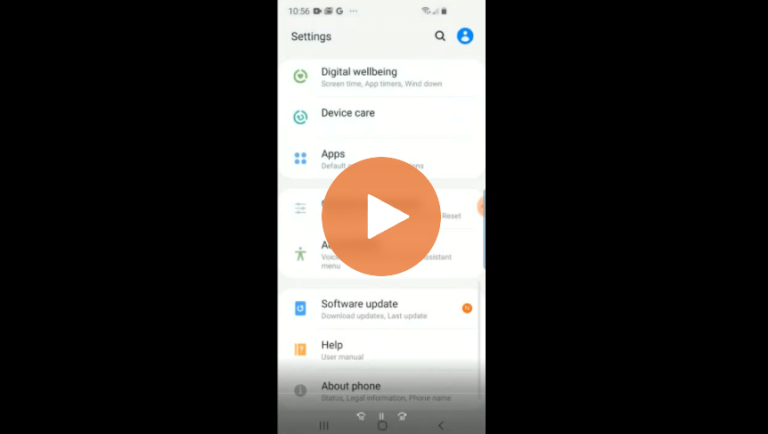
How to Prepare an Android Device for Acquisition in Cellebrite UFED
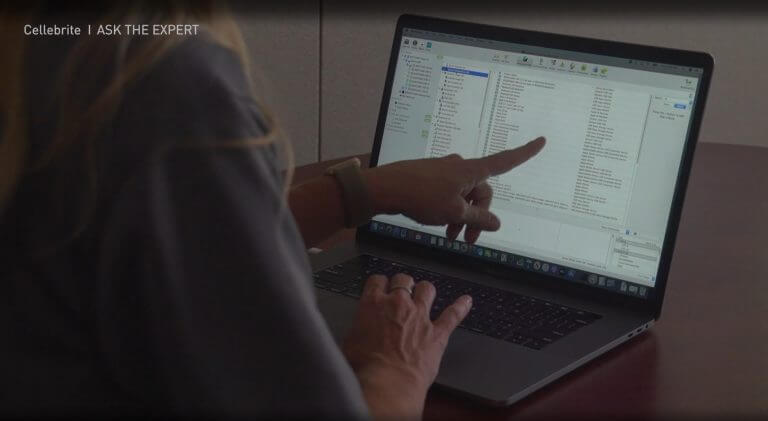
How to Use Cellebrite Inspector to Find Actionable Intelligence

Exploring New Features with Inspector 10.2
How The Workflow Guidance Feature In Cellebrite Responder Helps Examiners
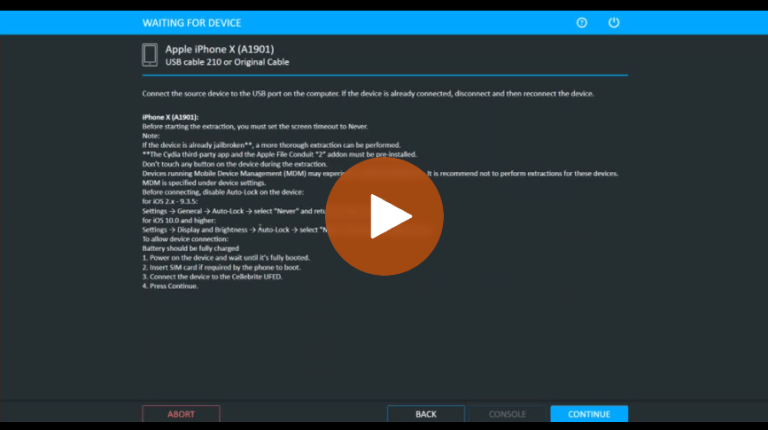
Cellebrite UFED: How to Handle Mobile Devices During Data Collection
Understanding Cellebrite Physical Analyzer’s Newest Features
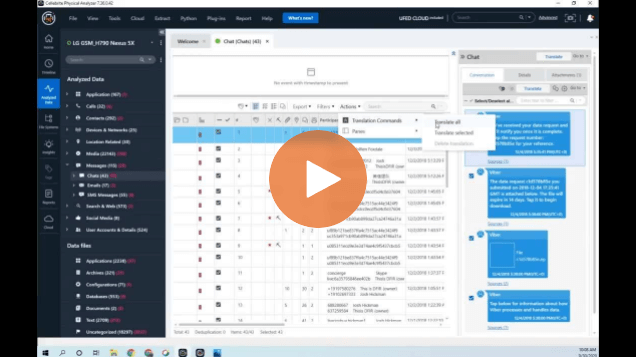
Setting Up Translations and Creating UFED Reader Reports in Cellebrite Physical Analyzer
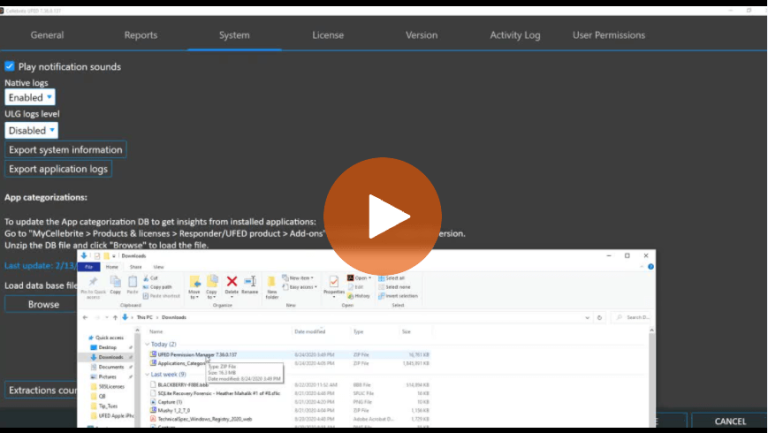
How to Update UFED to Ensure You Get the Most from Your Data Collection

Computer Access Use Case: Cellebrite Inspector Simplifies the Search for Indicators of Compromise at International Bank
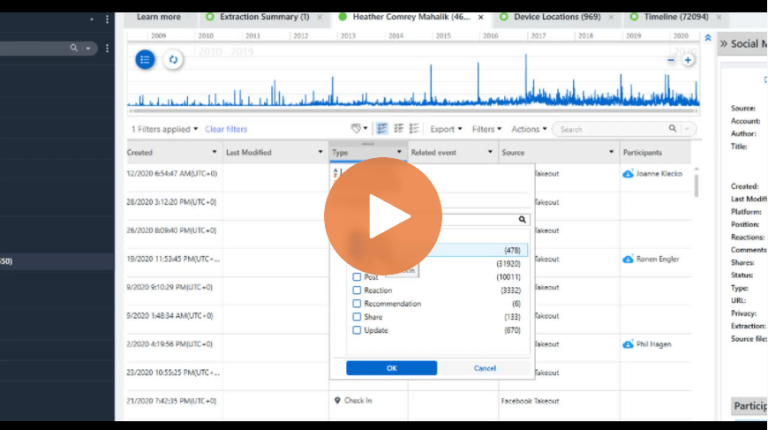
Cellebrite Physical Analyzer: An Easier Way to Navigate When Loading Data Collections
Leveraging iOS Databases In Your Investigation with Physical Analyzer
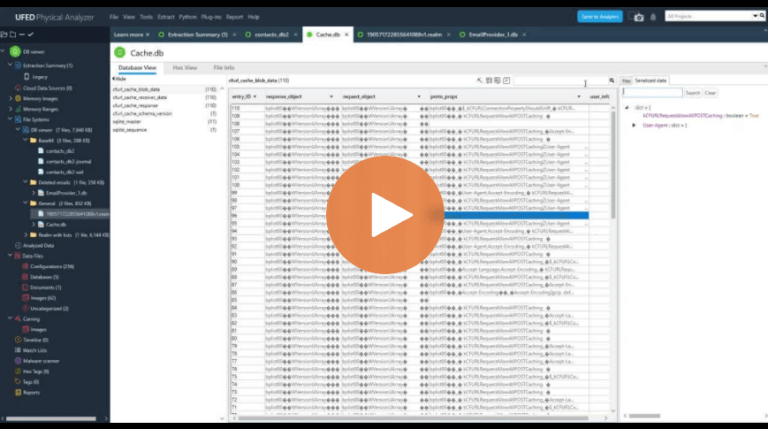
How To Use the Database Viewer in Cellebrite Physical Analyzer 7.25
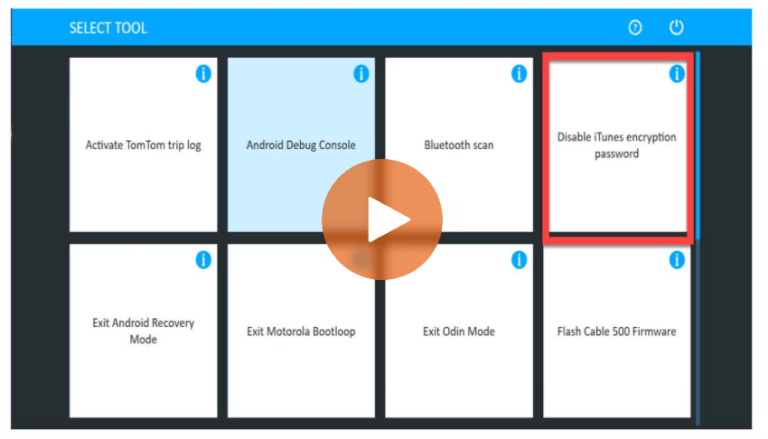
Heather Mahalik Answers iOS 13 FAQs – Cellebrite Physical Analyzer and UFED