Getting Started with Cellebrite Solutions
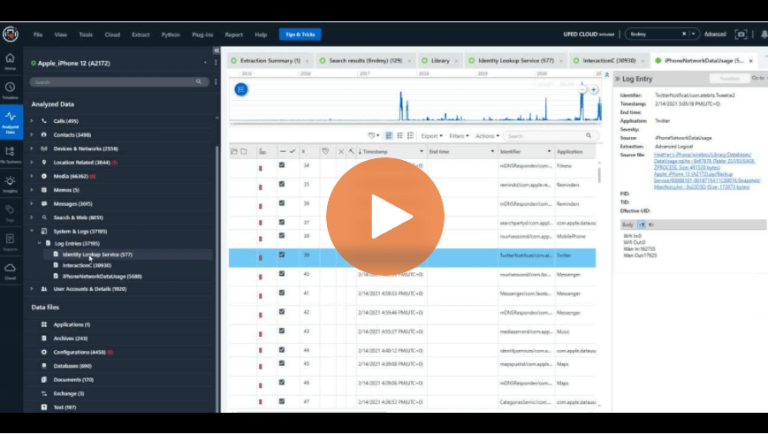
How to Utilize Log Entries in Cellebrite Physical Analyzer to Solve Cases Faster
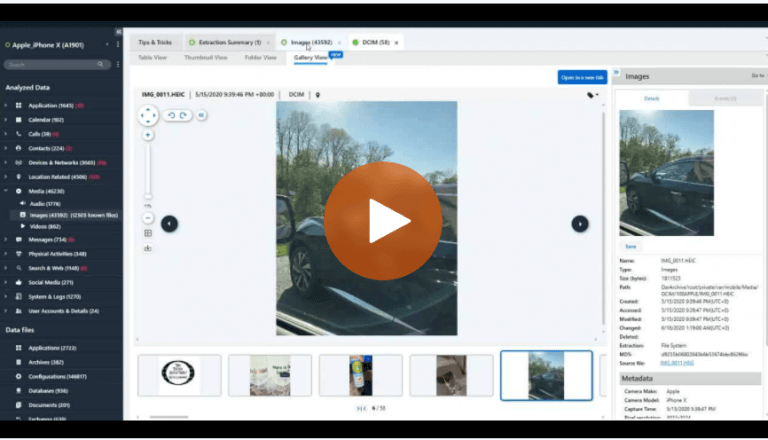
How to Use Gallery View in Cellebrite Physical Analyzer to Examine Media in Digital Investigations
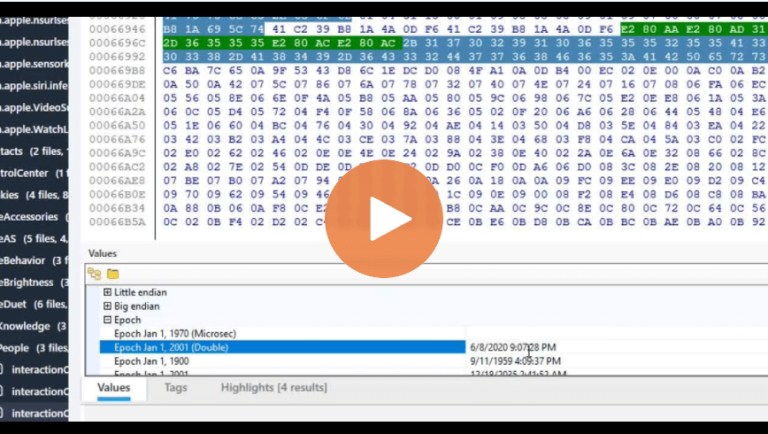
How to Verify Timestamps in Cellebrite Physical Analyzer for Digital Investigations
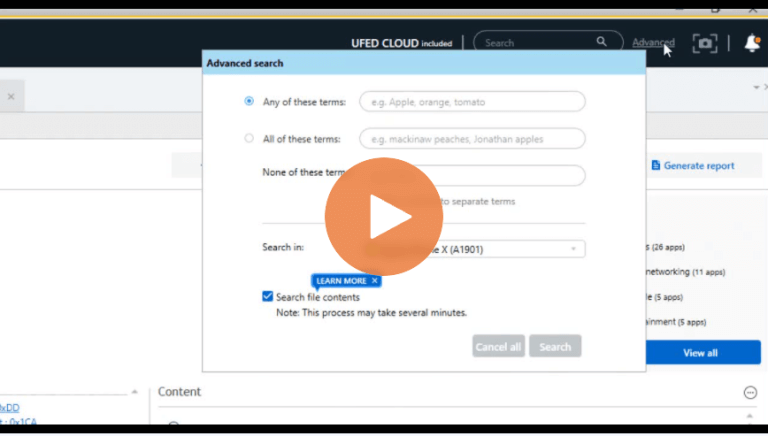
Using Built-in Keyword Search Inside Content Within Cellebrite Physical Analyzer
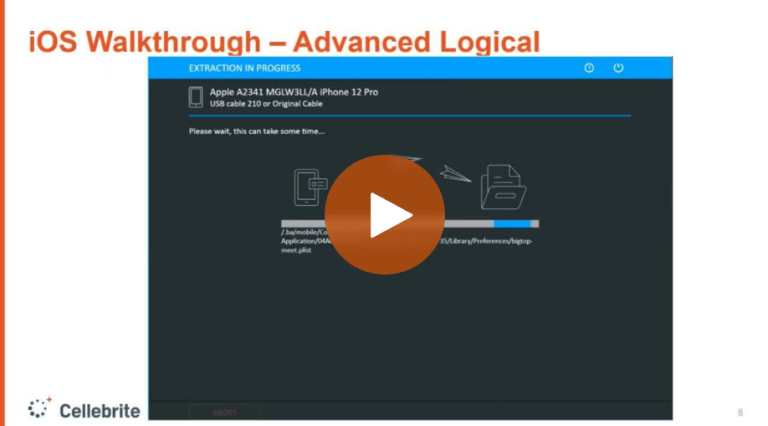
Fundamentals Matter – Part 2: Understanding the Available File System Extraction Methods & Offerings in Cellebrite UFED for Mobile Forensics
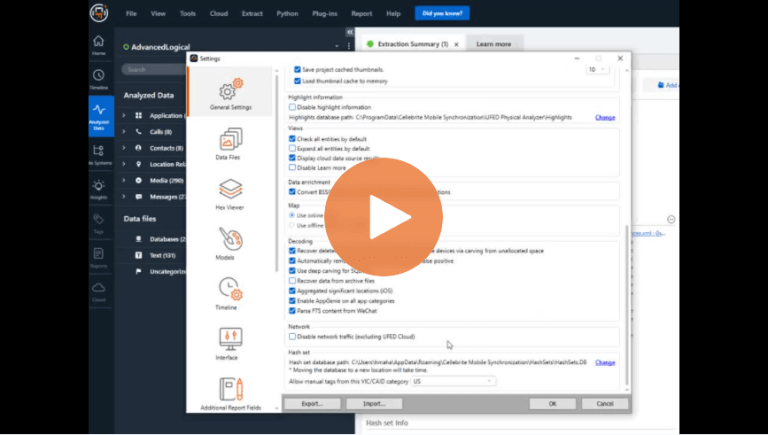
Settings: Avoid Leaving Valuable Information Behind – Cellebrite Physical Analyzer
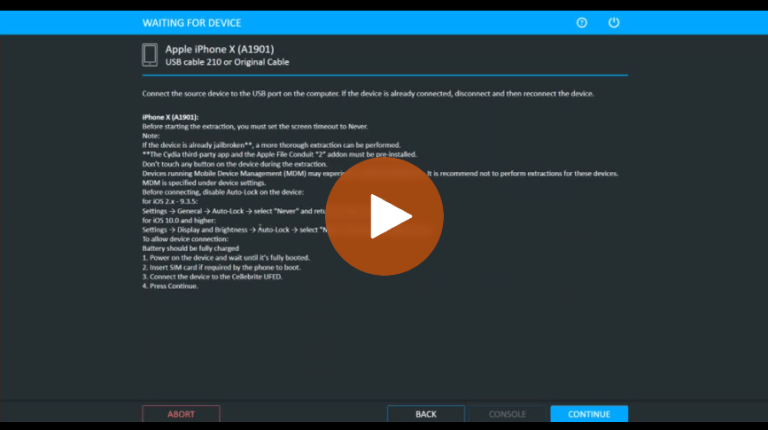
Cellebrite UFED: How to Handle Mobile Devices During Data Collection
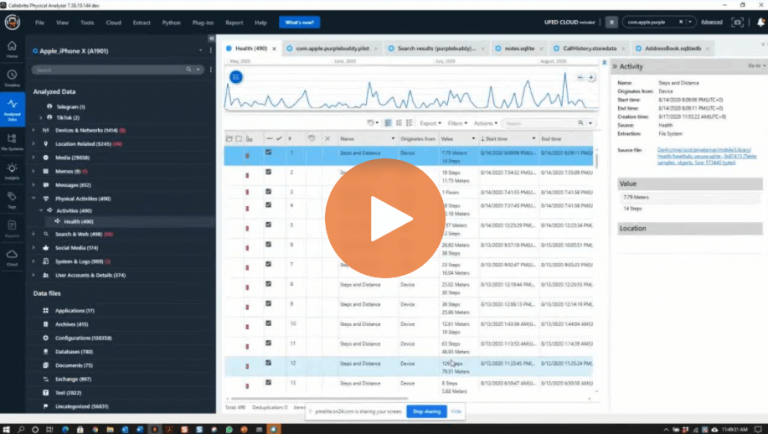
Episode 9: iBeg to DFIR – What Happens When A Device Gets Wiped? Top Ten Questions Answered
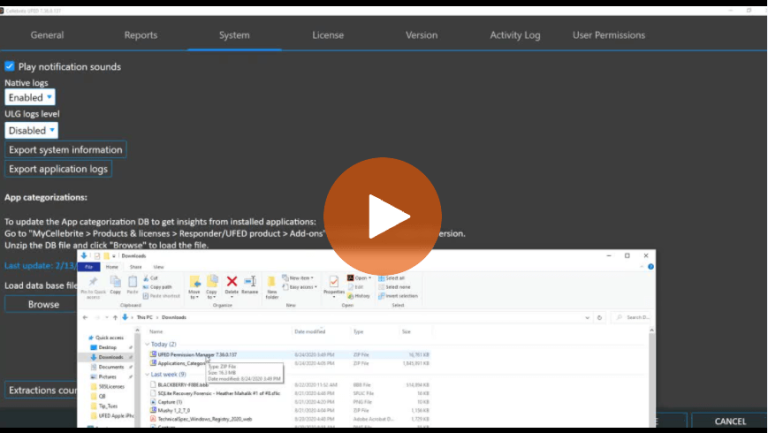
How to Update UFED to Ensure You Get the Most from Your Data Collection
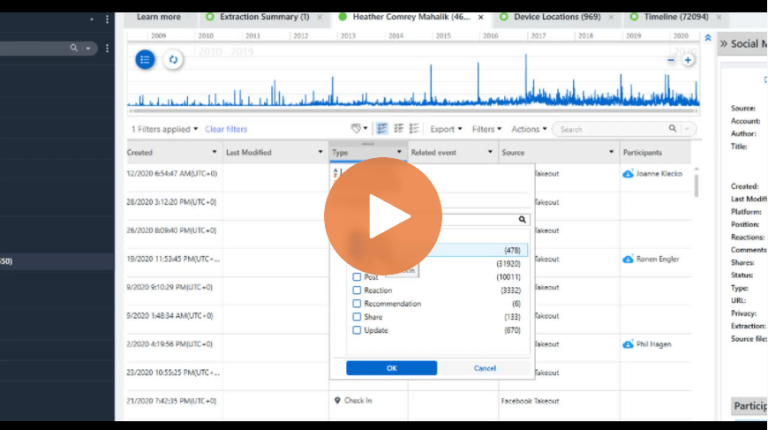
Cellebrite Physical Analyzer: An Easier Way to Navigate When Loading Data Collections
Episode 8: I Beg to DFIR – Working an Investigation: Making Sense of the Data
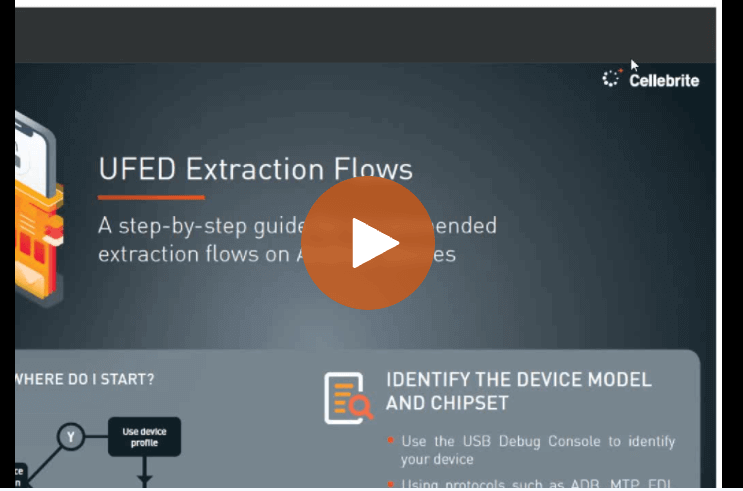
UFED: The Extraction Flow Feature That Suggests Where to Start with a Device
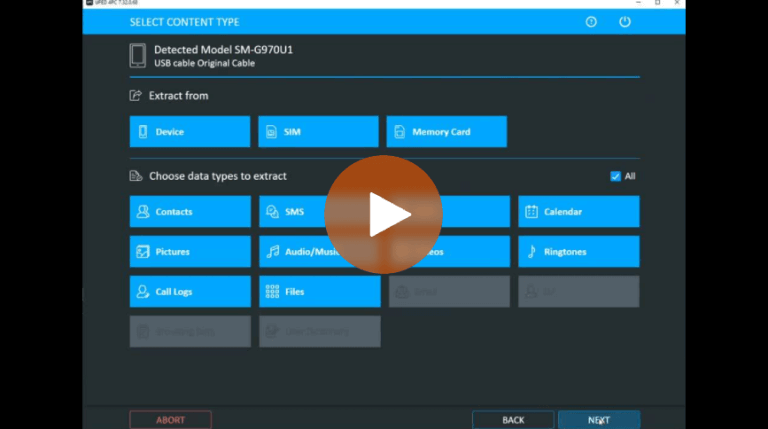
Autodetect: Special Feature Built Into UFED for Android 8 & 9 Samsung Devices
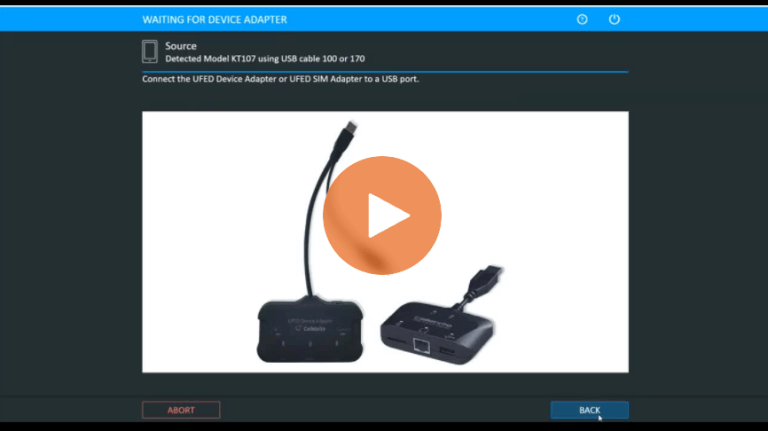
How to Determine if a Mobile Device Is Supported by Cellebrite UFED
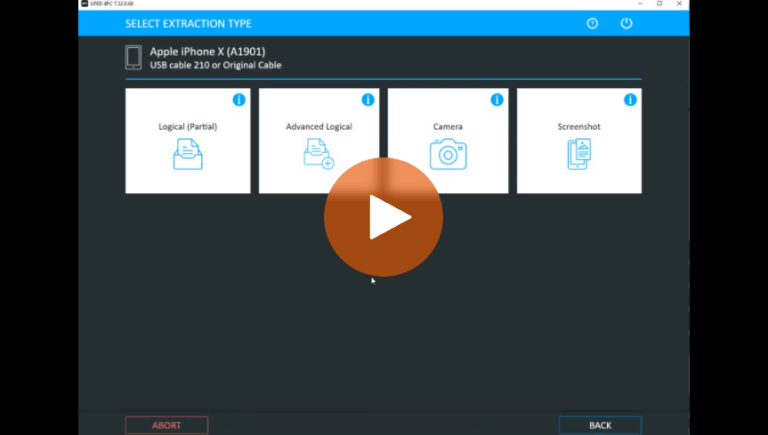
Different Data Collection Options for an iPhone Explained – Cellebrite UFED
How to Open A Case In Cellebrite Physical Analyzer