Cellebrite UFED

Quick Guide To Start Using Cellebrite UFED
Uncovering the “Who-Done-It” Truth: How Digital Forensics Empowered Lee County Sheriff’s Office in Homicide Investigations
Broward Sheriff’s Office and the Broward County State Attorney’s Office of the 17th Judicial Circuit Demonstrate How Investments, Training, and Support Can Yield Digital Investigative Excellence—Even In Short Timeframes

Cellebrite Announces Innovative Case-Closing Technology; Raising the Bar for Modern Investigations
Cellebrite Bolsters Digital Intelligence Capabilities for Latin American Nation’s Federal Forces and Expands Investigative Power around Crypto Crime

Mobile Device Forensics: Do I need to reacquire a device when a new version of UFED is released?
Mobile Device Forensics: New features in UFED that assist to connect a mobile device
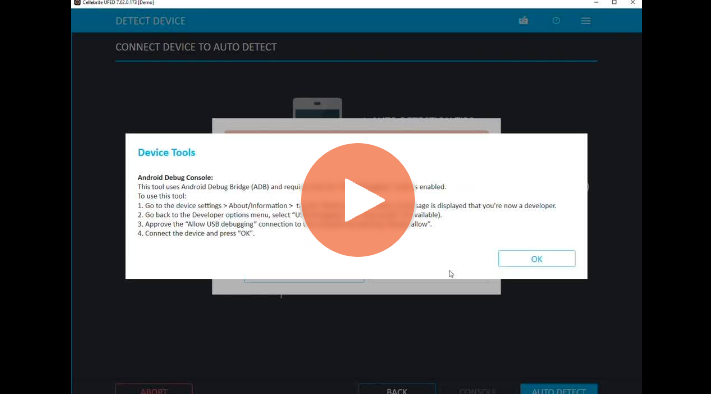
Mobile Device Forensics: How to troubleshoot the device connection with Cellebrite UFED

Facing Staff and Budget Shortages, Emerging Tech is Key for Aberdeen PD
iOS Forensics Advanced Logical File System Extraction and CHECKM8 for iPhones
Part 1 of Cellebrite Solutions 2023 Update Summary
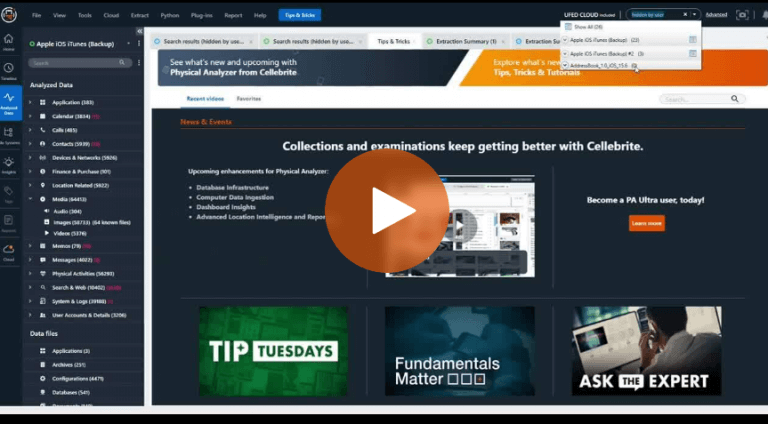
How to Search for Hidden Photos with UFED Cloud in Mobile Forensics
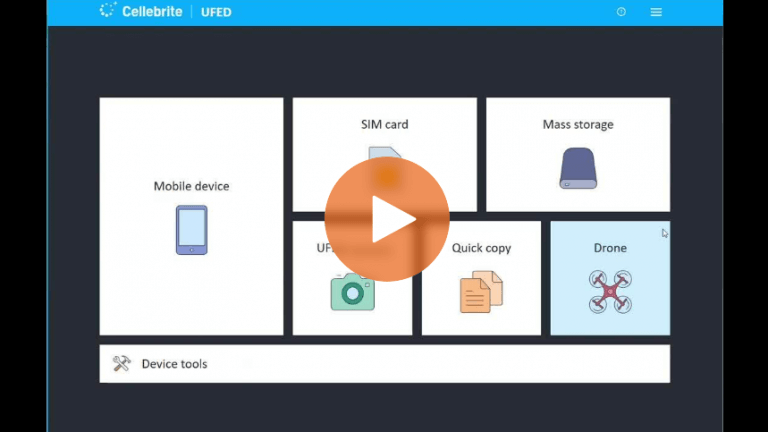
How to Automatically Open Physical Analyzer After a UFED File System Extraction
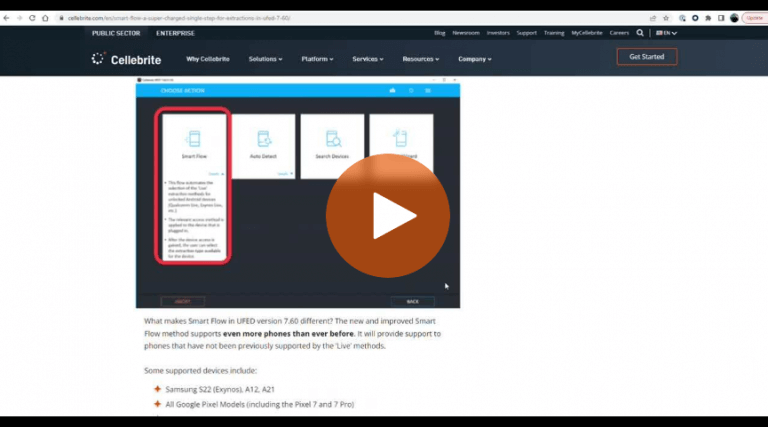
How to Maximize Your File System Extractions With UFED Smart Flow in Mobile Forensics

Vanderburgh County Cyber Crime Task Force Demonstrated How Agencies Can Digitally Transform to Increase Public Safety
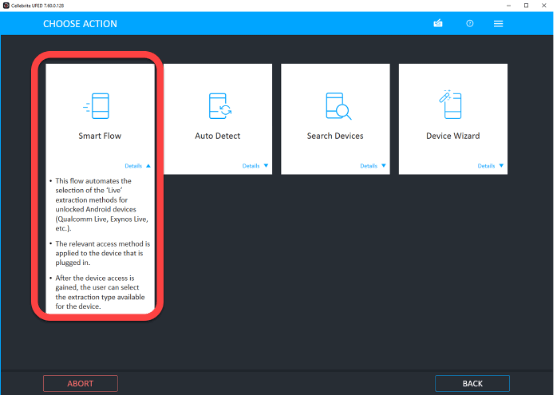
Smart Flow – A super-charged single step for extractions in UFED 7.60
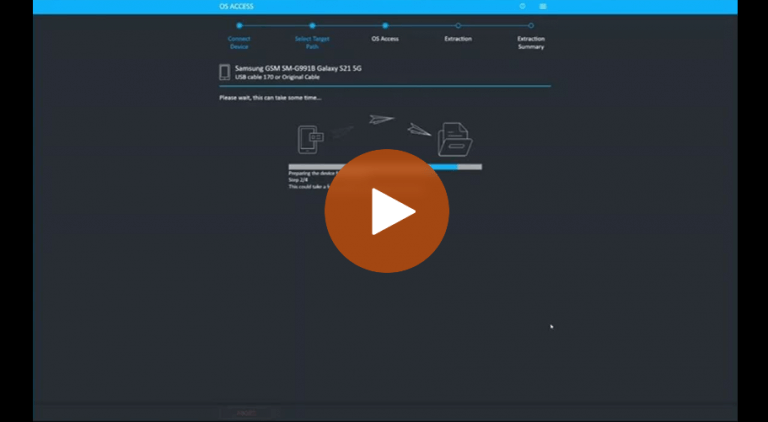
How to Use UFED Smart Flow For Selective Data Collection During Mobile Forensics