Cellebrite Software
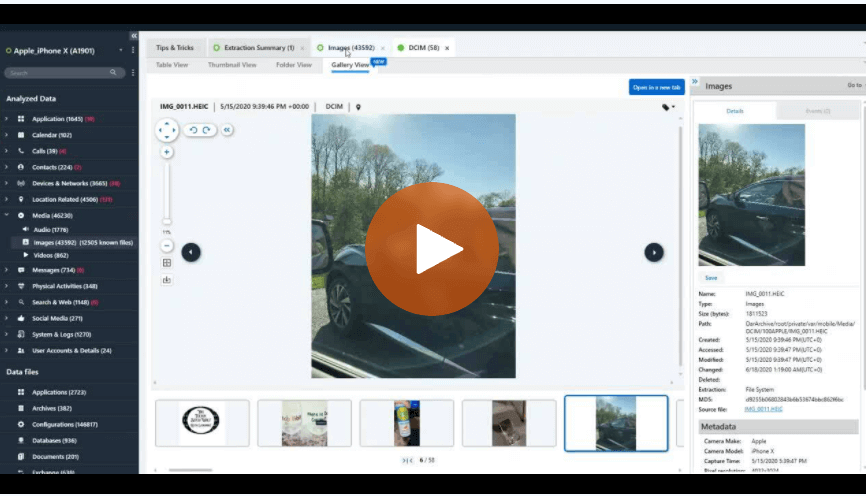
How to Use Gallery View in Cellebrite Physical Analyzer to Examine Media in Digital Investigations
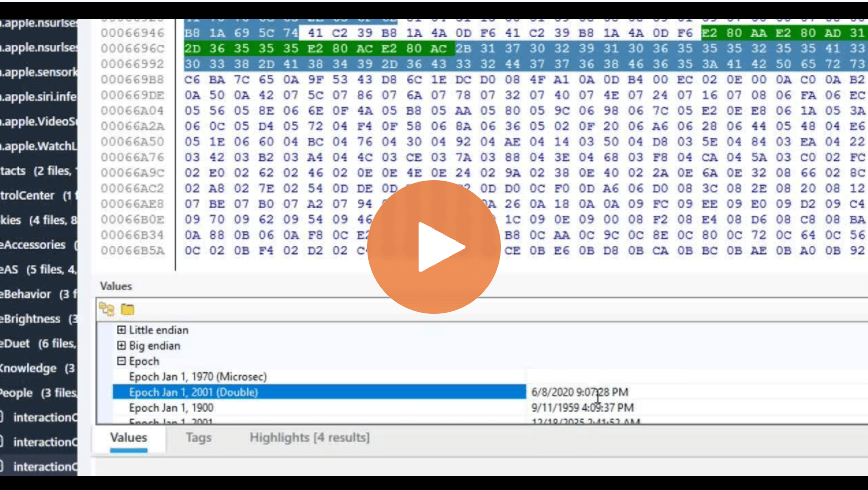
How to Verify Timestamps in Cellebrite Physical Analyzer for Digital Investigations

Cellebrite’s Advanced Endpoint Collection Capabilities Provide a New Vision For Solving Enterprise Investigation Challenges
Overview of Parsed Data in Cellebrite Physical Analyzer
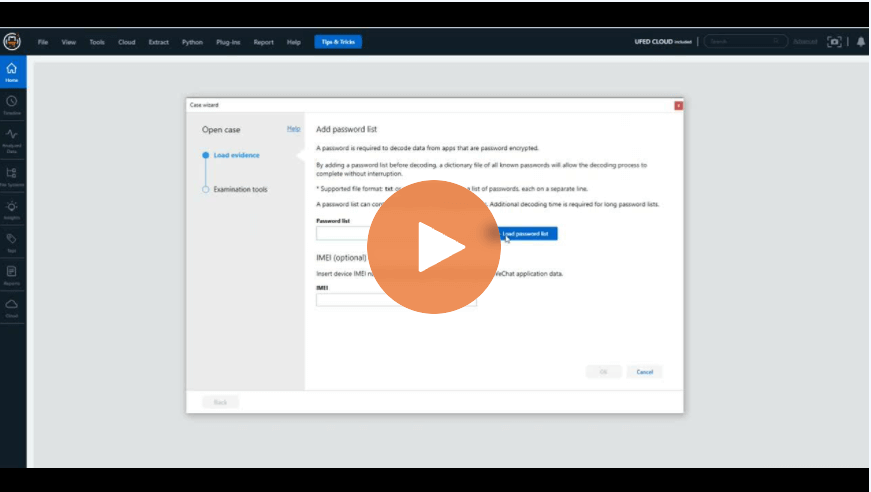
How to Add Password Lists in Cellebrite Physical Analyzer 7.42
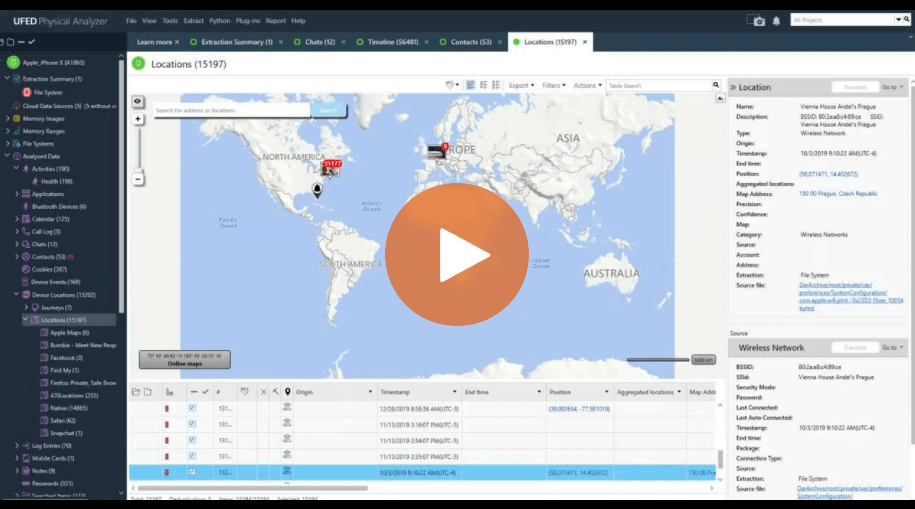
How To Use the Enriched Data Feature in Cellebrite Physical Analyzer
How to Use The Project Tree and Analyzed Data in Cellebrite Physical Analyzer to Find Data Fast
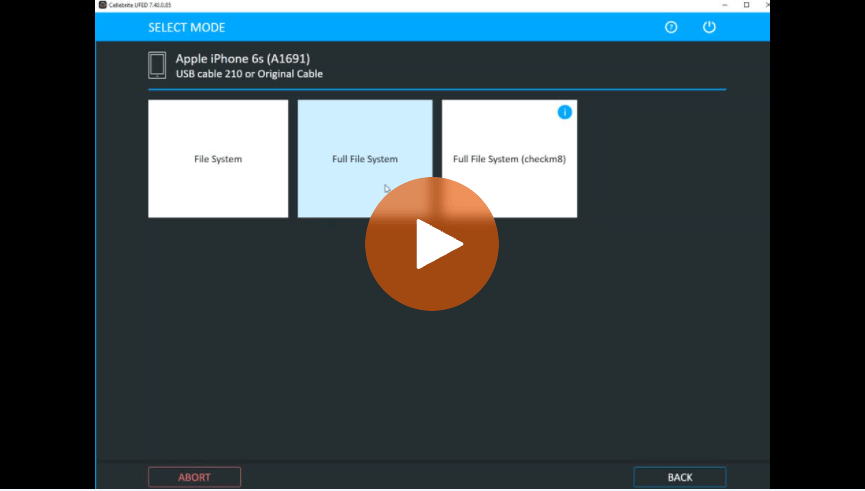
How To Perform Full File System Extraction With checkra1n When checkm8 Can’t in Cellebrite UFED
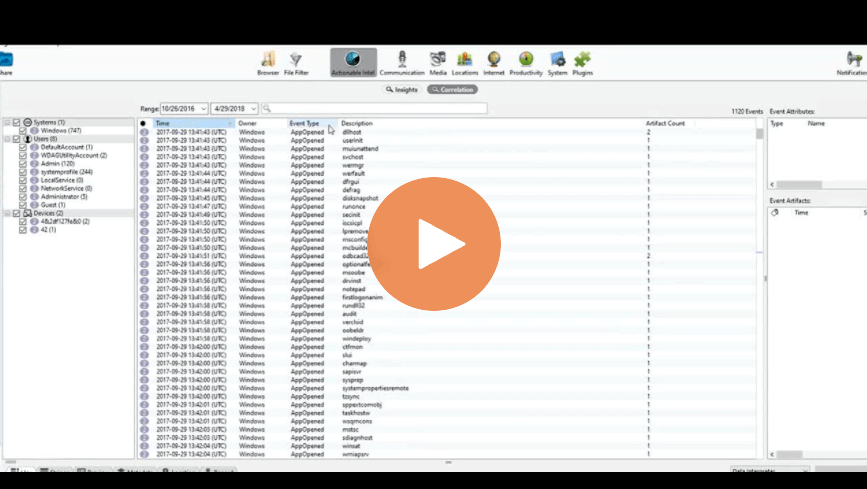
Actionable Intel: How to Use the Correlation Tab in Cellebrite Inspector
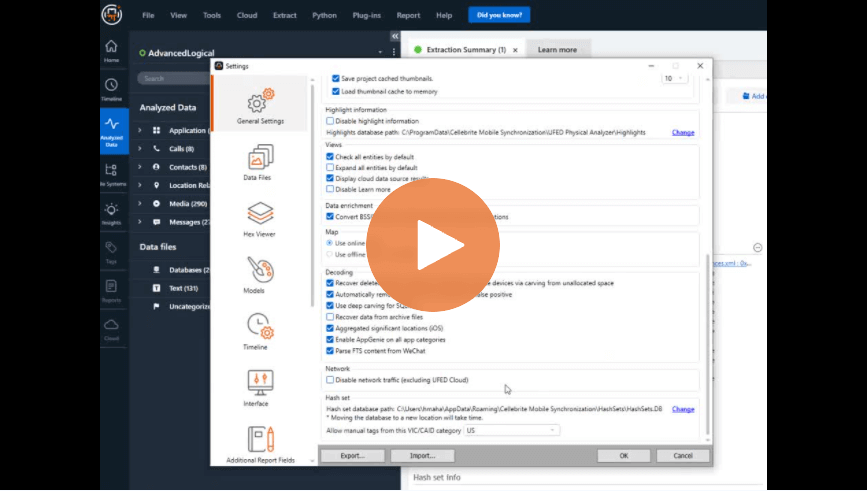
Settings: Avoid Leaving Valuable Information Behind – Cellebrite Physical Analyzer

Supporting the Prosecutor’s Office Is Their Priority: Mexico’s Jalisco State Forensic Investigators Manage Nine-fold Increase in Digital Evidence With Cellebrite Solutions
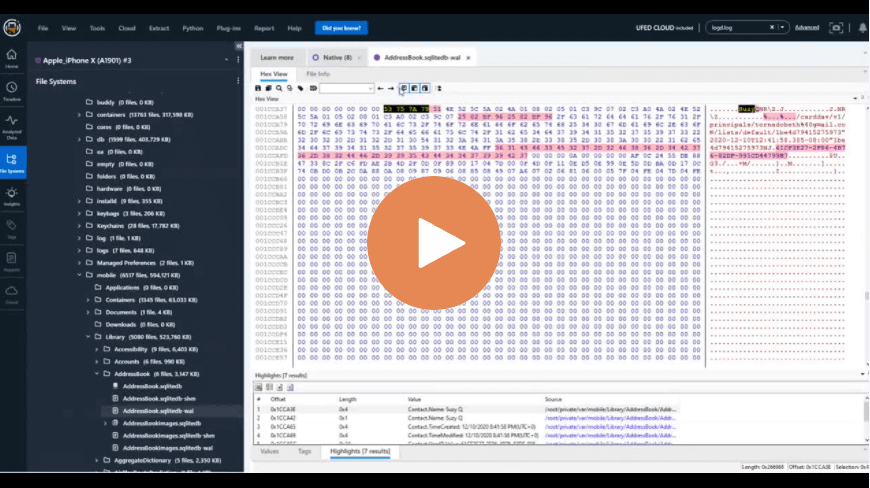
Deep Carving Inside SQLite to Find Deleted Data in the Database in Cellebrite Physical Analyzer
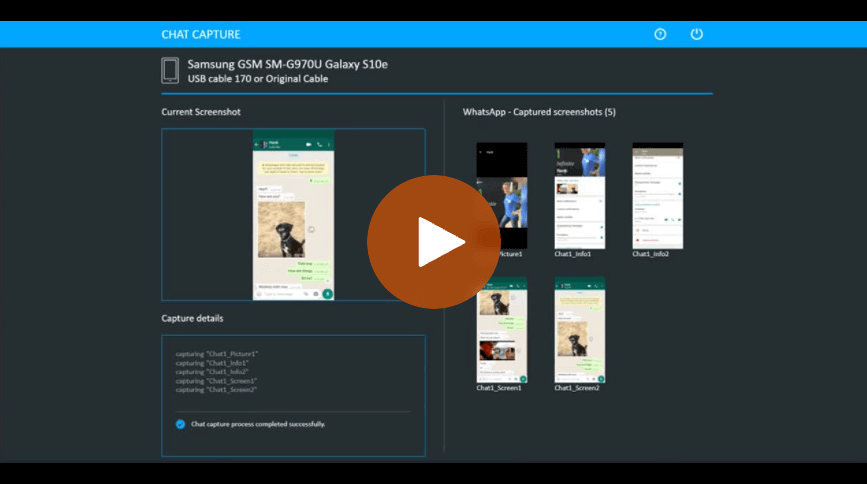
How to Use the Chat Capture Feature Inside Cellebrite UFED
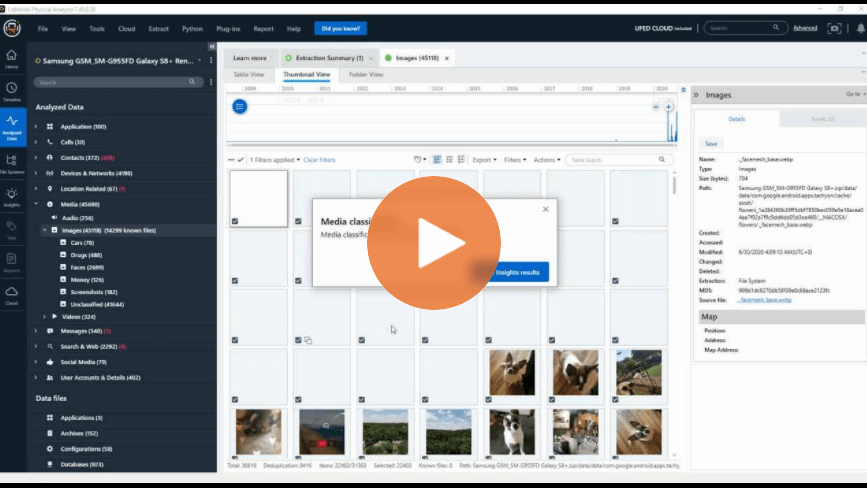
How to Use Media Classification in Cellebrite Physical Analyzer – Part 2
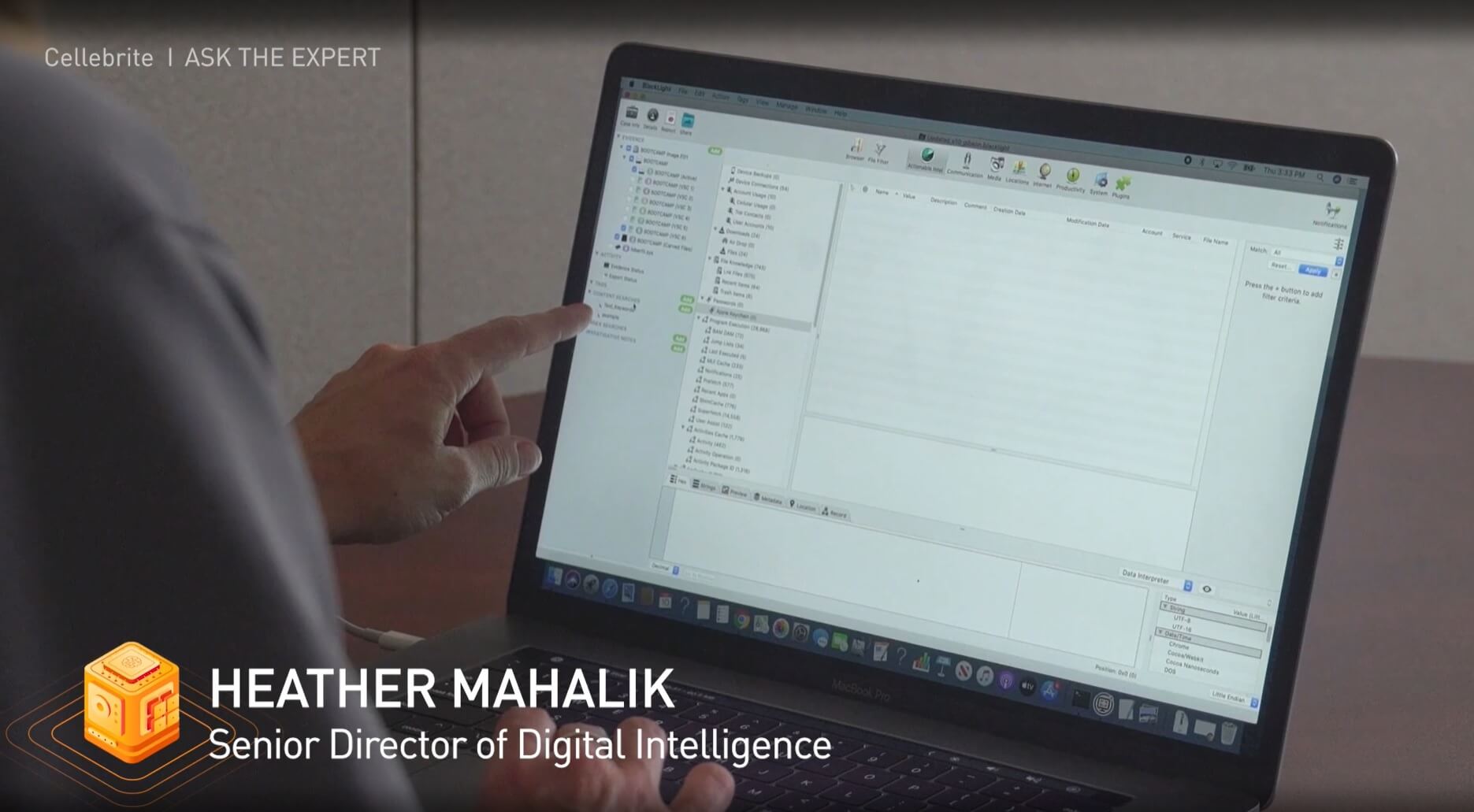
Keyword Searching in Cellebrite Inspector Content Search
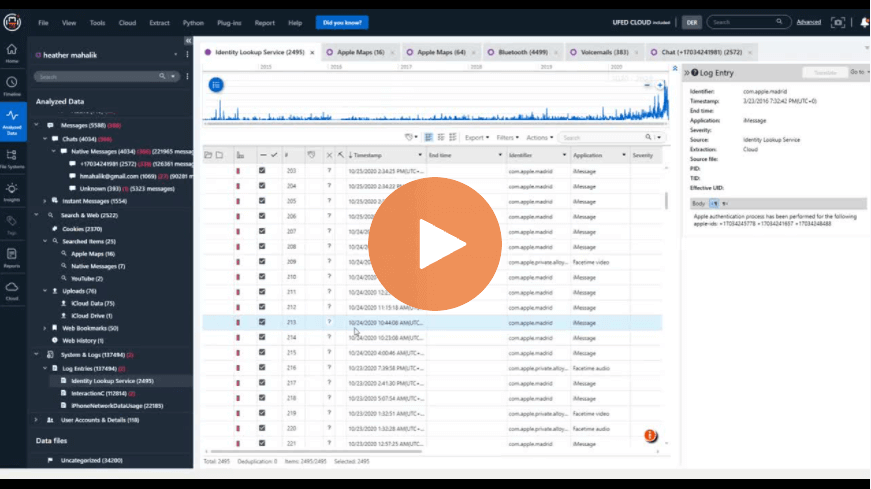
How to Use the Identity Lookup Service in Cellebrite Physical Analyzer