


Do your forensic tools support data from critical apps?
Decode and parse data from the broadest range of applications.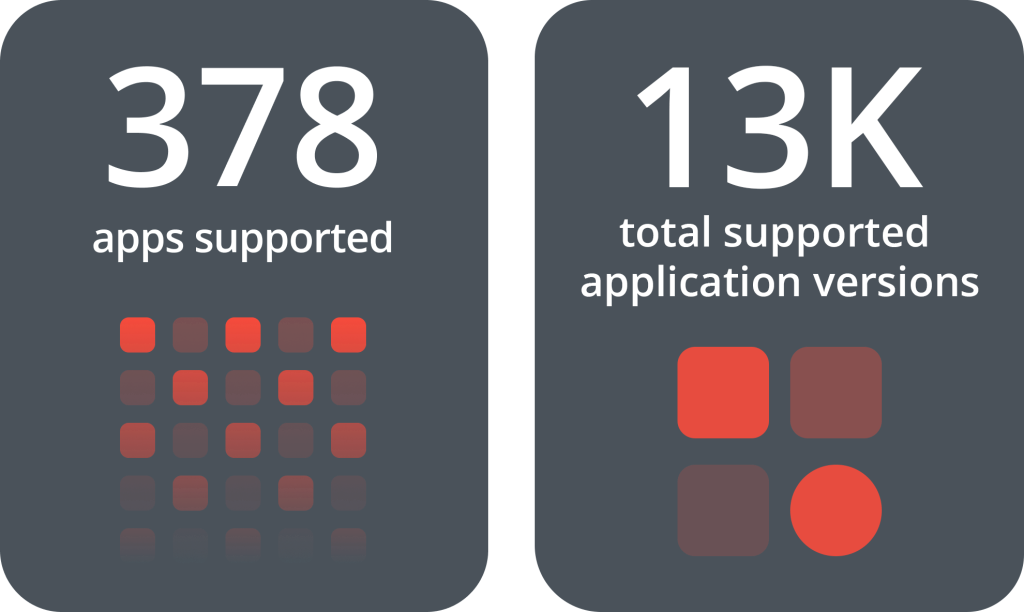
Are data volumes slowing down case resolution?
Quickly process larger data volumes from multiple sources.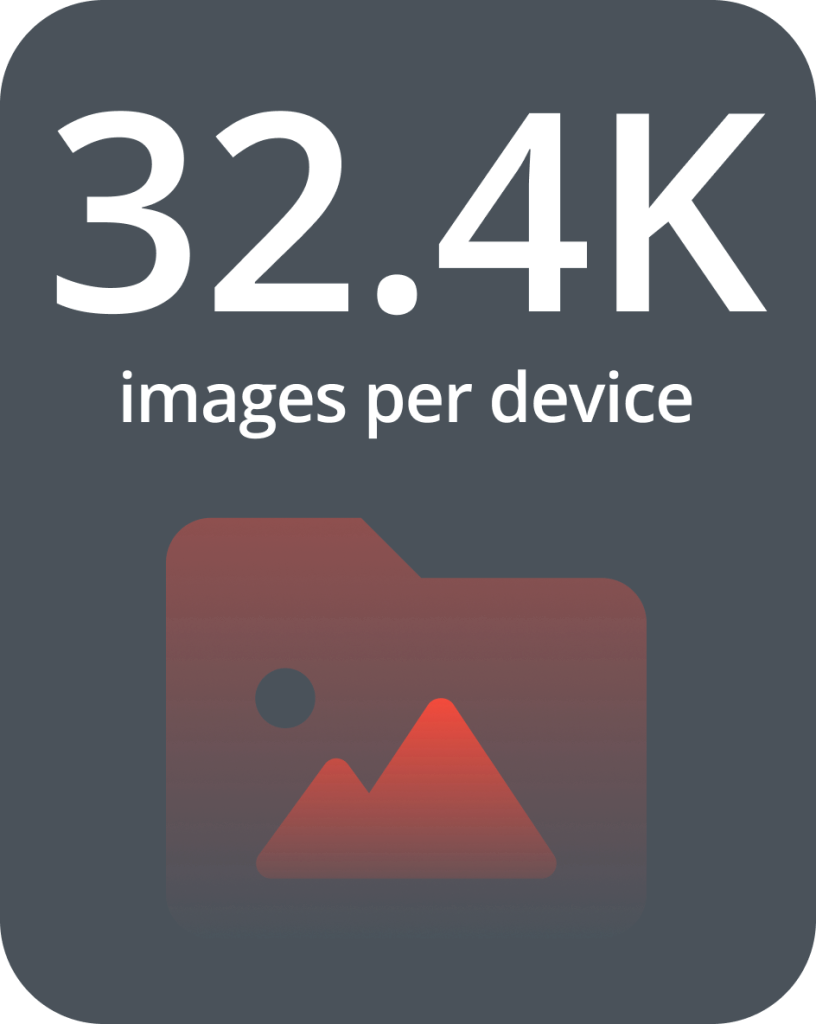
Are you getting vital insights you can include in your reports?
Easily surface insights and add critical evidence to reports.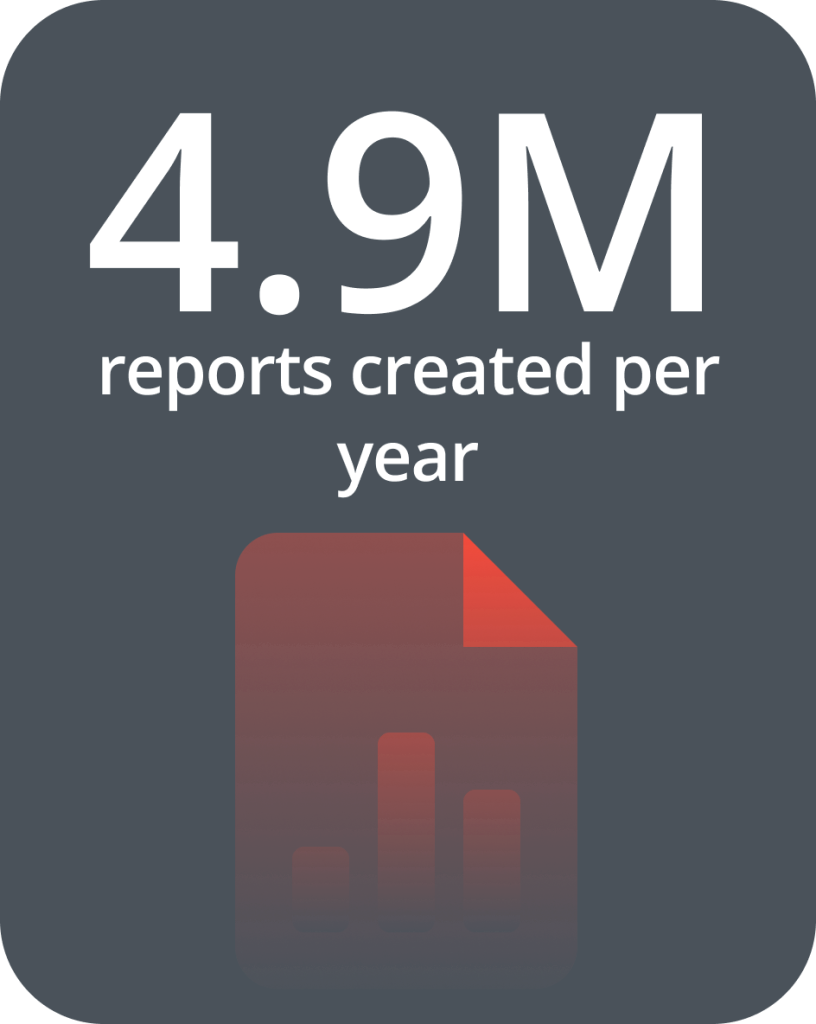

Physical Analyzer is a trusted partner for 5.5K organizations worldwide and is being used in over 150 countries
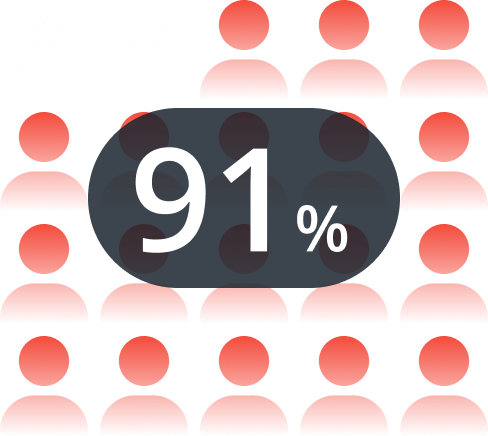
91% of PA customers recommend using Physical Analyzer
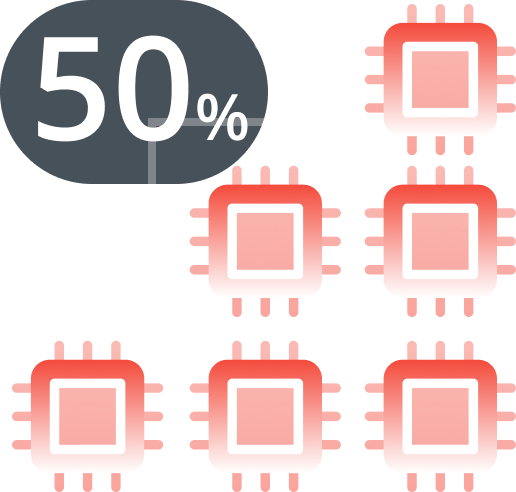
50% of evidence in most cases is digital and is increasing every year.
Discover & learn how Physical Analyzer can help solve your cases faster.
-

Customer Stories
Find out how agencies worldwide solved their digital investigation challengesView StoriesView Stories -

Learn the Basics
Watch helpful how-to videos to accelerate your digital forensics skillsLearn NowLearn Now -

Advanced Features
Level-up your expertise on cutting edge features and powerful capabilitiesLearn NowLearn Now -

New Capabilities
Find out about the latest PA Ultra and Crypto features to speed up case resolutionLearn NowLearn Now
Choose your region of interest
Watch short video tips to help you get started and get the most out of PA.
Uncover critical digital evidence, trace events, and parse data to move your cases to closure quicker
Discover new industry-leading capabilities being delivered by Physical Analyzer.
No Results Found, Please Try Again
-
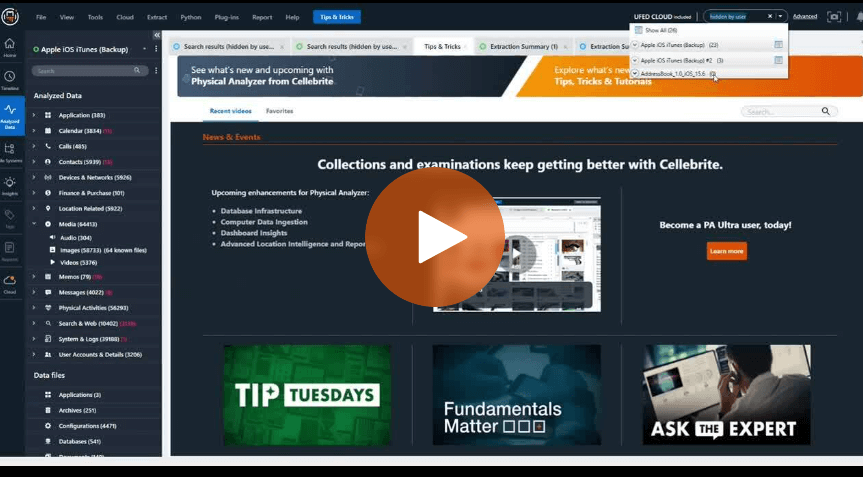 How to Search for Hidden Photos with UFED Cloud in Mobile ForensicsLearn more
 -
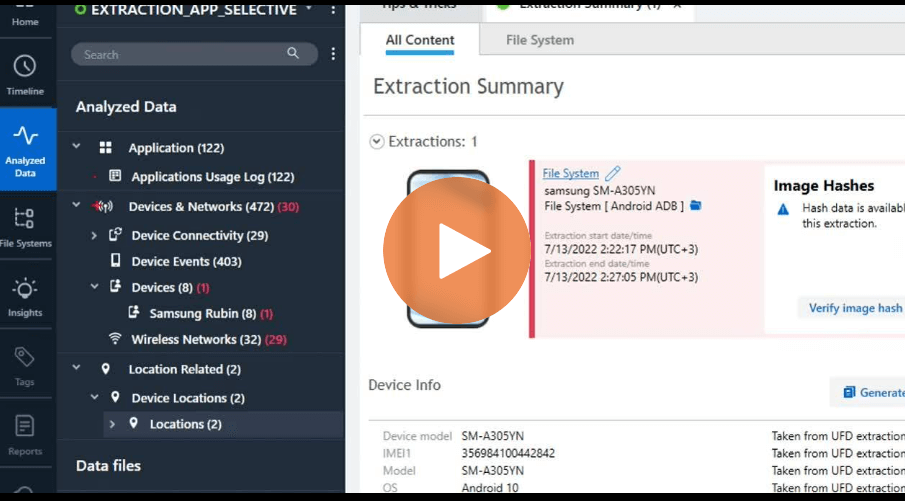 How to Use Samsung Rubin in Cellebrite Physical Analyzer for Mobile Device ForensicsLearn more
 -
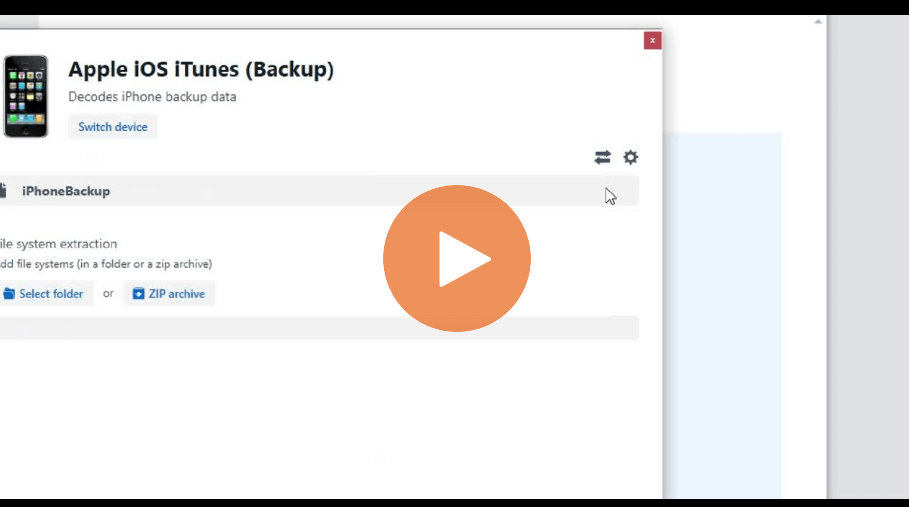 How To Use The Open Advanced Feature In Cellebrite Physical AnalyzerLearn more
 -
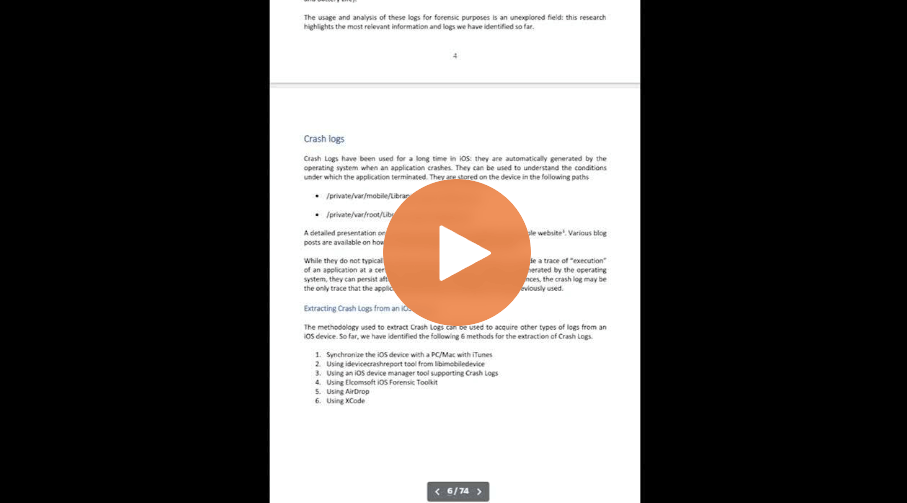 How to Create Sysdiagnose Logs for Bug Reporting on iOS DevicesLearn more
 -
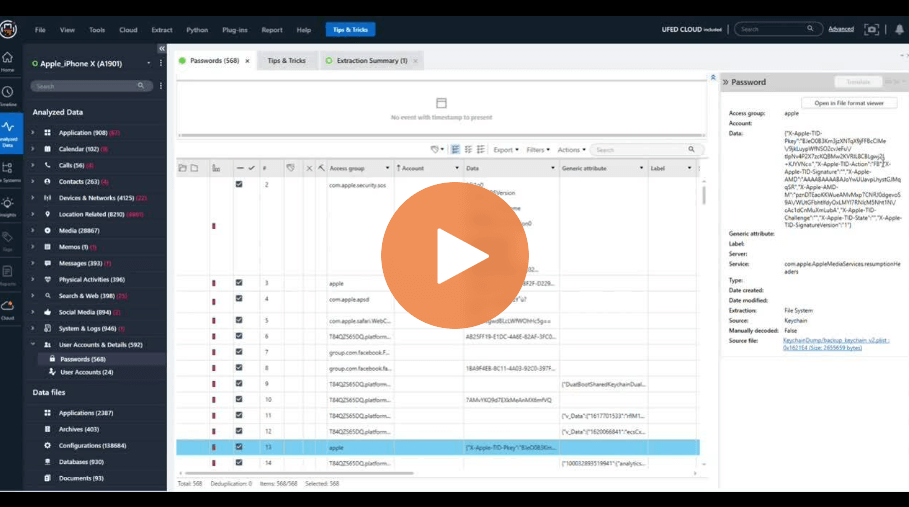 How to View the Keychain Dump in Cellebrite Physical AnalyzerLearn more
 -
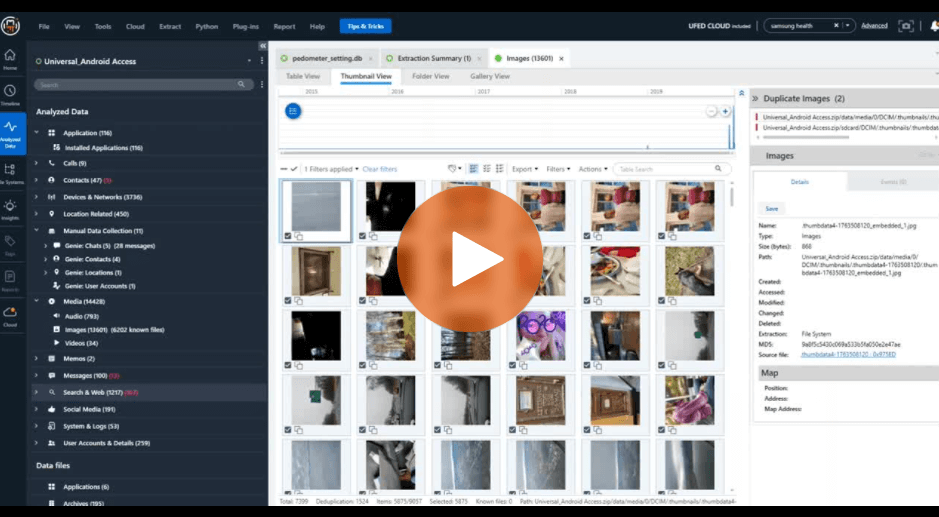 Images and Export Options in Cellebrite Physical AnalyzerLearn more
 -
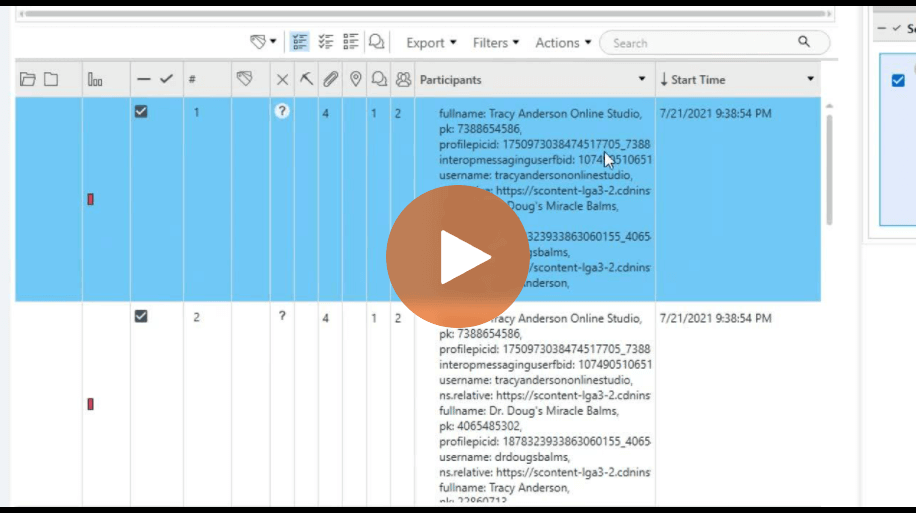 How To Verify Results After Running App Genie in Cellebrite Physical AnalyzerLearn more
 -
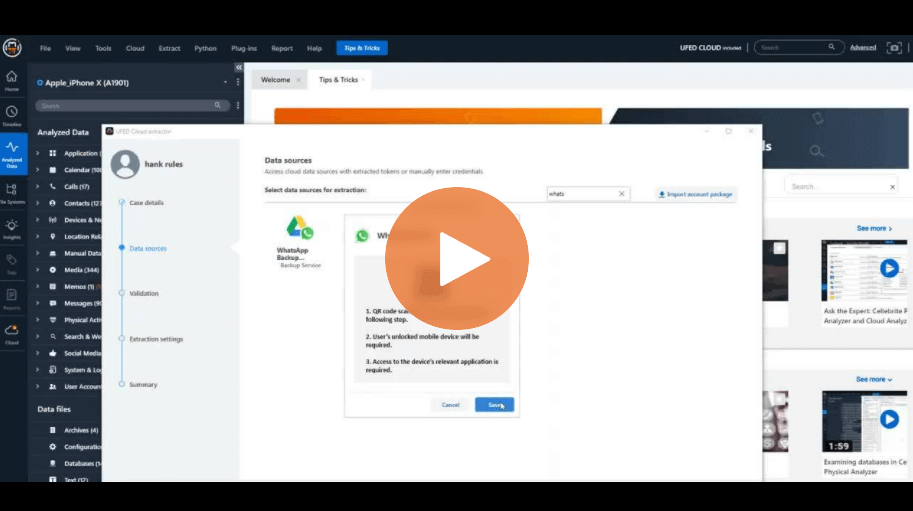 New Feature Built into Cellebrite UFED Cloud Within Physical AnalyzerLearn more
 -
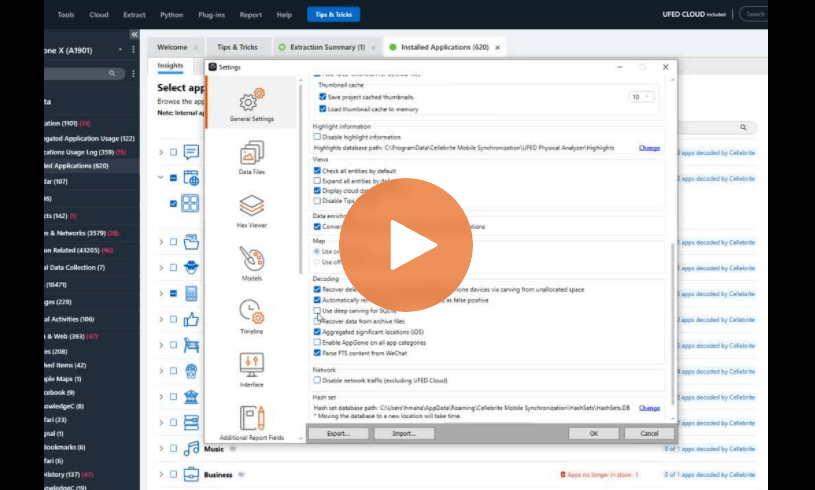 How Deep Carving for SQLite Helps Uncover Missing Data in Cellebrite Physical AnalyzerLearn more
 -
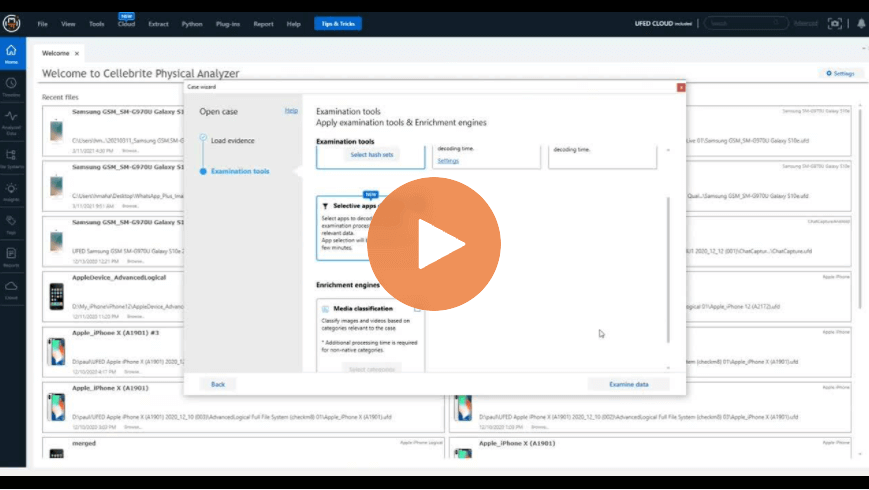 How to Speed Up Processing Time with Selective Decoding in Cellebrite Physical AnalyzerLearn more
 -
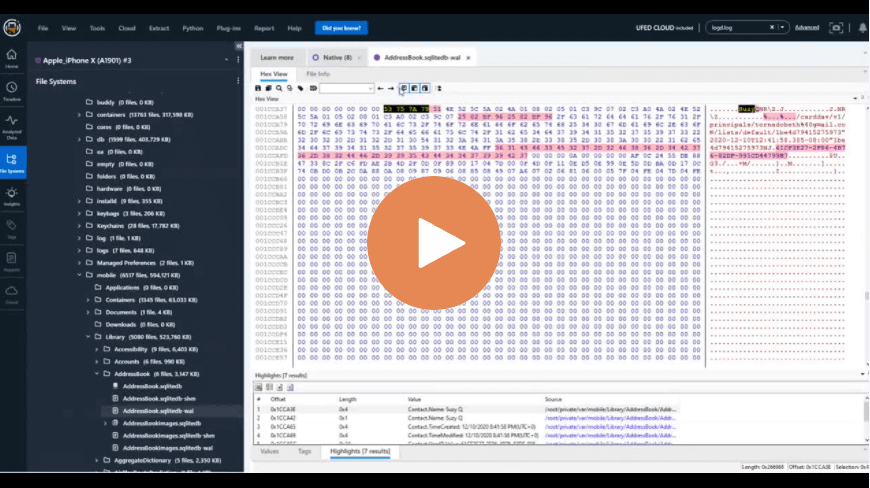 Deep Carving Inside SQLite to Find Deleted Data in the Database in Cellebrite Physical AnalyzerLearn more
 -
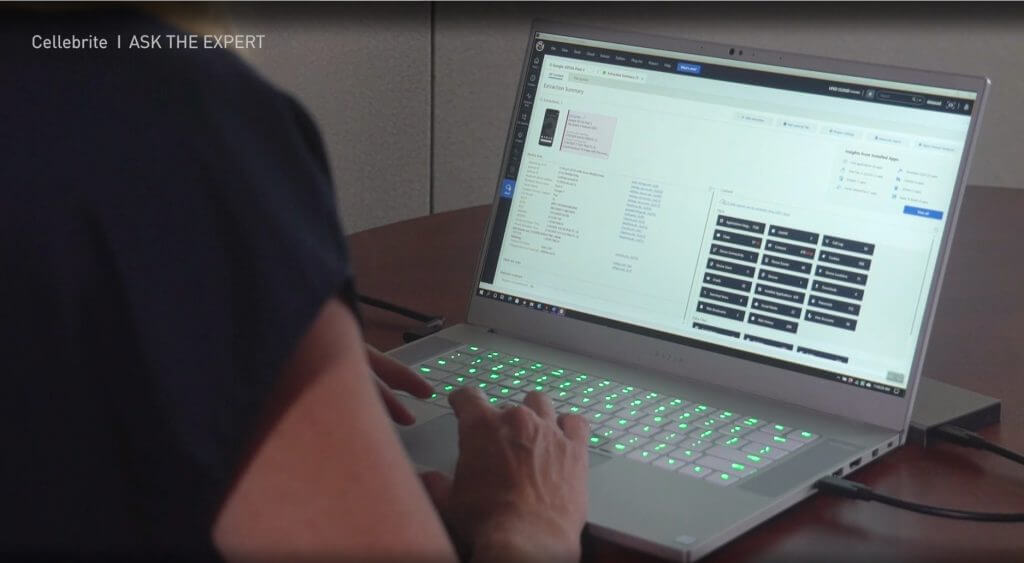 How To Use Cellebrite Physical Analyzer’s New Cloud FeatureLearn more
 -
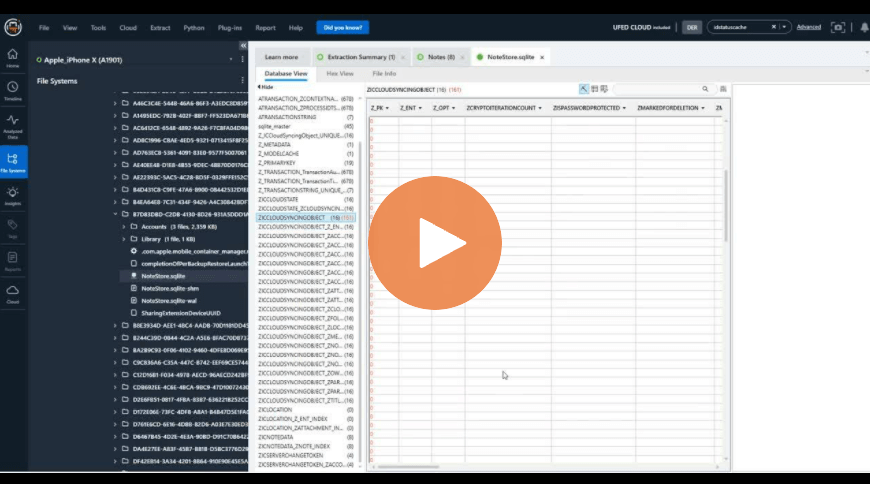 Different Ways to Handle Databases in Cellebrite Physical AnalyzerLearn more
 -
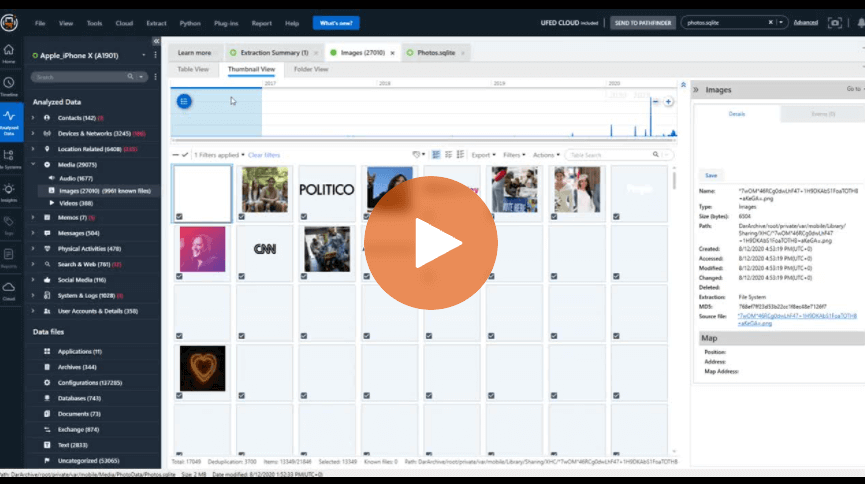 How to Detect Hidden Images on iOS Devices – Cellebrite Physical AnalyzerLearn more
 -
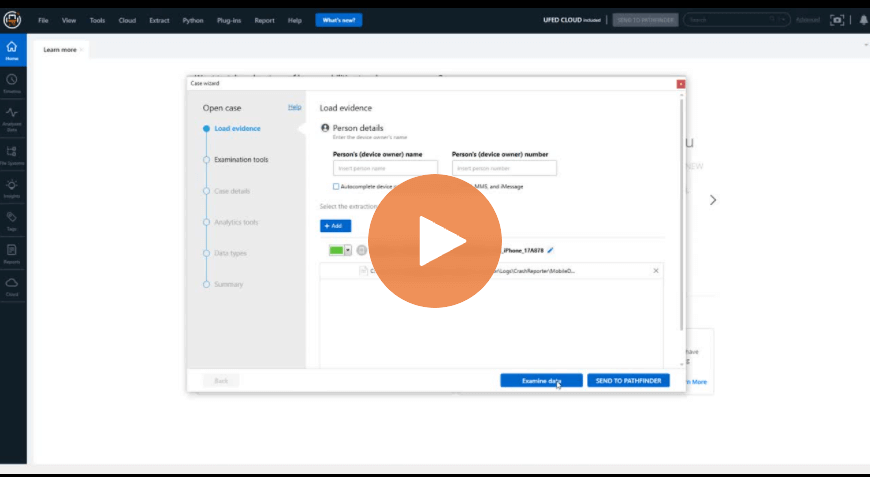 How To Add Sysdiagnose into Cellebrite Physical AnalyzerLearn more
 -
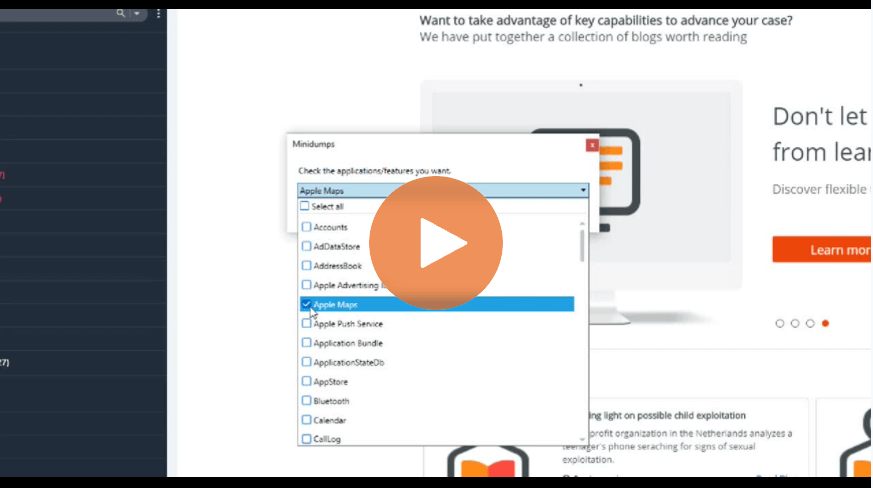 Plugins: What Minidump Does in Cellebrite Physical AnalyzerLearn more
 -
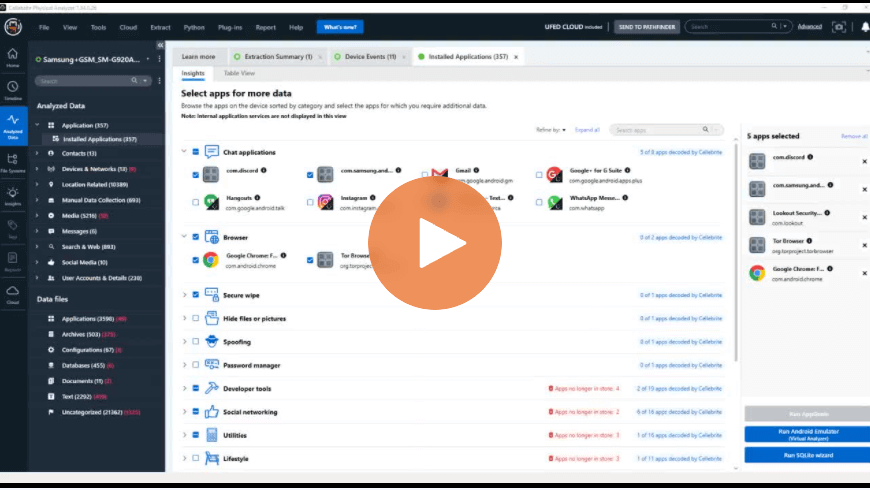 How to Find Data After Running the App Genie or the Fuzzy Model Plugin – Cellebrite Physical AnalyzerLearn more
 -
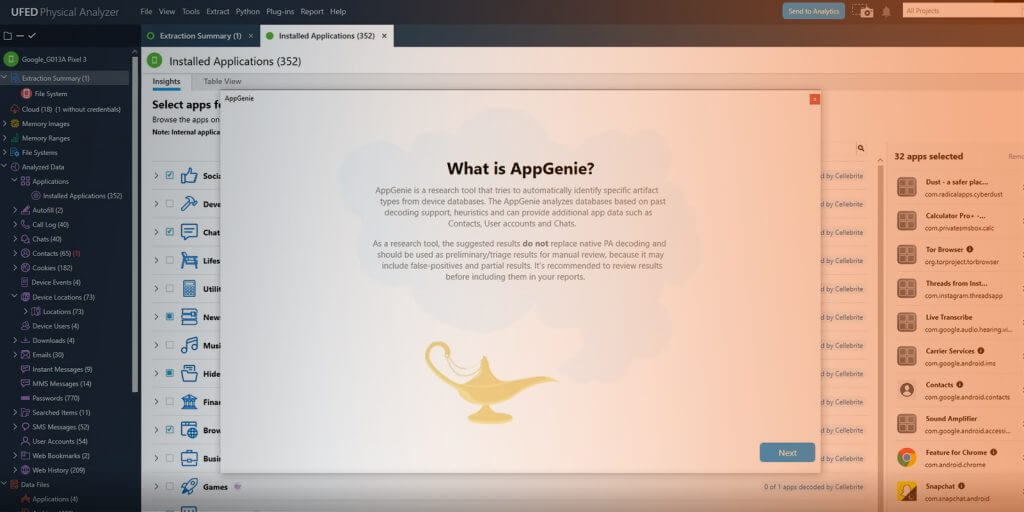 How to Use The New App Genie – Cellebrite Physical AnalyzerLearn more